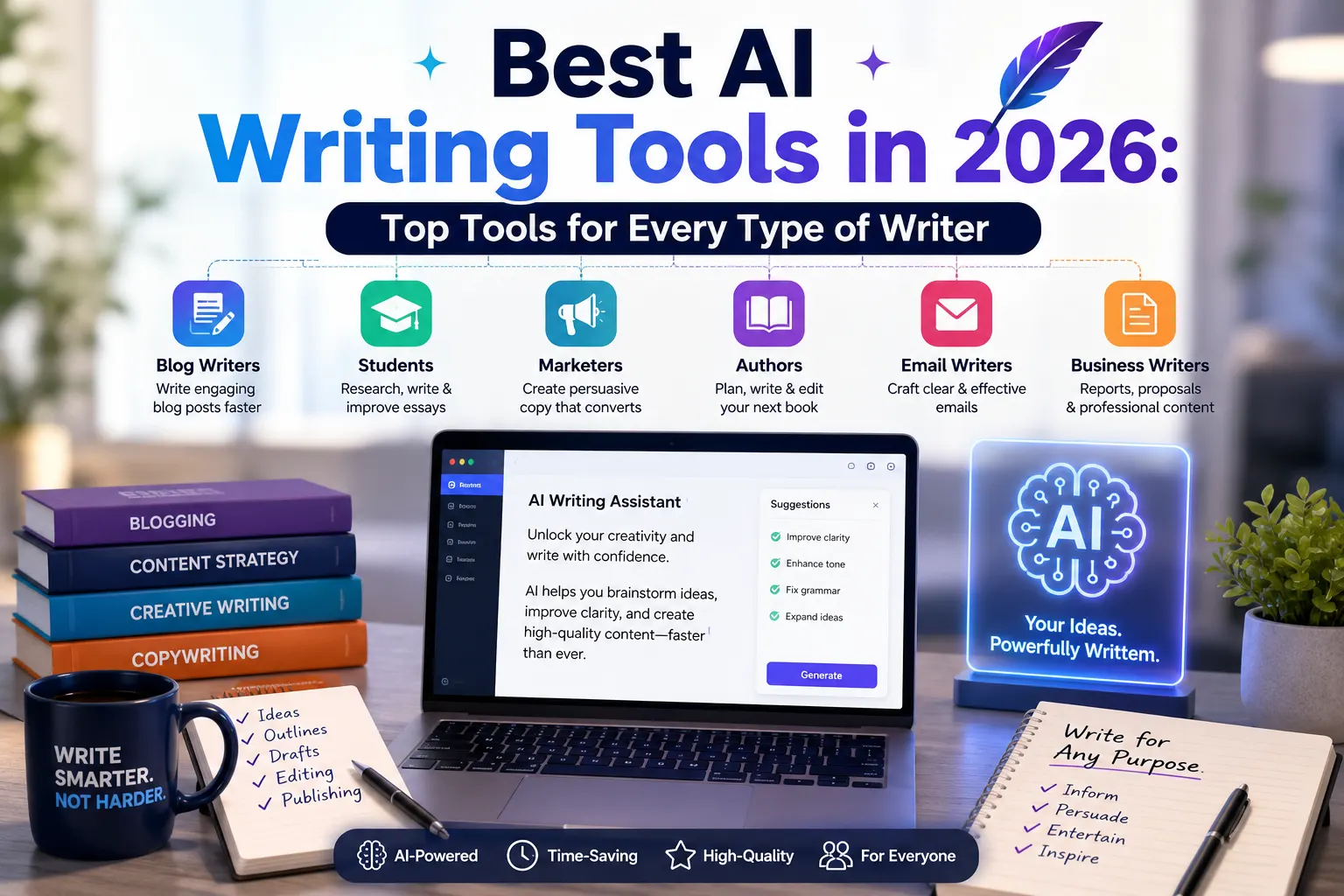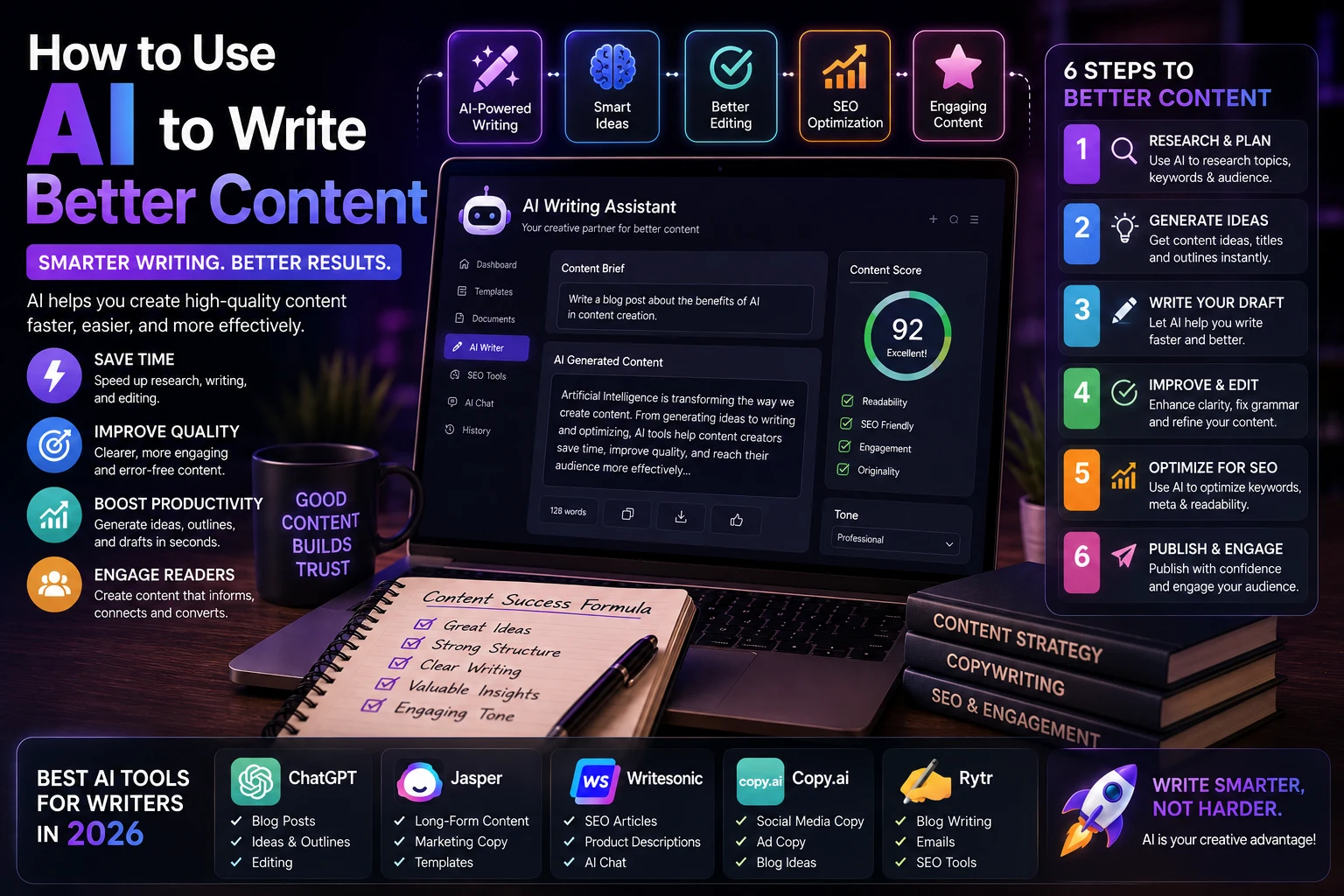

Creating high-quality content takes time. Whether you're writing blog posts, social media captions, emails, product descriptions, or marketing copy, the process often involves research, brainstorming, writing, editing, and optimization.
Artificial intelligence can make many of these tasks faster and easier. But using AI effectively isn't simply about asking it to "write an article."
The best results come from using AI as a writing assistant that helps you think, organize, improve, and refine your ideas while you remain in control of the final content.
In this guide, you'll learn how to use AI to write better content, from generating ideas and creating outlines to improving readability, optimizing content for search engines, and editing your final draft.
What Is AI Content Writing?
AI content writing is the use of artificial intelligence tools to help create, improve, or organize written content.
Modern AI writing assistants can help with:
- Generating content ideas
- Creating outlines
- Writing drafts
- Rewriting paragraphs
- Improving grammar
- Making text easier to read
- Creating headlines
- Writing introductions
- Generating social media posts
- Optimizing content for SEO
However, AI-generated text still needs human review. AI can make factual mistakes, misunderstand your audience, or produce generic writing if the instructions are unclear.
Why Use AI for Content Writing?
One of the biggest advantages of AI is that it can reduce the time spent on repetitive writing tasks.
For example, instead of staring at a blank page for 30 minutes trying to find an introduction, you can ask an AI assistant to generate several possible approaches and then choose the one that fits your article.
AI can also help you:
- Overcome writer's block
- Generate more ideas
- Organize complex topics
- Improve sentence structure
- Adapt content for different audiences
- Create multiple versions of a headline
- Find gaps in an article
- Make long content easier to understand
AI Should Assist Your Writing, Not Replace It
The most effective approach is to treat AI as a collaborator rather than a replacement for your own thinking.
Instead of asking:
"Write an article about artificial intelligence."
Give the AI more context:
"Help me create a beginner-friendly article explaining artificial intelligence to readers with no technical background. Use simple language, practical examples, short paragraphs, and a helpful conversational tone."
The second instruction gives the AI a much clearer understanding of the audience, purpose, and writing style.
How to Use AI to Write Better Content
1. Start With a Clear Goal
Before using an AI writing tool, decide what you want your content to accomplish.
Ask yourself:
- Who is the target audience?
- What problem does the content solve?
- What should the reader learn?
- What action should the reader take?
- What tone should the content use?
For example, a technical article for developers will require a different style from a beginner's guide for students.
2. Use AI to Brainstorm Ideas
AI is excellent for brainstorming.
If you're struggling to find topics, ask an AI assistant to generate ideas based on your audience and niche.
For example:
"Give me 20 blog post ideas about AI tools for small business owners. Focus on practical problems that beginners want to solve. For each idea, include the target reader and the main benefit."
You don't have to use every suggestion. The goal is to use AI to expand your list of possibilities.
3. Create an Outline Before Writing
A good structure makes an article easier to write and easier to read.
Ask AI to create an outline before generating the full article.
For example:
"Create a detailed outline for a 1,500-word beginner's guide about using AI for content writing. Include an introduction, practical steps, examples, common mistakes, tips, and FAQs."
Review the outline yourself and remove sections that don't provide real value.
4. Give AI Useful Context
The quality of AI-generated content depends heavily on the information you provide.
Instead of giving only a topic, provide context such as:
- Target audience
- Content purpose
- Desired length
- Tone of voice
- Reading level
- Key points
- Examples
- Content format
The more relevant context you provide, the more useful the result is likely to be.
5. Ask AI to Improve Your Existing Writing
You don't always need AI to write from scratch.
One of the best uses of AI is improving content you've already written.
You can ask it to:
- Fix grammar mistakes
- Improve clarity
- Remove repetition
- Shorten long sentences
- Improve transitions
- Make the writing more engaging
- Adapt the tone
For example:
"Improve the clarity and flow of this paragraph. Keep the original meaning and don't make the writing sound overly formal."
6. Preserve Your Unique Voice
One common problem with AI-generated content is that it can sound generic.
Your writing becomes more distinctive when you provide examples of your preferred style or ask AI to preserve your original voice.
You can say:
"Rewrite this paragraph while preserving my writing style. Keep the sentence structure natural and avoid generic marketing language."
Even better, edit the final result yourself. Your personal experience, opinions, examples, and perspective are what make content unique.
7. Use AI for Headlines and Titles
A strong headline can make a significant difference in whether someone clicks on your content.
AI can quickly generate multiple headline ideas.
For example:
"Give me 15 headline ideas for an article about using AI for content writing. Make them clear, specific, and useful rather than clickbait."
Then choose the strongest option and improve it manually.
8. Improve Your Introductions
The introduction should quickly explain why the reader should continue.
You can ask AI to analyze your introduction and suggest ways to make it more engaging.
For example:
"Review this introduction. Make it more engaging and direct while keeping the same message. Avoid exaggerated claims and unnecessary filler."
9. Make Content Easier to Read
AI can help identify sentences and paragraphs that are difficult to understand.
Ask it to:
- Use shorter sentences
- Replace unnecessary jargon
- Break large paragraphs into smaller sections
- Add useful headings
- Improve transitions
- Use active voice where appropriate
This is especially useful for beginner-focused websites and educational content.
10. Use AI for SEO Optimization
AI can also assist with search engine optimization.
You can use it to brainstorm:
- Keyword ideas
- Article titles
- Meta descriptions
- Related topics
- FAQ questions
- Internal linking opportunities
For example:
"Analyze this article for SEO opportunities. Suggest relevant secondary topics, questions readers may have, and places where additional useful information could improve the article. Don't recommend keyword stuffing."
SEO should focus on helping users find and understand useful content rather than simply inserting keywords repeatedly.
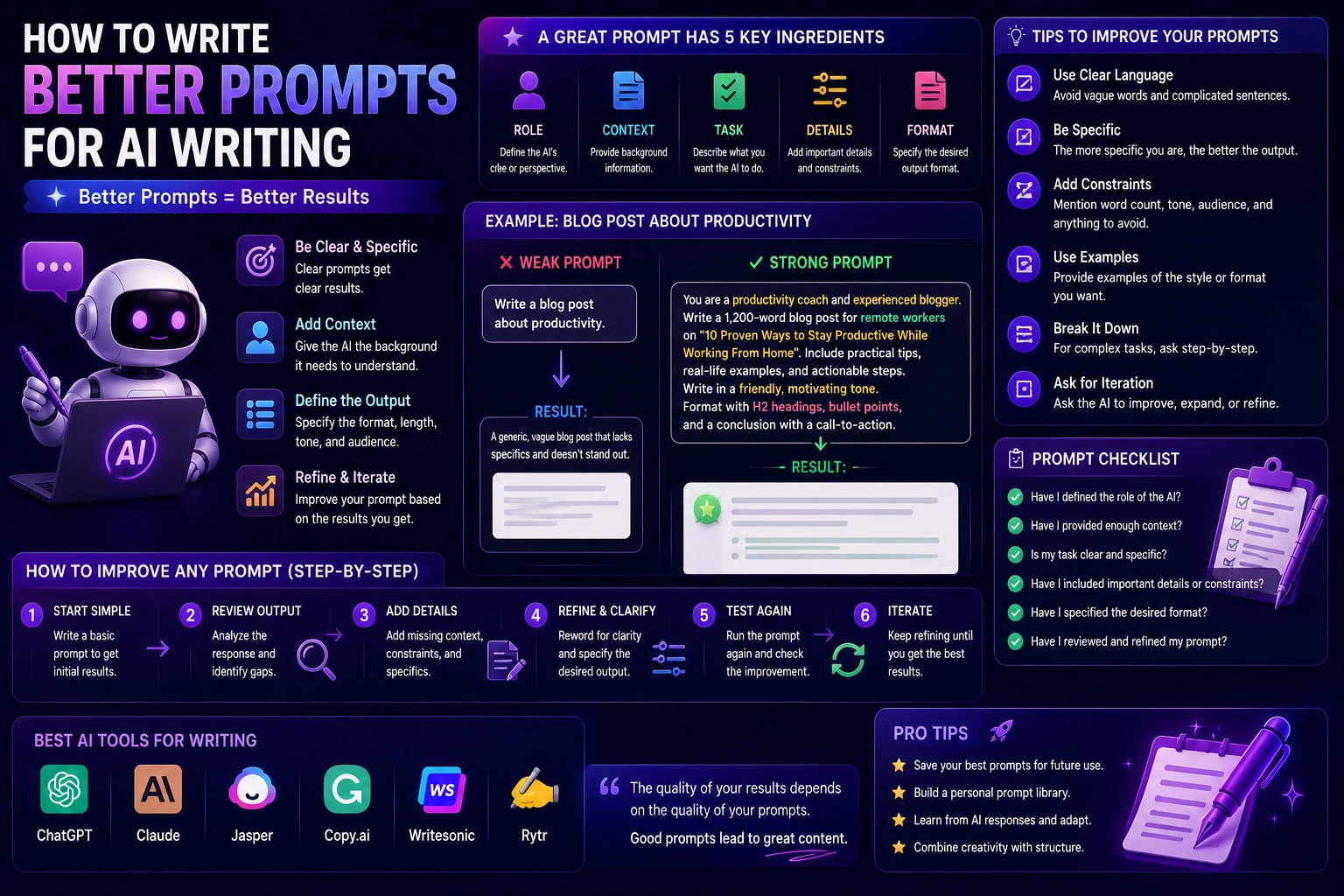
How to Write Better AI Prompts
Good prompts are one of the most important skills when working with AI writing tools.
A simple prompt formula is:
Role + Task + Context + Audience + Format + Tone + Constraints
For example:
"Act as an experienced technology editor. Help me write a beginner-friendly article explaining AI agents to non-technical readers. Use simple English, practical examples, short paragraphs, clear H2 and H3 headings, and a helpful professional tone. Avoid unnecessary jargon and unsupported claims."
Useful AI Writing Prompts
Content Ideas
"Give me 20 content ideas for a technology blog targeting beginners interested in artificial intelligence. Prioritize practical topics with clear search intent."
Article Outline
"Create an SEO-friendly outline for an article titled 'How to Use AI for Productivity.' Include practical steps, examples, common mistakes, and FAQs."
Rewrite
"Rewrite this paragraph to make it clearer and more concise. Preserve the original meaning and avoid changing the author's voice."
Editing
"Proofread this article for grammar, spelling, awkward phrasing, repetition, and unclear sentences. List the issues and suggest improvements without rewriting the entire article."
SEO
"Review this article and suggest improvements for search intent, headings, topical coverage, internal linking, title, and meta description. Focus on usefulness rather than keyword stuffing."
AI Content Writing Workflow
A practical AI-assisted writing workflow can look like this:
- Research: Understand the topic and collect reliable information.
- Brainstorm: Use AI to generate ideas and angles.
- Outline: Create a logical structure.
- Draft: Use AI to help develop sections.
- Review: Check facts and remove weak information.
- Edit: Improve clarity, flow, and readability.
- Optimize: Improve the title, headings, metadata, and internal links.
- Humanize: Add your own experience, examples, opinions, and voice.
- Publish: Review the complete article before publishing.
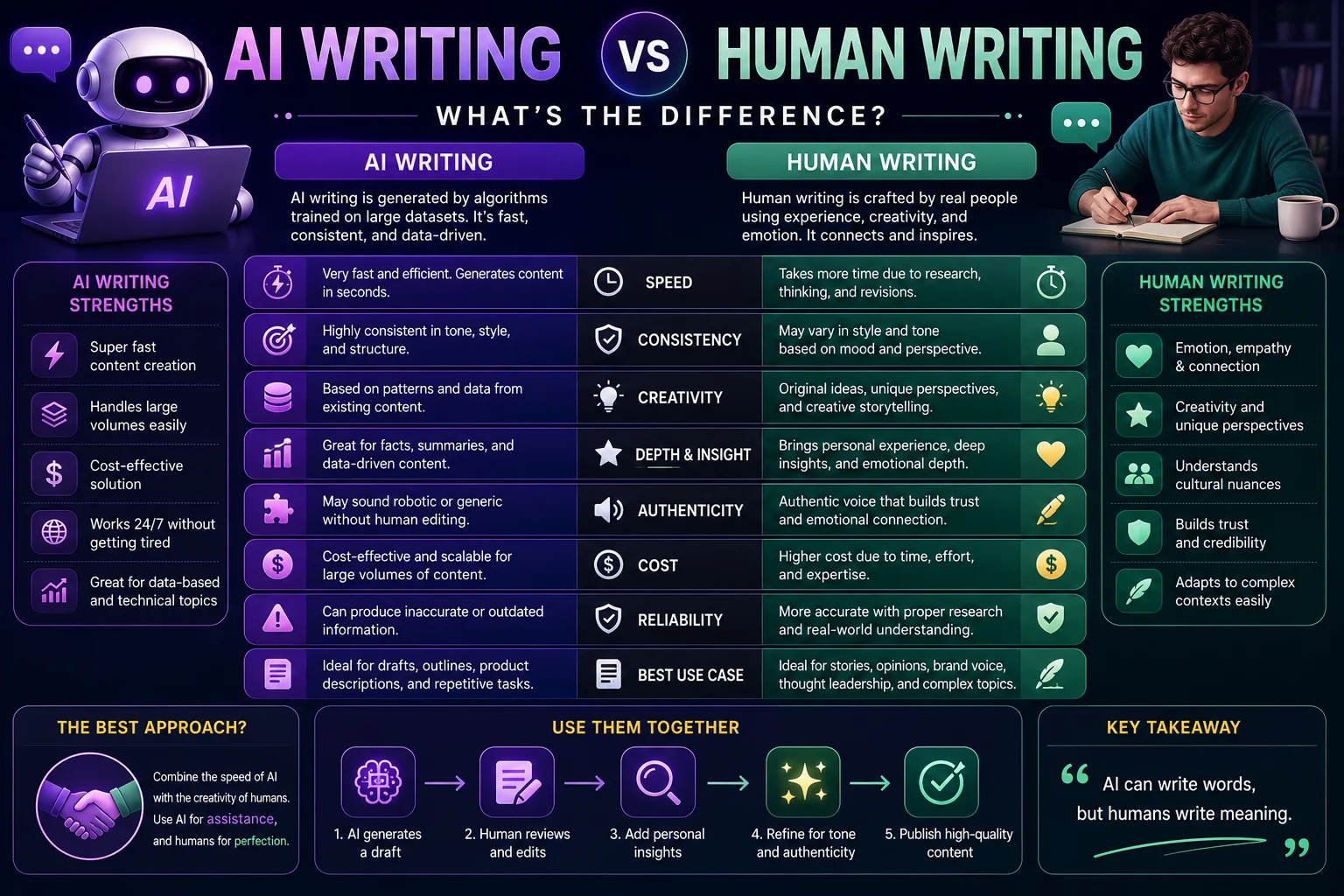
AI Content Writing vs Human Writing
| Task | AI | Human |
|---|---|---|
| Brainstorming | Excellent | Excellent |
| Drafting | Fast | More personal |
| Research assistance | Useful | Fact verification needed |
| Personal experience | Limited | Excellent |
| Editing | Excellent | Essential final review |
| Original perspective | Limited | Excellent |
The strongest approach is usually a combination of both. AI can make the writing process faster, while humans provide judgment, originality, experience, and quality control.
Common Mistakes When Using AI for Content
1. Publishing AI Output Without Reviewing It
AI-generated content can contain inaccurate information, outdated facts, or awkward wording.
Always review important claims before publishing.
2. Using Generic Prompts
A vague prompt often produces generic content.
Give the AI a clear audience, purpose, format, and tone.
3. Letting AI Replace Your Expertise
If you know your subject well, your experience can make the content significantly more valuable.
Use AI to organize and improve your knowledge rather than completely replacing it.
4. Overusing AI-Generated Phrases
Some AI writing can become repetitive or overly polished. Read the final article as a human reader would and remove unnecessary phrases.
5. Ignoring the Reader
Don't write content simply because AI can generate it. Start with a real question, problem, or need that your audience has.
How to Make AI Content More Human
If an AI-generated draft feels generic, try adding:
- Your personal experiences
- Original examples
- Real-world case studies
- Specific recommendations
- Your opinions
- Lessons learned
- Original research
- Useful screenshots or demonstrations
For example, instead of simply explaining how an AI writing tool works, show readers how you used it to solve a specific problem.
Can AI-Generated Content Rank on Google?
AI can be used to assist with content creation, but using AI alone does not guarantee search rankings.
Search engines ultimately need to satisfy users. Content should therefore be accurate, useful, original, well-structured, and genuinely relevant to the searcher's intent.
A better strategy is to use AI to speed up research, organization, drafting, and editing while adding original information and human expertise.
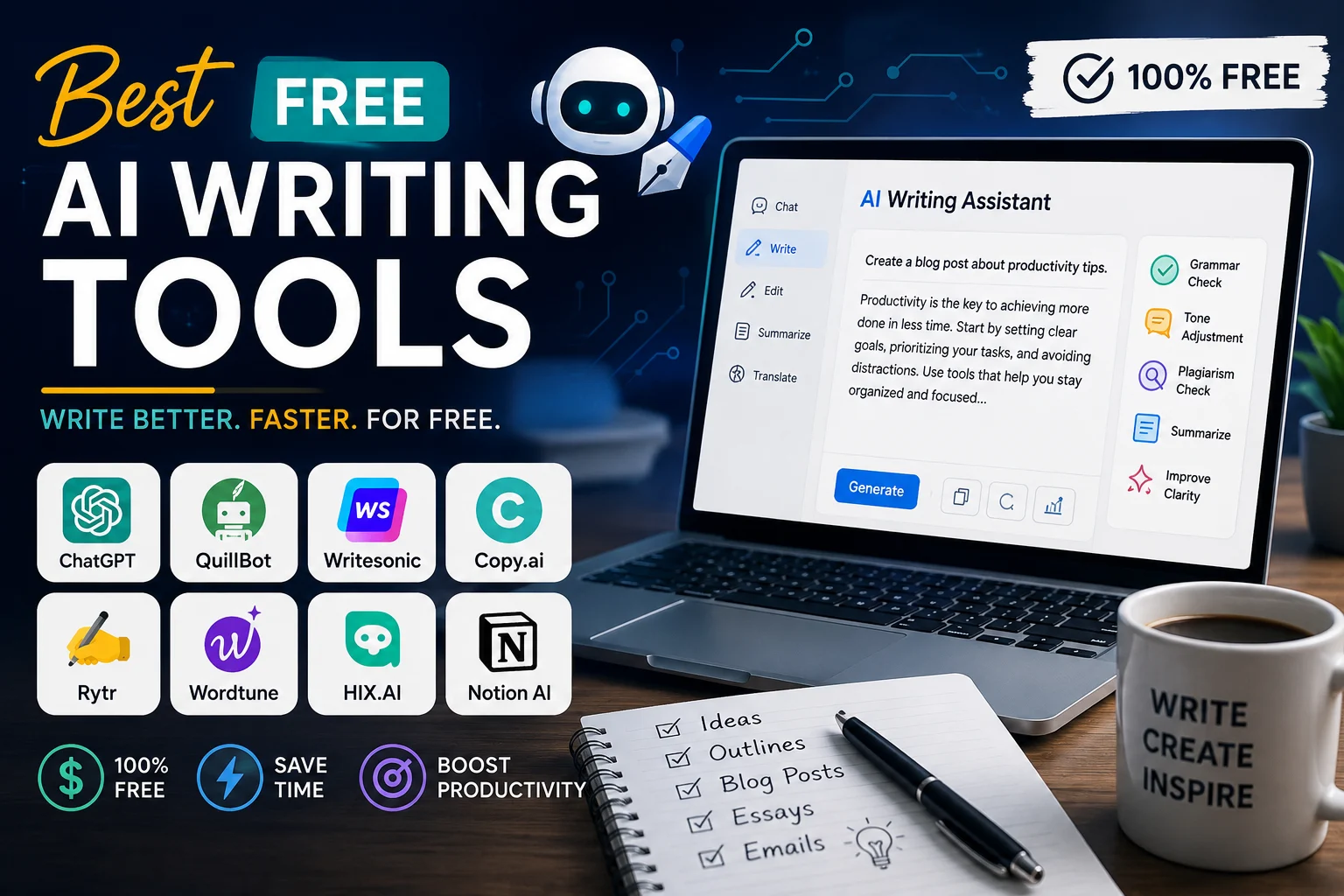
Best AI Tools for Content Writing
Different AI tools can be useful for different parts of the writing process.
- ChatGPT: Brainstorming, outlining, drafting, rewriting, and editing.
- Google Gemini: Research assistance, brainstorming, and content development.
- Claude: Long-form writing, analysis, and editing.
- Grammarly: Grammar, clarity, and writing assistance.
- Jasper: Marketing and business content workflows.
The best tool depends on your workflow, budget, writing style, and the type of content you're producing.
Final Thoughts
AI can dramatically improve the content creation process when used correctly. It can help you brainstorm ideas, organize information, write drafts, improve sentences, optimize content, and overcome writer's block.
But better content doesn't come from simply generating more words.
The most effective approach is to combine AI's speed with human judgment and creativity. Use AI to handle repetitive tasks and explore possibilities, then add your own knowledge, examples, experience, and perspective.
If you treat AI as a writing assistant rather than an automatic content machine, you can create content that is faster to produce, easier to read, and more useful to your audience.
Frequently Asked Questions
Can AI help me write better content?
Yes. AI can help with brainstorming, outlining, drafting, editing, rewriting, readability, and SEO. The best results come from reviewing and improving the AI output yourself.
What is the best AI tool for writing content?
There is no single best tool for everyone. ChatGPT, Gemini, Claude, Grammarly, and Jasper all offer different strengths depending on the type of content you create.
How do I make AI-generated content sound more natural?
Give the AI clear style instructions, provide examples of your preferred writing, avoid generic prompts, and add your own experiences and perspectives during editing.
Can I use AI to write blog posts?
Yes. AI can help with almost every stage of blog writing, including topic research, outlines, drafts, editing, SEO, and FAQs. Always verify important information before publishing.
Should I publish AI-generated content without editing it?
No. AI-generated content should be reviewed for accuracy, originality, relevance, tone, and readability before publication.
Can AI help with SEO content?
Yes. AI can help identify related topics, improve headings, generate meta descriptions, analyze search intent, and suggest content improvements. However, SEO content should prioritize usefulness and reader satisfaction over keyword repetition.