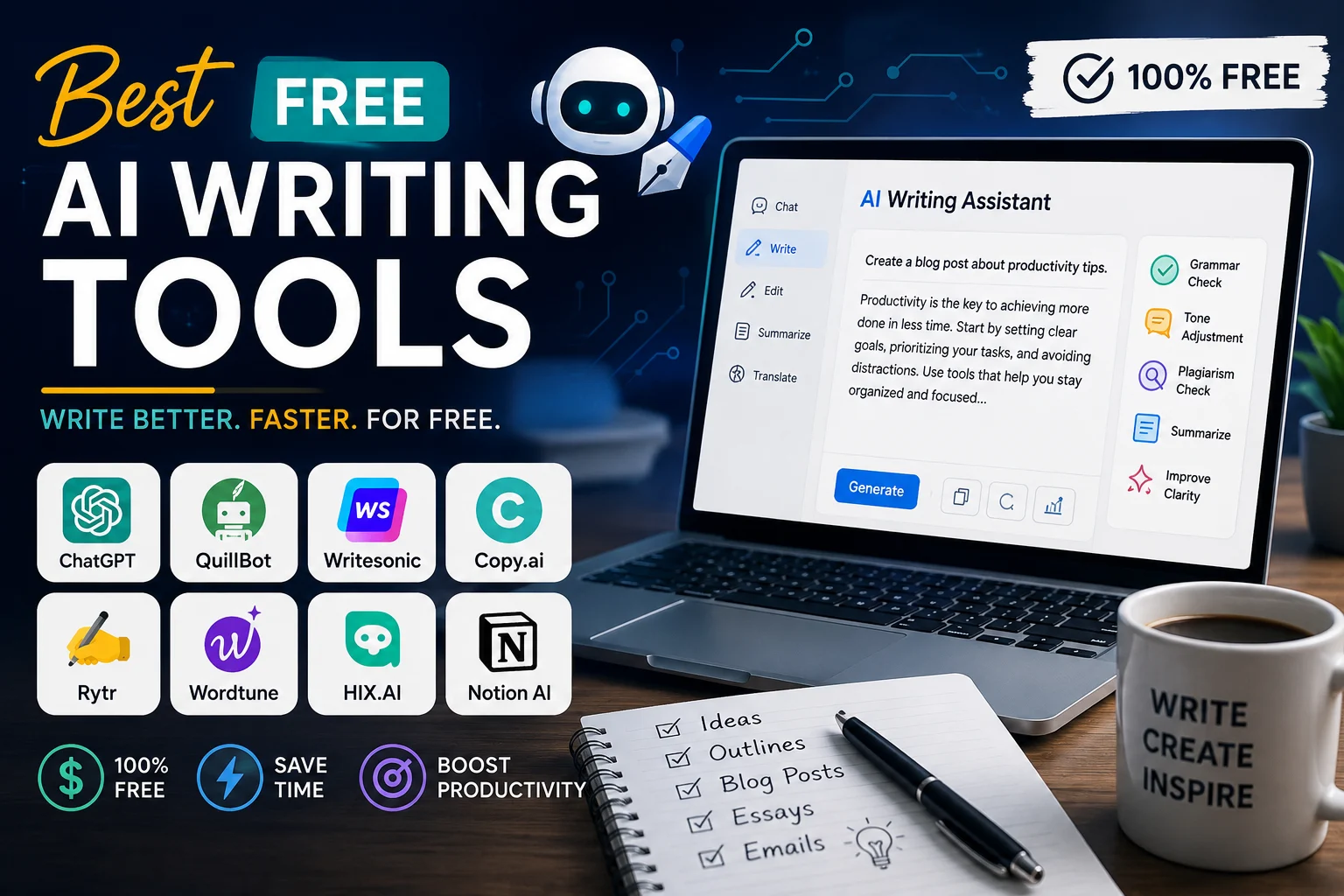

You don't need to spend $20 or more every month to start using artificial intelligence for writing. In 2026, several AI writing tools offer useful free plans that can help you brainstorm ideas, write drafts, improve grammar, rewrite sentences, summarize information, and create better content.
The important thing to remember is that "free" does not always mean unlimited. Most platforms place limits on messages, features, characters, credits, or access to their most advanced models. Still, for students, bloggers, creators, freelancers, and everyday users, free AI writing tools can provide a surprisingly powerful writing workflow.
What Are Free AI Writing Tools?
Free AI writing tools are applications that use artificial intelligence to help users create, edit, improve, or understand written content without requiring a paid subscription.
Depending on the platform, you can use them to write blog posts, emails, social media captions, essays, product descriptions, summaries, outlines, advertisements, or professional documents.
Some tools are general-purpose AI assistants, while others focus on specific tasks such as grammar correction, paraphrasing, research, or content optimization.
Best Free AI Writing Tools in 2026
| Tool | Best For | Free Option |
|---|---|---|
| ChatGPT | General writing and brainstorming | Free plan with usage limits |
| Claude | Long-form and natural writing | Free plan with usage limits |
| Google Gemini | Writing and Google ecosystem | Free access with limits |
| Grammarly | Grammar and writing improvement | Free writing assistance |
| QuillBot | Paraphrasing and rewriting | Free limited features |
| Perplexity | Research before writing | Free research access with limits |
1. ChatGPT
ChatGPT is one of the most versatile free AI writing assistants available. It can help you brainstorm topics, create outlines, rewrite paragraphs, explain difficult concepts, improve emails, summarize text, and generate first drafts.
Its biggest advantage is flexibility. Instead of using a separate application for every writing task, you can describe what you want in natural language and ask the AI to adjust the result.
What You Can Use ChatGPT For
- Blog post ideas
- Article outlines
- Email drafts
- Social media content
- Grammar and wording improvements
- Summaries
- Brainstorming
- Content rewriting
The free plan has usage limitations, so availability and limits can change over time.
2. Claude
Claude is another strong option for people who want help producing natural-sounding long-form content. It is particularly useful for drafting, rewriting, analyzing documents, and improving the structure of longer pieces of writing.
Claude can also be useful when you already have a draft and want to make it clearer, more organized, or easier to read without completely changing your original idea.
Best Uses for Claude
- Long-form articles
- Creative writing
- Document editing
- Rewriting
- Brainstorming
- Professional communication
3. Google Gemini
Google Gemini is a useful free AI assistant for writing, research, brainstorming, and summarization. It is especially interesting for people who already use Google's ecosystem.
Gemini can help you create drafts, improve text, summarize information, generate ideas, and transform rough notes into more organized content.
Why Choose Gemini?
- Useful for everyday writing
- Strong integration with Google's ecosystem
- Good for brainstorming
- Useful for summarization
- Available through a free option
Google's free AI features and usage limits can change, so check the current plan before relying on a specific limit.
4. Grammarly
Grammarly takes a different approach from general AI chatbots. Instead of primarily generating complete articles, it focuses on helping you improve the writing you already have.
It can identify grammar, spelling, punctuation, clarity, and style problems and suggest improvements.
Grammarly Is Best For
- Grammar checking
- Spelling correction
- Improving clarity
- Professional emails
- Proofreading
- Making sentences easier to read
For many writers, Grammarly works best as the second step of the writing process: create your draft first, then use an editing tool to improve it.
5. QuillBot
QuillBot is particularly well known for paraphrasing and rewriting. It can be useful when a sentence sounds repetitive, awkward, or more complicated than necessary.
You can provide your own text and use QuillBot to explore different ways of expressing the same idea.
Useful QuillBot Features
- Paraphrasing
- Rewriting
- Summarization
- Grammar improvement
- Vocabulary refinement
Free users have access to a limited selection of features compared with the premium plan.
6. Perplexity
Perplexity is primarily an AI-powered research tool, but it can be extremely useful as part of a writing workflow.
Instead of immediately asking an AI to write an article, you can use Perplexity to research a topic, explore sources, compare information, and collect ideas before creating your final draft.
Why Writers Use Perplexity
- Researching topics
- Finding sources
- Checking facts
- Understanding unfamiliar subjects
- Creating research notes
This makes Perplexity a useful companion to a dedicated writing assistant rather than a replacement for one.
Free AI Writing Tools Compared
| Tool | Writing | Editing | Research | Best For |
|---|---|---|---|---|
| ChatGPT | Excellent | Excellent | Good | All-round writing |
| Claude | Excellent | Excellent | Good | Long-form writing |
| Gemini | Excellent | Good | Excellent | Google users |
| Grammarly | Good | Excellent | Low | Proofreading |
| QuillBot | Good | Excellent | Low | Paraphrasing |
| Perplexity | Good | Good | Excellent | Research |
How to Choose the Best Free AI Writing Tool
The best tool depends on what you actually need to accomplish. There is no single AI writing application that is perfect for every task.
For General Writing
ChatGPT is a strong starting point if you want one flexible tool for brainstorming, drafting, rewriting, and editing.
For Long Articles
Claude can be a strong option when your workflow involves longer documents and detailed editing.
For Google Users
Gemini is worth considering if your daily workflow already revolves around Google's products and services.
For Grammar and Proofreading
Grammarly is a natural choice when you already have the content and mainly want to make it clearer and more grammatically correct.
For Paraphrasing
QuillBot is particularly useful when your main goal is to rewrite existing text while preserving its basic meaning.
For Research
Perplexity is useful when you want to investigate a subject and collect sources before writing the final article.
How to Use Free AI Writing Tools Effectively
Using several tools together can often produce better results than depending on a single application.
- Research the topic. Use reliable sources and research tools to understand the subject.
- Create an outline. Ask an AI assistant to organize your main points.
- Write the first draft. Use ChatGPT, Claude, Gemini, or another writing assistant.
- Check the facts. Verify important claims instead of blindly trusting generated text.
- Edit the writing. Remove repetition, unnecessary phrases, and unnatural wording.
- Proofread. Use Grammarly or another grammar checker for a final review.
- Add your own perspective. The final article should contain your judgment, experience, examples, and original ideas.
Are Free AI Writing Tools Really Free?
Yes, but there is an important distinction between a genuinely free plan and a free trial.
A free plan usually remains available without payment but may limit the number of messages, generations, characters, or advanced features. A free trial, on the other hand, may provide premium functionality only temporarily.
Before choosing a tool, always check its current pricing and free plan because AI companies frequently change usage limits and available features.
Can AI Writing Tools Replace Human Writers?
AI writing tools are powerful assistants, but they should not be treated as complete replacements for human judgment.
AI can generate text quickly, but it can still make factual errors, misunderstand context, repeat ideas, or produce generic content. Human review remains especially important for articles containing statistics, technical information, financial advice, medical topics, or other high-impact claims.
The best approach is to use AI for speed and productivity while keeping humans responsible for accuracy, originality, and final editorial decisions.
Best Free AI Writing Stack for 2026
You don't necessarily need to choose just one tool. A simple free writing workflow can combine several services.
A Simple $0 AI Writing Workflow
- Research: Perplexity
- Brainstorming: ChatGPT or Gemini
- Drafting: ChatGPT or Claude
- Paraphrasing: QuillBot
- Proofreading: Grammarly
- Final review: Human editing
Frequently Asked Questions
What is the best free AI writing tool?
ChatGPT is one of the strongest all-purpose options for free AI writing because it can handle brainstorming, drafting, rewriting, summarization, and many other tasks. However, the best choice depends on your specific needs.
What is the best free AI tool for blog writing?
ChatGPT, Claude, and Gemini are all useful for blog writing. For research-heavy content, combining a writing assistant with a research tool can produce a stronger workflow.
What is the best free AI tool for grammar?
Grammarly is one of the most popular choices for checking grammar, spelling, clarity, and style.
What is the best free AI paraphrasing tool?
QuillBot is a popular choice for paraphrasing and rewriting. Its free version has limitations compared with its paid plan.
Can I use free AI tools for SEO content?
Yes. AI can help with keyword ideas, outlines, titles, meta descriptions, FAQs, and first drafts. However, SEO content should still provide original value, accurate information, useful examples, and a good experience for readers.
Final Verdict
Free AI writing tools have become powerful enough to handle many everyday writing tasks without requiring a paid subscription.
ChatGPT is a strong all-round choice, Claude is useful for long-form writing, Gemini is attractive for people using Google's ecosystem, Grammarly is excellent for proofreading, QuillBot is useful for paraphrasing, and Perplexity is valuable for research.
Instead of asking which tool is universally the best, think about which tool fits your workflow. In many cases, combining two or three free tools can give you everything you need to research, write, edit, and publish high-quality content without spending money.