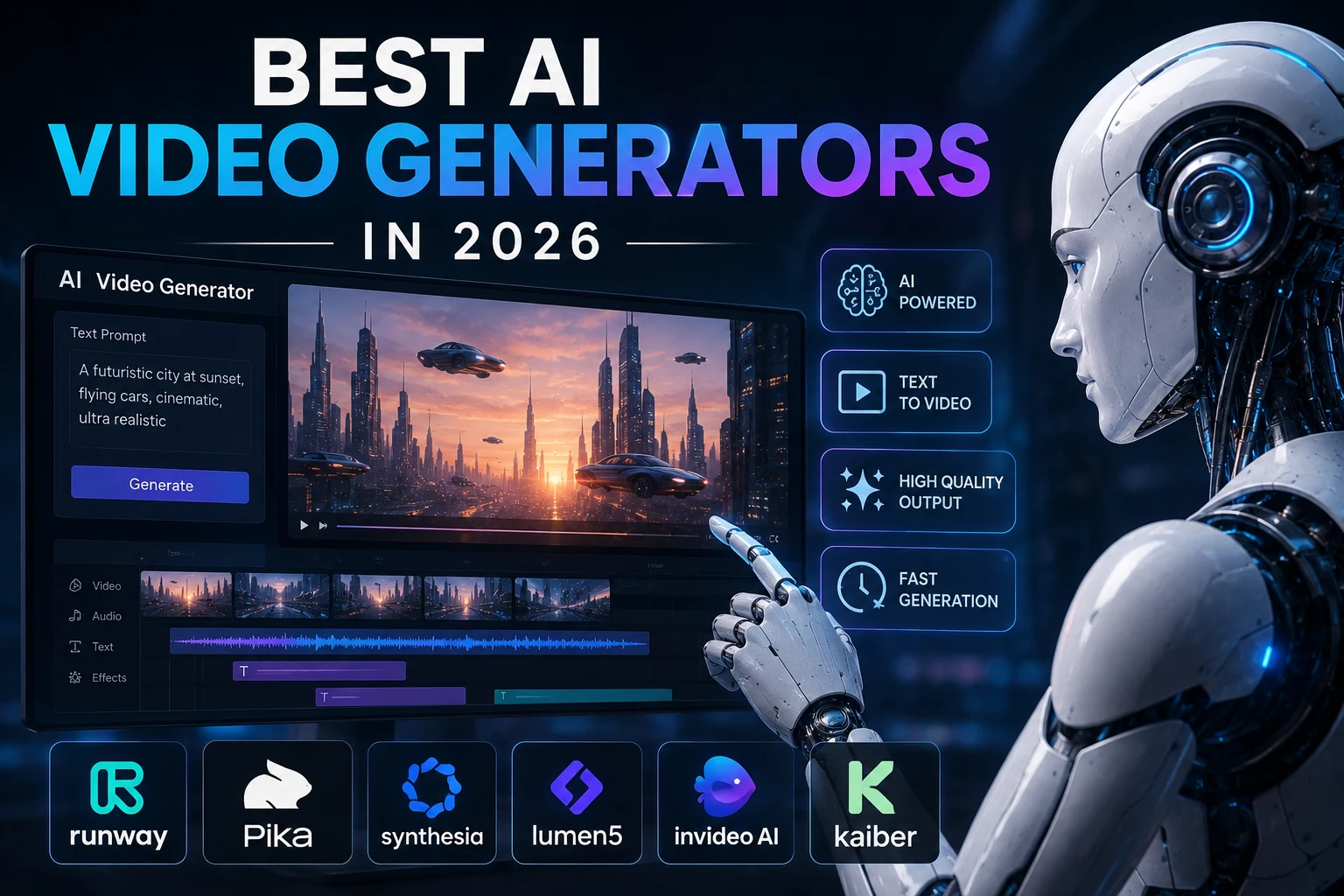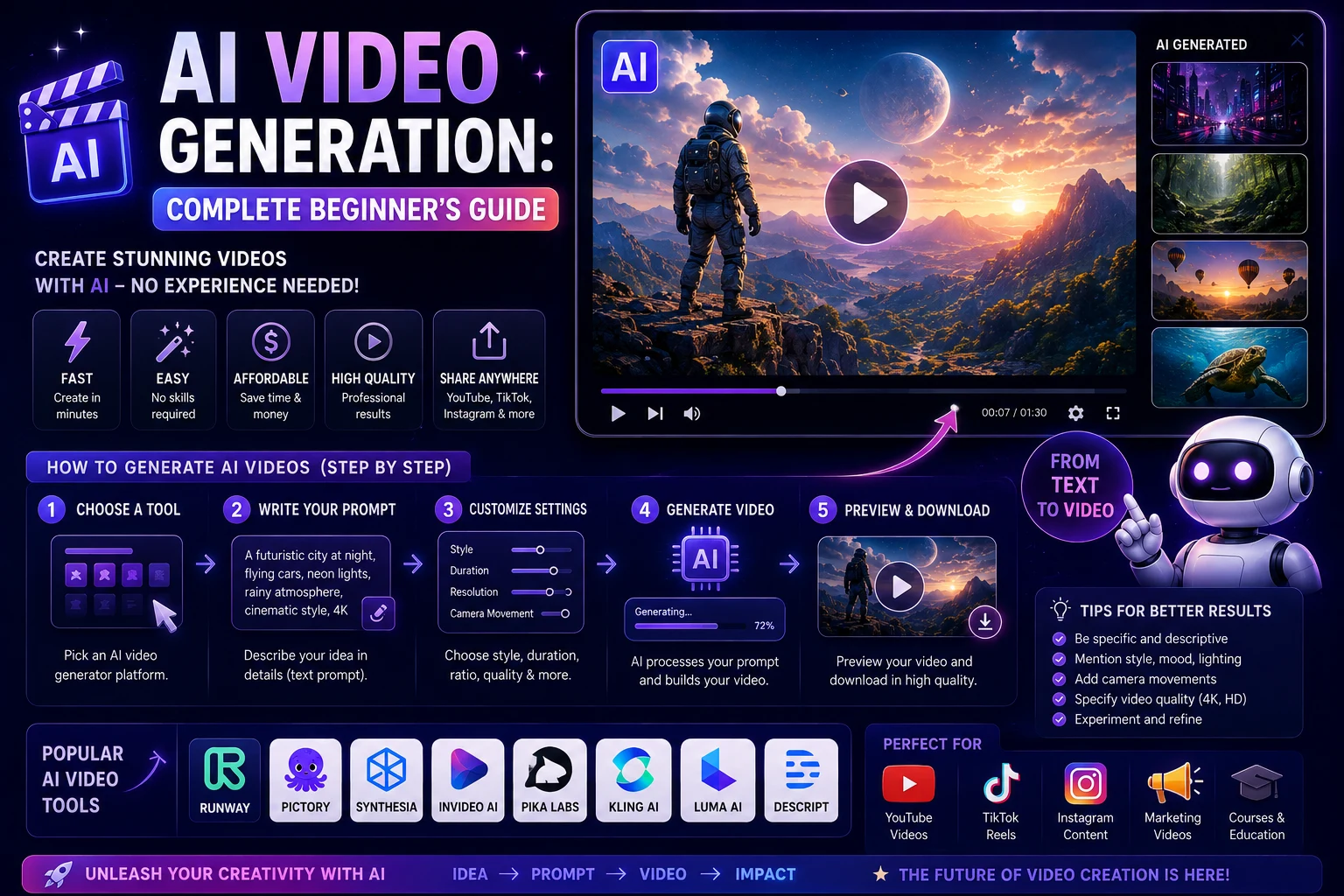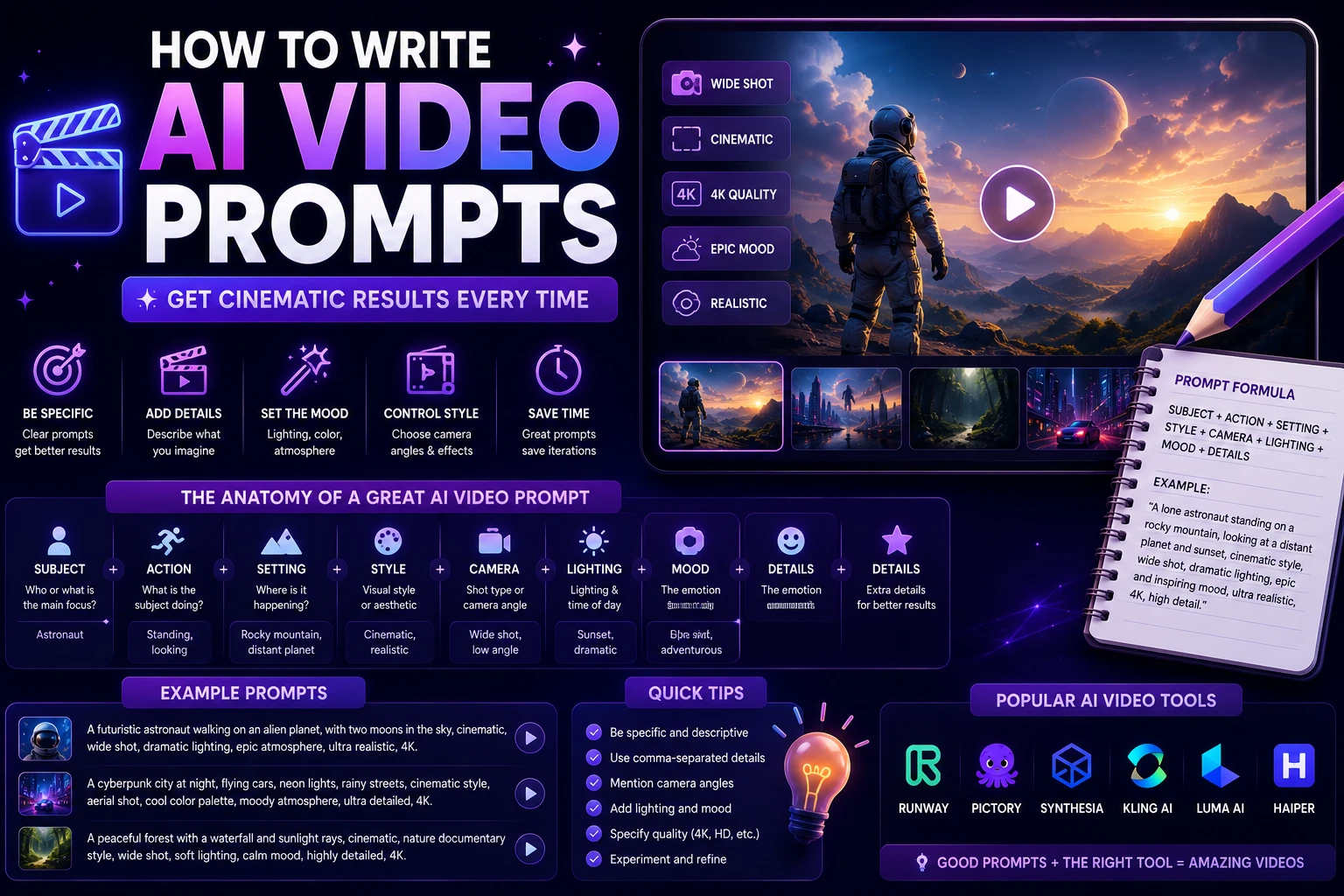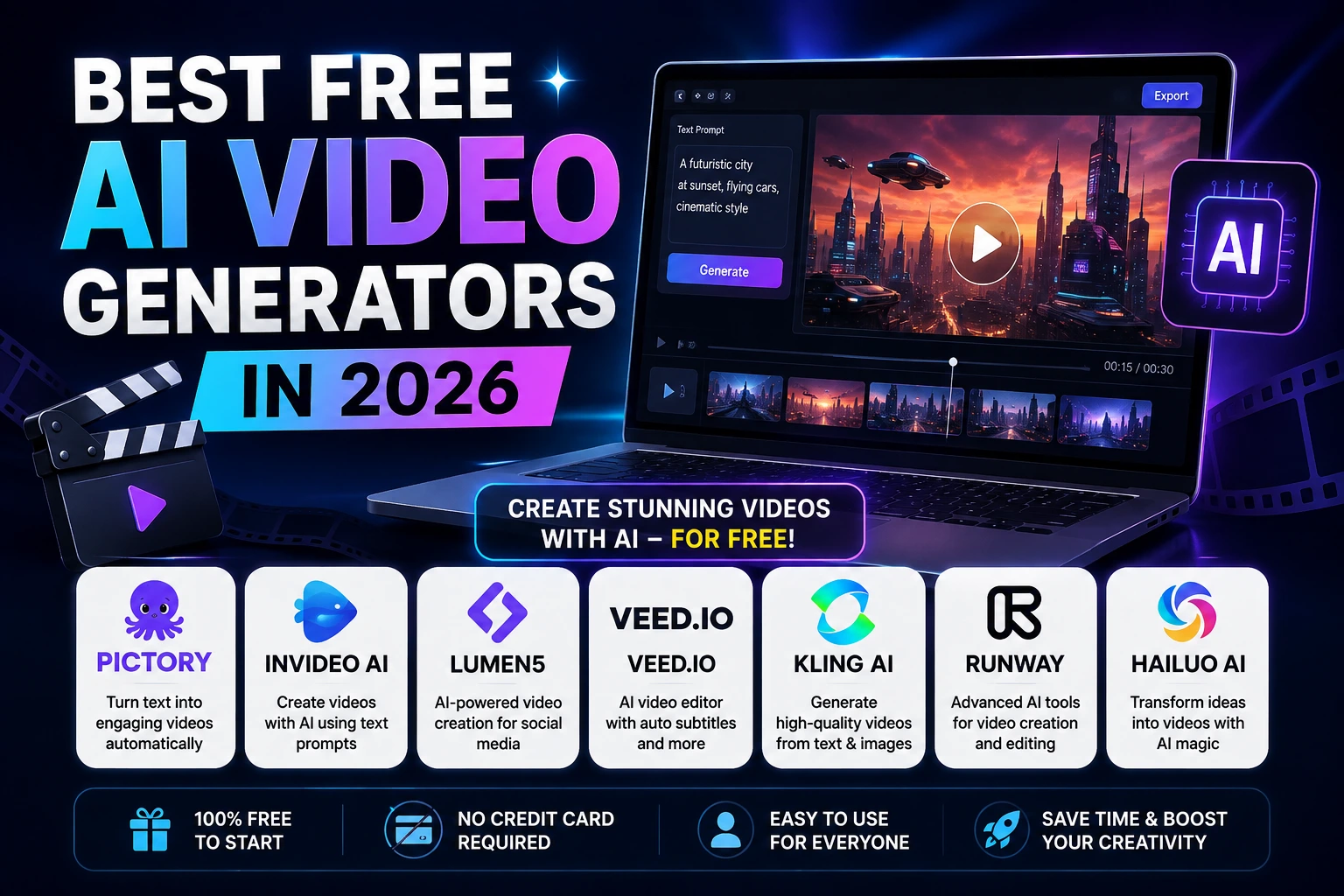

Creating professional-looking videos used to require expensive cameras, editing software, stock footage, and sometimes an entire production team. AI is changing that.
Today, anyone can describe a scene in natural language and generate a short video with artificial intelligence. AI video tools can create cinematic clips, social media content, product demonstrations, animations, marketing videos, and even talking-avatar presentations.
The biggest question is simple: which AI video generators can you actually use for free?
In this guide, we'll explore the best free AI video generators in 2026, explain what each tool is good at, and help you choose the right option for your needs.
Best Free AI Video Generators at a Glance
| AI Video Generator | Best For | Free Access |
|---|---|---|
| Runway | Cinematic AI video | Limited credits |
| Kling AI | High-quality AI video | Free credits |
| Pika | Creative short videos | Free credits |
| Hailuo AI | Realistic video generation | Free access |
| CapCut | Social media video creation | Free AI features |
| InVideo AI | Text-to-video and explainers | Limited free plan |
| HeyGen | AI avatars and presenters | Limited free plan |
| Canva | Simple social and marketing videos | Limited AI access |
Free plans change frequently. Credits, watermarks, resolution limits, and commercial-use rules can vary by region, model, and plan, so check the current terms before using a tool for professional work.
1. Runway
Best for: Cinematic AI-generated video
Runway is one of the best-known platforms for generative video. It provides tools for creating videos from text and images, as well as editing and transforming existing visual content.
Its free access is limited rather than unlimited. Current 2026 comparisons report a one-time allocation of free credits, making Runway particularly useful for testing its capabilities and creating occasional clips.
Why Use Runway?
- Strong cinematic results
- Text-to-video capabilities
- Image-to-video generation
- Useful creative controls
- Integrated video editing tools
- Good option for filmmakers and creators
Runway is an excellent choice if your goal is to create cinematic-looking short clips rather than simple template-based videos.
2. Kling AI
Best for: High-quality AI video generation
Kling AI has become one of the most interesting AI video platforms for creators who want realistic motion and cinematic results.
One of its biggest advantages in 2026 is its recurring free-credit model. Several current comparisons report daily free credits, although the exact allowance can change over time.
Why Use Kling AI?
- High-quality video generation
- Strong motion generation
- Good camera movement
- Text-to-video support
- Image-to-video support
- Useful for cinematic social content
If you want to experiment with AI video regularly without relying on a single one-time trial, Kling is worth trying.
3. Pika
Best for: Creative short-form videos
Pika is designed around short and creative AI-generated videos. It is particularly useful for social media creators who want unusual effects, animations, transformations, and visually interesting clips.
Pika offers a free tier with limited credits. Current comparisons report recurring free credits, although the exact allowance and available models can change.
Why Use Pika?
- Easy to experiment with
- Good for short videos
- Creative visual effects
- Useful image-to-video workflows
- Suitable for social media content
Pika is especially appealing if you create TikTok videos, Instagram Reels, YouTube Shorts, memes, or other short-form content.
4. Hailuo AI
Best for: Realistic AI-generated video
Hailuo AI, developed by MiniMax, is another strong option for generating short AI videos from prompts and images.
Recent 2026 comparisons have highlighted Hailuo for realistic and photorealistic video output, particularly when compared with other free options.
Why Use Hailuo AI?
- Realistic video generation
- Good human movement
- Strong cinematic potential
- Text-to-video generation
- Image-to-video capabilities
If realism is more important to you than having the most advanced editing interface, Hailuo is worth testing.
5. CapCut
Best for: Social media creators
CapCut is different from purely generative AI video platforms because it combines traditional video editing with a large collection of AI-powered features.
It is especially popular for short-form content because creators can generate, edit, caption, resize, enhance, and export videos from one workflow.
Current comparisons continue to rank CapCut highly for free social-first video creation, although individual AI features may have separate limits or restrictions.
Why Use CapCut?
- Excellent for TikTok and Reels
- Powerful free editing features
- Automatic captions
- AI effects
- Background removal
- Templates and transitions
- Easy mobile workflow
For most beginners who want to create complete social media videos rather than isolated AI-generated clips, CapCut is one of the easiest tools to start with.
6. InVideo AI
Best for: Creating complete videos from text
InVideo AI takes a different approach. Instead of focusing primarily on generating short cinematic clips, it can turn written instructions into longer video projects using scripts, visuals, voiceovers, and editing.
This makes it useful for YouTube videos, explainers, marketing content, educational videos, and social media projects.
Current 2026 comparisons report a limited free plan with restrictions such as watermarks and capped generation or export volume.
Why Use InVideo AI?
- Text-to-video workflow
- Useful for explainer videos
- AI-generated scripts
- Voiceover capabilities
- Stock media integration
- Useful for YouTube content
If you want to turn an article or idea into a complete video rather than generate a five-second cinematic scene, InVideo AI is worth considering.
7. HeyGen
Best for: AI avatars and talking presenters
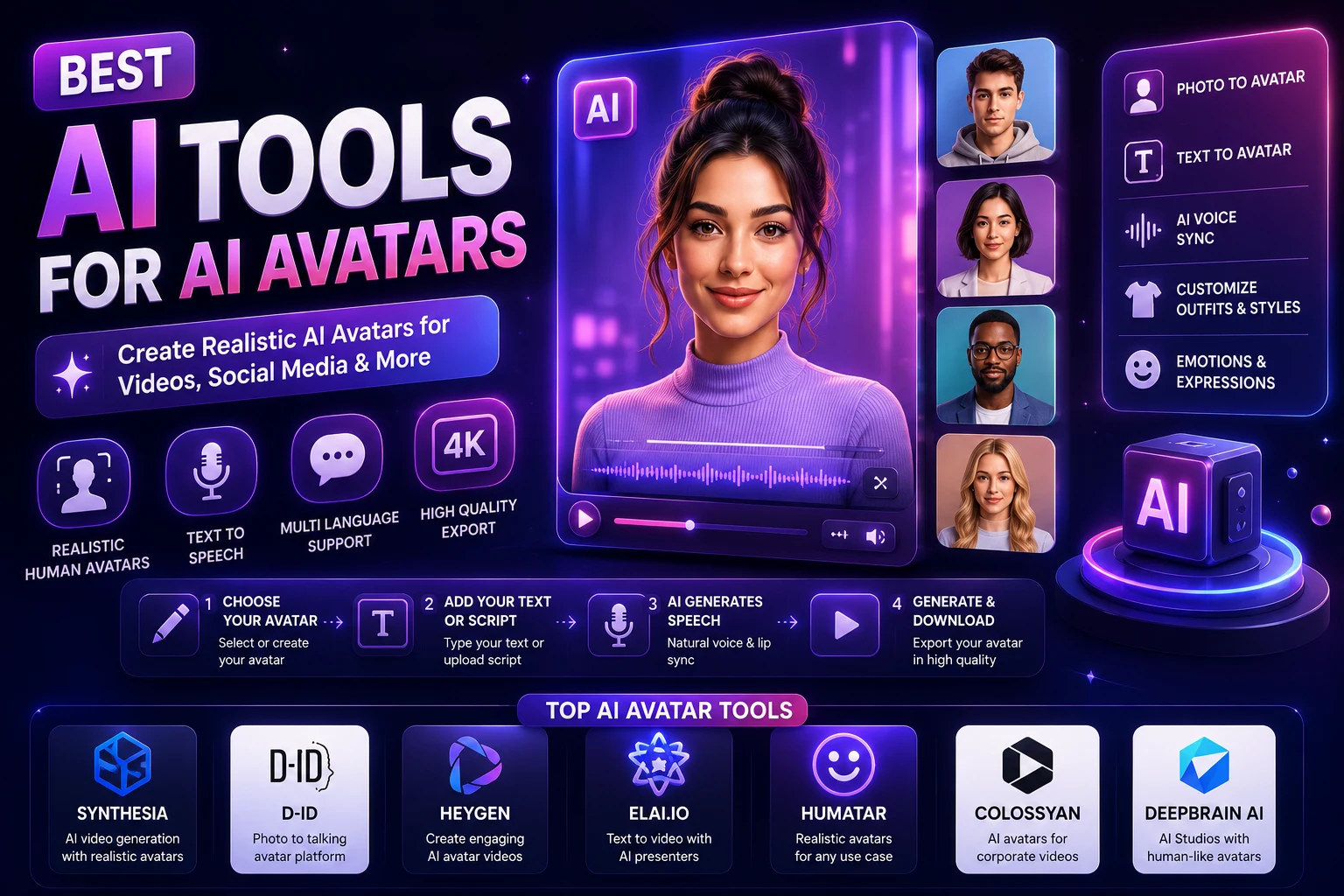
HeyGen focuses on AI-generated presenter videos. Instead of generating a cinematic environment, you can create videos where an AI avatar presents information using generated speech.
This makes HeyGen particularly useful for business presentations, educational content, product introductions, tutorials, and social media videos.
The free plan is limited. Current comparisons report a small number of free videos or limited monthly usage, with restrictions that can include watermarks and resolution limits.
Why Use HeyGen?
- AI presenters
- Talking-avatar videos
- Text-to-speech
- Useful for educational content
- Useful for business presentations
- Good for multilingual content
8. Canva AI Video
Best for: Beginners and marketing content
Canva is already one of the most popular online design platforms, and its AI features make it possible to incorporate AI-generated video into a broader design workflow.
Canva is particularly useful if you already use the platform for social media graphics, presentations, thumbnails, and marketing materials.
AI video access and limits can depend on the specific Canva plan and feature, so users should check the current availability before relying on it as their primary generator.
Why Use Canva?
- Beginner-friendly interface
- Templates
- Social media designs
- Presentation videos
- AI-assisted creative tools
- Simple editing workflow
What Can Free AI Video Generators Create?
AI video generators are useful for much more than cinematic experiments. Creators are using them for a wide variety of projects.
Social Media Videos
AI tools can help create short videos for TikTok, Instagram Reels, YouTube Shorts, Facebook, and other social platforms.
YouTube Videos
Tools such as InVideo AI can help transform scripts and ideas into longer videos using generated visuals, voiceovers, and editing.
Marketing Videos
Businesses can use AI video tools to create product demonstrations, promotional concepts, advertisements, and social media campaigns.
Educational Videos
Teachers, students, and educational websites can use AI to create explanations, presentations, animated examples, and visual lessons.
Product Videos
Image-to-video tools can turn product images into short promotional clips with camera movement and animation.
Which Free AI Video Generator Is Best?
There is no single winner for every type of video. The right choice depends on what you want to create.
- Best for cinematic video: Runway
- Best for regular free experimentation: Kling AI
- Best for creative effects: Pika
- Best for realistic video: Hailuo AI
- Best for social media: CapCut
- Best for complete text-to-video projects: InVideo AI
- Best for AI presenters: HeyGen
- Best for simple design workflows: Canva
What Does "Free" Really Mean?
This is an important question because most AI video generators are not completely unlimited.
A free plan may include a limited number of credits, a daily allowance, monthly credits, lower video resolution, watermarks, slower generation, shorter clips, or restrictions on commercial use.
For example, Runway's free access has been described in current 2026 comparisons as a one-time credit allocation, while Kling offers recurring free credits. Pika also provides limited free credits.
Therefore, don't choose a tool simply because its website says "free." Look at what the free plan actually includes.
Free AI Video Generators vs Paid Tools
Free AI video generators are excellent for learning, experimentation, personal projects, and testing different models.
However, professional creators may eventually need a paid plan because production workflows require more generations, higher resolution, faster queues, longer videos, and fewer restrictions.
Some free plans also add watermarks or restrict commercial use. These limitations vary considerably between platforms.
| Feature | Free Plans | Paid Plans |
|---|---|---|
| Video generation | Limited | More generous |
| Resolution | Often limited | Usually higher |
| Watermarks | Common | Often removed |
| Credits | Limited | More credits |
| Generation speed | May be slower | Usually faster |
| Advanced models | Limited access | More access |
Can You Use Free AI Videos Commercially?
You should not assume that every video generated under a free plan can be used commercially.
Some platforms restrict commercial use on free plans, while others may permit it under specific conditions. Watermark requirements and licensing terms can also vary.
If you are creating videos for a business, client, monetized YouTube channel, website, advertising campaign, or other commercial project, always review the current terms of the specific platform before publishing.
Tips for Creating Better AI Videos
1. Write Detailed Prompts
Don't simply write "a woman walking in a city."
Instead, describe the subject, location, camera movement, lighting, atmosphere, visual style, and action.
2. Describe Camera Movement
AI video models respond better when you clearly describe the camera. Examples include slow dolly-in, tracking shot, aerial shot, close-up, wide-angle shot, or handheld camera.
3. Keep the Action Simple
Short AI clips often work better when they contain one clear action rather than several complicated events happening at once.
4. Start With an Image
If your video generator supports image-to-video generation, creating a strong starting image can give you more control over the composition and appearance of the final video.
5. Generate Short Clips
Instead of trying to create an entire one-minute cinematic sequence in a single generation, create several short clips and combine them in an editor.
6. Edit the Final Video
AI generation is only one part of the process. Add music, captions, transitions, sound effects, and branding during the editing stage.
Best Free AI Video Generator for TikTok
For TikTok and other short-form platforms, CapCut is one of the easiest options because it combines AI features with a complete mobile and desktop editing workflow.
Pika and Kling are also useful when you want to generate unique AI clips and then edit them into a short-form video.
Best Free AI Video Generator for YouTube
For YouTube creators, the best choice depends on the type of content.
InVideo AI can be useful for script-based explainer videos, while Runway, Kling, and Hailuo are better suited to generating individual cinematic scenes that can later be edited together.
Best Free AI Video Generator for Beginners
If you're completely new to AI video generation, start with CapCut, Canva, or Pika.
These tools make it relatively easy to experiment without needing to understand complicated AI models or video-production workflows.
Final Verdict
AI video generation has become much more accessible in 2026. You can now create impressive short clips, social media videos, presentations, advertisements, and educational content without expensive production equipment.
Runway is an excellent option for cinematic experimentation, while Kling AI is attractive for creators who want recurring free access and strong motion quality.
Pika is great for creative short-form effects, while Hailuo AI is worth trying when realistic visuals are your priority.
For complete social media workflows, CapCut remains one of the most practical choices. If you want to transform scripts into complete videos, InVideo AI is a strong alternative.
The important thing to remember is that free does not mean unlimited. Most platforms place limits on credits, resolution, video length, watermarks, or commercial usage.
The best strategy is to test several tools with the same prompt and compare the results. Once you understand which generator fits your style, you can decide whether its free plan is enough or whether upgrading makes sense.
In 2026, you don't need a production studio to start creating impressive AI videos. You just need a good idea and the right tool.
Frequently Asked Questions
What is the best free AI video generator in 2026?
There is no single best option for everyone. Runway is strong for cinematic generation, Kling AI is attractive for recurring free experimentation, and CapCut is excellent for social media editing and AI-assisted video creation.
Can I create AI videos for free?
Yes. Several platforms provide free credits or free AI video features. However, free plans normally have limits on generations, resolution, duration, watermarks, or other features.
What is the best free AI video generator for TikTok?
CapCut is one of the best choices because it combines AI features with editing, captions, effects, templates, and social-media-friendly workflows.
What is the best free AI video generator for realistic videos?
Hailuo AI and Kling AI are two strong options to test when realistic motion and cinematic-looking output are important.
Is Runway completely free?
No. Runway provides limited free access rather than unlimited generation. Current comparisons describe its free allowance as a one-time credit pool, so frequent users may eventually need a paid plan.
Do free AI videos have watermarks?
Some do and some do not. Watermark policies vary by platform and can change over time. Always check the current plan details before publishing a video.
Can I monetize videos created with free AI tools?
It depends on the platform's current licensing and commercial-use rules. Never assume that a free generation automatically grants unrestricted commercial rights.