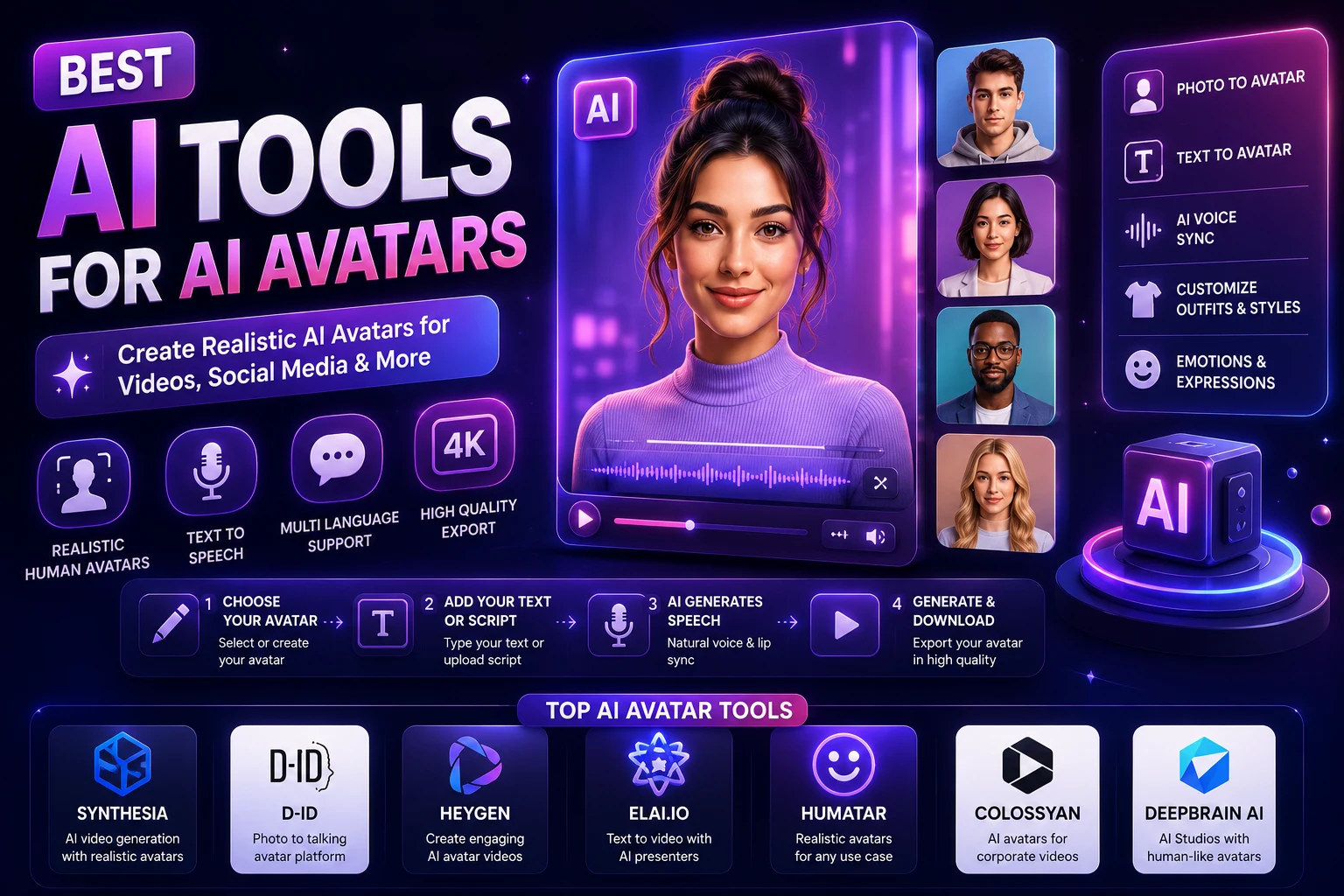

AI avatars have quickly become a practical way to create videos without recording a person in front of a camera. Instead of hiring actors, setting up lights, recording audio, and filming multiple takes, creators can use AI avatar platforms to generate presenter-style videos from a script.
Modern AI avatar tools can create realistic digital presenters, clone a person's appearance or voice, translate videos into different languages, and produce content for marketing, education, social media, sales, and corporate training.
In this guide, we'll look at the best AI avatar tools in 2026 and explain what each platform is best suited for.
What Are AI Avatars?
An AI avatar is a digital character that can appear in a video and deliver spoken content. The avatar may be based on a predefined digital presenter, a generated character, a photograph, or a customized representation of a real person.
Depending on the platform, you can provide a written script and choose an avatar, voice, language, background, and visual style. The platform then generates a video in which the avatar appears to speak the script.
AI avatars are particularly useful when you need to create many videos without repeatedly recording yourself or hiring a presenter.
Best AI Avatar Tools in 2026
The AI avatar market now includes platforms designed for different use cases. Some focus on marketing and social media, while others are built around corporate training, multilingual communication, interactive learning, or developer APIs.
- HeyGen — Best overall for realistic avatars and multilingual content
- Synthesia — Best for corporate training and business videos
- Colossyan — Best for workplace learning and interactive training
- D-ID — Best for talking-photo avatars and API workflows
- Captions — Best for mobile-first creator content
- Argil — Best for high-volume UGC-style content
Current 2026 comparisons consistently place HeyGen, Synthesia, Colossyan, and D-ID among the leading AI avatar platforms, although their strengths differ significantly by use case.
1. HeyGen
HeyGen is one of the strongest choices for creators, marketers, businesses, and anyone who wants realistic AI presenter videos.
Its main strength is combining realistic avatars with a relatively flexible content-creation workflow. You can create presenter videos from scripts, use custom avatars, clone voices, and create multilingual versions of content.
Current 2026 comparisons frequently rank HeyGen as a leading option for realistic avatars, marketing videos, social content, and multilingual video localization.
Why use HeyGen?
- Realistic AI avatars
- Custom avatar creation
- Voice cloning
- Multilingual video generation
- Useful translation workflows
- Good for marketing and social media
- Professional video editor
Best for: Creators, marketers, agencies, businesses, and multilingual content.
2. Synthesia
Synthesia is particularly well suited to businesses and organizations that need professional presenter videos at scale.
The platform focuses heavily on corporate communication, training, onboarding, education, and internal content. It is therefore different from tools that primarily target social-media creators.
Current comparisons consistently highlight Synthesia for enterprise learning and development, governance, collaboration, and multilingual training workflows.
Why use Synthesia?
- Professional AI presenters
- Corporate training videos
- Educational content
- Multilingual workflows
- Team collaboration
- Enterprise-oriented features
Best for: Businesses, HR departments, trainers, educators, and enterprise teams.
3. Colossyan
Colossyan focuses strongly on workplace learning and training content.
One of its useful advantages is the ability to create scenario-based and interactive training experiences. This makes it particularly interesting for companies that want more than a simple presenter reading a script.
Current 2026 comparisons highlight Colossyan for interactive learning, workplace training, scenario-based content, and LMS-related workflows.
Why use Colossyan?
- AI presenter videos
- Training and educational content
- Interactive learning scenarios
- Multiple avatars in videos
- Useful workplace learning workflows
Best for: Corporate training, HR teams, educators, and learning-and-development departments.
4. D-ID
D-ID takes a somewhat different approach to AI avatars. It is particularly useful when you want to transform an image or photograph into a talking digital presenter.
This can be useful for experiments, educational content, marketing, digital characters, and applications where developers want to integrate talking avatars into their own products.
Current 2026 comparisons highlight D-ID for photo-based avatars, real-time applications, and API-oriented workflows.
Why use D-ID?
- Talking-photo avatars
- Image-to-avatar workflows
- Developer API options
- Useful for interactive applications
- Suitable for experimentation
Best for: Developers, small teams, interactive applications, and creators who want to animate images.
5. Captions
Captions is aimed more toward creators producing short-form and mobile-first content.
Instead of focusing primarily on corporate training, it can be useful for social-media creators who want to combine AI-generated presenters, captions, editing, and other creator-focused features.
Current 2026 comparisons identify Captions as an accessible option for creators looking for a mobile-oriented workflow and relatively low-cost entry point.
Why use Captions?
- Creator-focused workflow
- Mobile-first editing
- AI-assisted video creation
- Useful caption tools
- Suitable for short-form content
Best for: Social-media creators and people producing short-form videos.
6. Argil
Argil focuses on AI-generated creator and UGC-style video production.
This type of workflow can be useful for brands and creators that need to produce large amounts of social-media advertising or creator-style content without recording every video manually.
Current 2026 comparisons include Argil among tools designed for high-volume UGC content.
Why use Argil?
- UGC-style AI videos
- Creator-focused production
- High-volume content workflows
- Useful for marketing campaigns
Best for: Brands, advertisers, agencies, and creators producing large amounts of short-form content.
AI Avatar Tools Compared
| AI Tool | Best For | Main Strength |
|---|---|---|
| HeyGen | Marketing and creators | Realistic avatars and multilingual content |
| Synthesia | Business training | Enterprise learning workflows |
| Colossyan | Interactive training | Learning scenarios and training |
| D-ID | Talking photos and API | Image-based avatars and developer workflows |
| Captions | Social media | Creator and mobile workflows |
| Argil | UGC content | High-volume creator-style videos |
What Can You Create With AI Avatars?
AI avatars can be used for much more than simple talking-head videos.
- Marketing videos
- Product demonstrations
- Social media videos
- Educational lessons
- Corporate training
- Employee onboarding
- Sales presentations
- Customer support videos
- Explainer videos
- Multilingual content
- YouTube videos
- UGC-style advertisements
How to Create an AI Avatar Video
Step 1: Choose an AI Avatar Tool
Start by choosing a platform based on your intended use.
For example, a social-media creator may prefer HeyGen or Captions, while a corporate training team may be better served by Synthesia or Colossyan.
Step 2: Choose an Avatar
Most AI avatar platforms provide a library of predefined presenters.
Choose an avatar that matches the tone of your content. A professional presenter may be appropriate for training, while a more casual presenter may work better for social media.
Step 3: Write Your Script
The script determines what the avatar says.
Keep the language natural and conversational. Avoid writing extremely long sentences that may sound unnatural when spoken.
For a short social-media video, start with a strong hook and communicate the main idea quickly.
Step 4: Select a Voice
Choose a voice that matches the avatar and audience.
Depending on the platform, you may also be able to clone a voice or select different languages and accents.
Step 5: Add Your Visuals
Add backgrounds, images, screen recordings, product screenshots, logos, or other visual elements.
This can make an avatar video more engaging than showing a presenter on screen for the entire duration.
Step 6: Generate the Video
Generate the video and review the result carefully.
Pay attention to lip synchronization, pronunciation, facial expressions, gestures, pacing, and visual consistency.
Step 7: Edit and Export
After generation, make any necessary edits and export the video in the format appropriate for your platform.
For Instagram Reels, TikTok, and YouTube Shorts, vertical 9:16 video is generally the preferred format.
AI Avatars for Social Media
AI avatars can be especially useful for creators who want to publish frequently without recording themselves for every video.
You could use an AI avatar to create:
- Daily educational tips
- Product recommendations
- News-style explainers
- Short tutorials
- Marketing messages
- Language-learning lessons
- Business advice
For social content, the most important factors are usually speed, natural presentation, vertical video support, captions, and the ability to create multiple variations quickly.
AI Avatars for Business
Businesses can use AI avatars to reduce the amount of time required to produce repetitive communication and training videos.
For example, a company could create videos explaining:
- New employee onboarding
- Software procedures
- Company policies
- Product features
- Customer instructions
- Sales presentations
- Internal announcements
The main advantage is consistency. Once a workflow is established, companies can update scripts and produce new videos without organizing a complete filming session each time.
AI Avatars for Education
Teachers and educational organizations can use AI avatars to create lessons, explanations, language-learning videos, and training materials.
An AI presenter can explain a topic while slides, diagrams, screenshots, or other visuals appear alongside the presenter.
This can be particularly useful when the same educational material needs to be produced in several languages.
AI Avatar Voice Cloning
Some AI avatar platforms support voice cloning, allowing users to create a synthetic version of a voice for avatar videos.
Voice cloning can be useful when you want consistent narration across many videos without recording every script manually.
However, voice cloning should only be used with appropriate authorization and consent. Avoid cloning another person's voice without permission.
AI Avatar Translation
One of the most useful applications of AI avatars is multilingual video production.
Instead of recording the same presentation repeatedly in different languages, some platforms can translate the script, generate new speech, and synchronize the avatar's mouth movements with the translated audio.
This can be useful for international marketing, education, customer communication, and social-media localization.
Current 2026 comparisons identify multilingual translation and lip synchronization as important strengths of leading platforms such as HeyGen.
Are AI Avatars Realistic?
AI avatar quality has improved significantly, but realism varies between platforms, avatars, voices, and generation settings.
The most advanced systems can produce convincing facial expressions, gestures, lip synchronization, and speech. However, viewers may still notice that a video is AI-generated, particularly during unusual movements, emotional performances, or difficult pronunciations.
For this reason, always review an AI avatar video before publishing it.
AI Avatars vs Traditional Video
| Task | Traditional Video | AI Avatar Video |
|---|---|---|
| Presenter | Human recording | Digital avatar |
| Camera | Usually required | Not required |
| Studio | Often useful | Usually unnecessary |
| Script changes | Requires another recording | Generate a new version |
| Languages | Requires additional recordings | Can often be localized with AI |
| Production speed | Generally slower | Generally faster |
Are AI Avatar Tools Free?
Some AI avatar platforms offer free plans, trials, or limited credits. However, free plans often come with restrictions such as limited video duration, fewer avatars, watermarks, or reduced generation limits.
Paid plans generally provide higher usage limits and additional features. Current 2026 comparisons show substantial differences in pricing and limits between providers, so it's important to compare the actual amount of usable video rather than looking only at the monthly subscription price.
What Should You Look for in an AI Avatar Tool?
Before choosing a platform, consider the following factors:
- Avatar realism: Does the presenter look and move naturally?
- Voice quality: Does the speech sound natural?
- Lip synchronization: Does the mouth movement match the audio?
- Languages: Does the platform support the languages you need?
- Custom avatars: Can you create an avatar based on yourself or another authorized person?
- Voice cloning: Is voice cloning available if you need it?
- Editing: Does the platform provide enough editing tools?
- Export quality: What resolution and formats are available?
- Commercial rights: Can you use generated videos commercially under your plan?
- Privacy: How does the provider handle uploaded recordings and personal data?
Common AI Avatar Mistakes
Using a Robotic Script
Even a realistic avatar can sound unnatural if the script is written like a formal document.
Use shorter sentences and conversational language.
Making the Avatar Do Everything
An avatar doesn't need to remain on screen for the entire video.
Combine the presenter with product footage, screenshots, animations, graphics, and other visuals.
Ignoring Pronunciation
AI voices can occasionally pronounce names, technical terms, or unusual words incorrectly.
Always listen to the complete generated video before publishing.
Choosing the Wrong Avatar
The presenter should match the audience and subject. A corporate training video and a casual social-media Reel may require very different presentation styles.
Ignoring Consent
Only create custom avatars or cloned voices when you have the appropriate permission and authorization.
Which AI Avatar Tool Should You Choose?
For creators and marketers
HeyGen is one of the strongest options if your priority is realistic avatars, multilingual content, and marketing or social-media videos.
For corporate training
Synthesia is particularly well suited to businesses that need structured training, onboarding, and internal communication content.
For interactive training
Colossyan is worth considering when you need scenario-based or interactive learning experiences.
For talking photos and APIs
D-ID can be useful when you want to animate photographs or integrate avatar technology into an application.
For social-media creators
Captions can be a practical choice for creators who want a mobile-oriented workflow combining AI features with short-form video editing.
Final Verdict
AI avatars have moved beyond simple novelty videos and are now useful for marketing, education, corporate communication, social media, sales, and multilingual content.
HeyGen is a strong overall choice for creators and marketers who want realistic avatars and multilingual video. Synthesia is particularly useful for enterprise training and business communication, while Colossyan is a strong option for interactive workplace learning.
D-ID is useful for talking-photo and developer-focused workflows, while Captions and Argil are interesting choices for creators producing short-form and UGC-style content.
There is no single AI avatar platform that is perfect for everyone. The right choice depends on whether your priority is realism, social-media production, multilingual video, corporate training, interactive learning, or API integration.
Before choosing a paid plan, test the same script on several platforms and compare the avatar's realism, voice quality, lip synchronization, editing tools, output quality, pricing, and commercial-use terms.
Frequently Asked Questions
What is the best AI avatar tool in 2026?
HeyGen is one of the strongest overall choices for creators and marketers, while Synthesia is particularly well suited to enterprise training. Colossyan, D-ID, Captions, and other platforms can be better choices for specific workflows.
Can I create an AI avatar of myself?
Yes. Several AI avatar platforms support custom avatars or digital twins. Requirements vary, and some providers require a recording or verification process before the custom avatar can be used.
Can AI avatars speak different languages?
Yes. Many modern AI avatar platforms support multiple languages and can create localized versions of videos. Some also synchronize the avatar's mouth movements with translated speech.
Can I clone my voice for an AI avatar?
Some platforms support voice cloning. Only clone your own voice or a voice for which you have explicit authorization.
Can AI avatars be used for YouTube?
Yes. AI avatars can be used for educational videos, explainers, tutorials, news-style content, marketing videos, and other YouTube formats. Always review YouTube's current policies and the provider's licensing terms.
Can AI avatar videos be monetized?
Potentially. Monetization depends on the publishing platform, the originality and quality of your content, and the licensing terms of the AI tools and assets you use.
Are AI avatars better than real presenters?
Not always. AI avatars can be faster and more scalable, but real presenters can provide authenticity, personality, and emotional performance that may be difficult for synthetic presenters to reproduce.
Are AI avatar tools safe to use?
They can be used responsibly, but creators should pay attention to consent, privacy, voice-cloning rights, identity protection, and commercial licensing. Never create an avatar or clone a person's voice without appropriate permission.