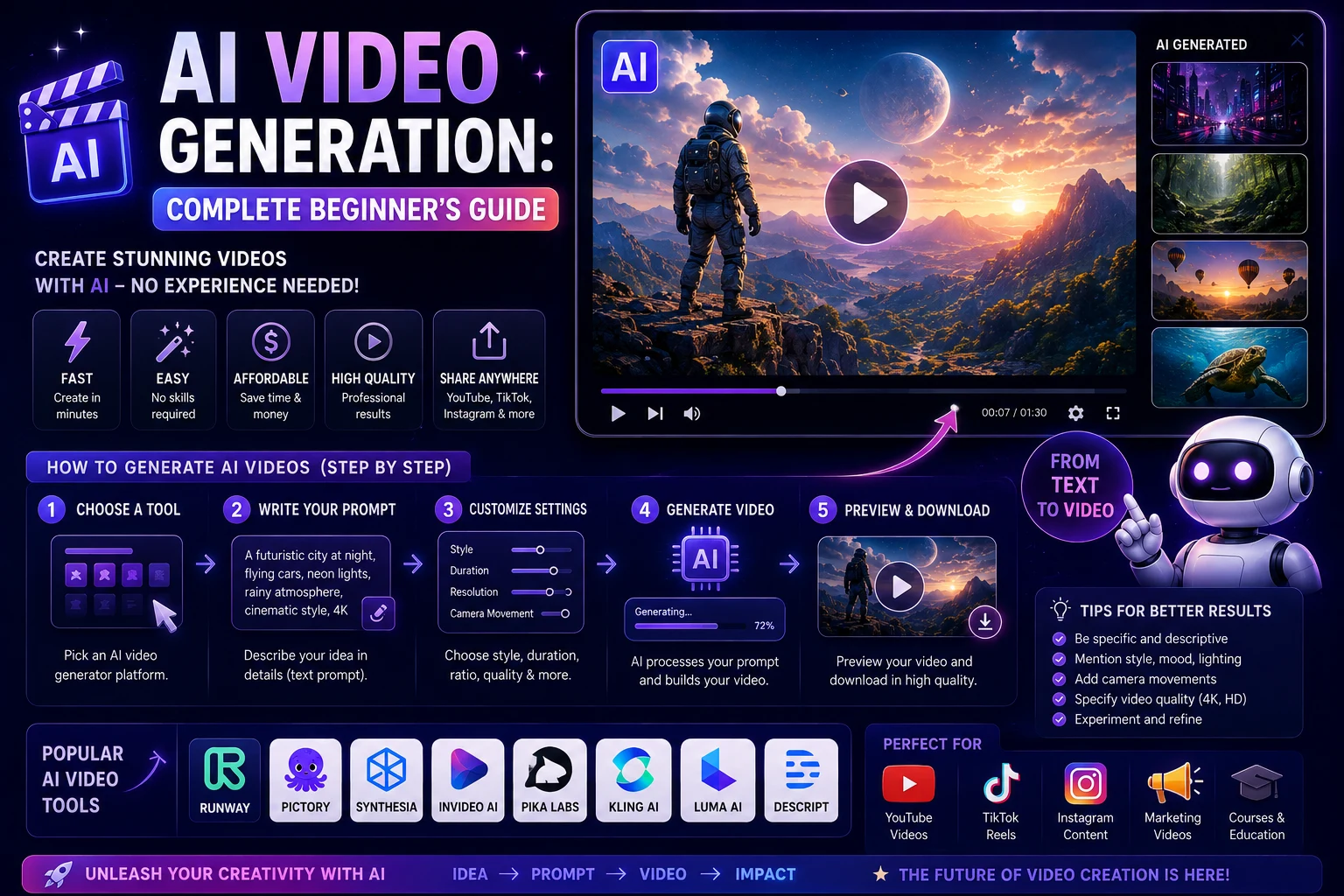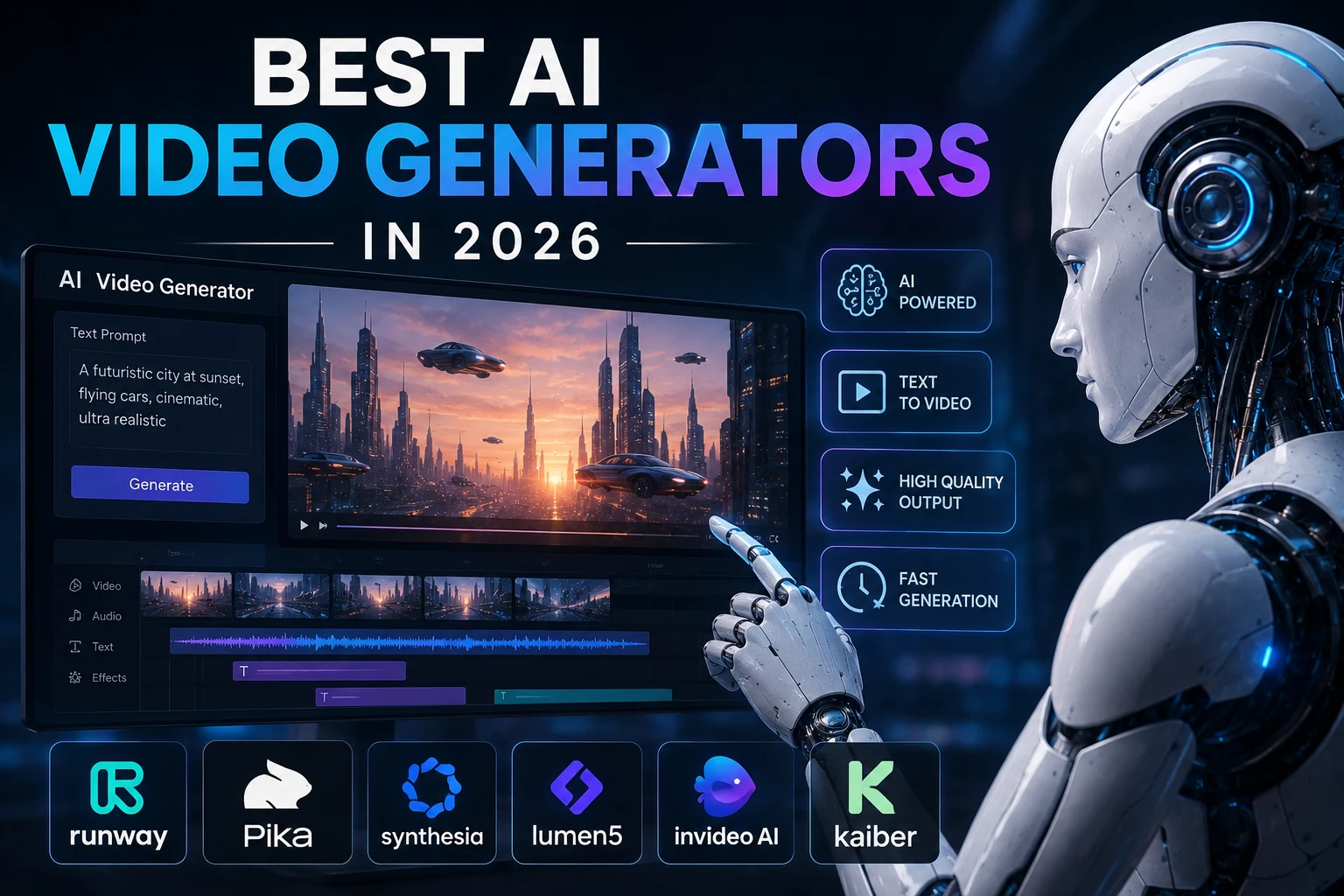

AI video generation has rapidly evolved from a futuristic experiment into a practical tool for creators, marketers, businesses, educators, and filmmakers. In 2026, modern AI video generators can create short clips from text prompts, animate still images, generate cinematic scenes, and help produce social media content.
The biggest challenge is no longer finding an AI video generator. There are now many powerful options, each designed for different types of users and workflows.
In this guide, we'll look at some of the best AI video generators in 2026 and explain what each tool is best suited for.
Best AI Video Generators in 2026
The leading tools include platforms focused on cinematic generation, creative control, social media content, realistic scenes, and professional video production.
- Google Veo — Best for high-quality cinematic video and realistic scenes
- Runway — Best for professional creative control
- Kling AI — Best for realistic motion and cinematic generation
- Pika — Best for social media creators and quick effects
- Luma AI — Best for creative visuals and image-to-video generation
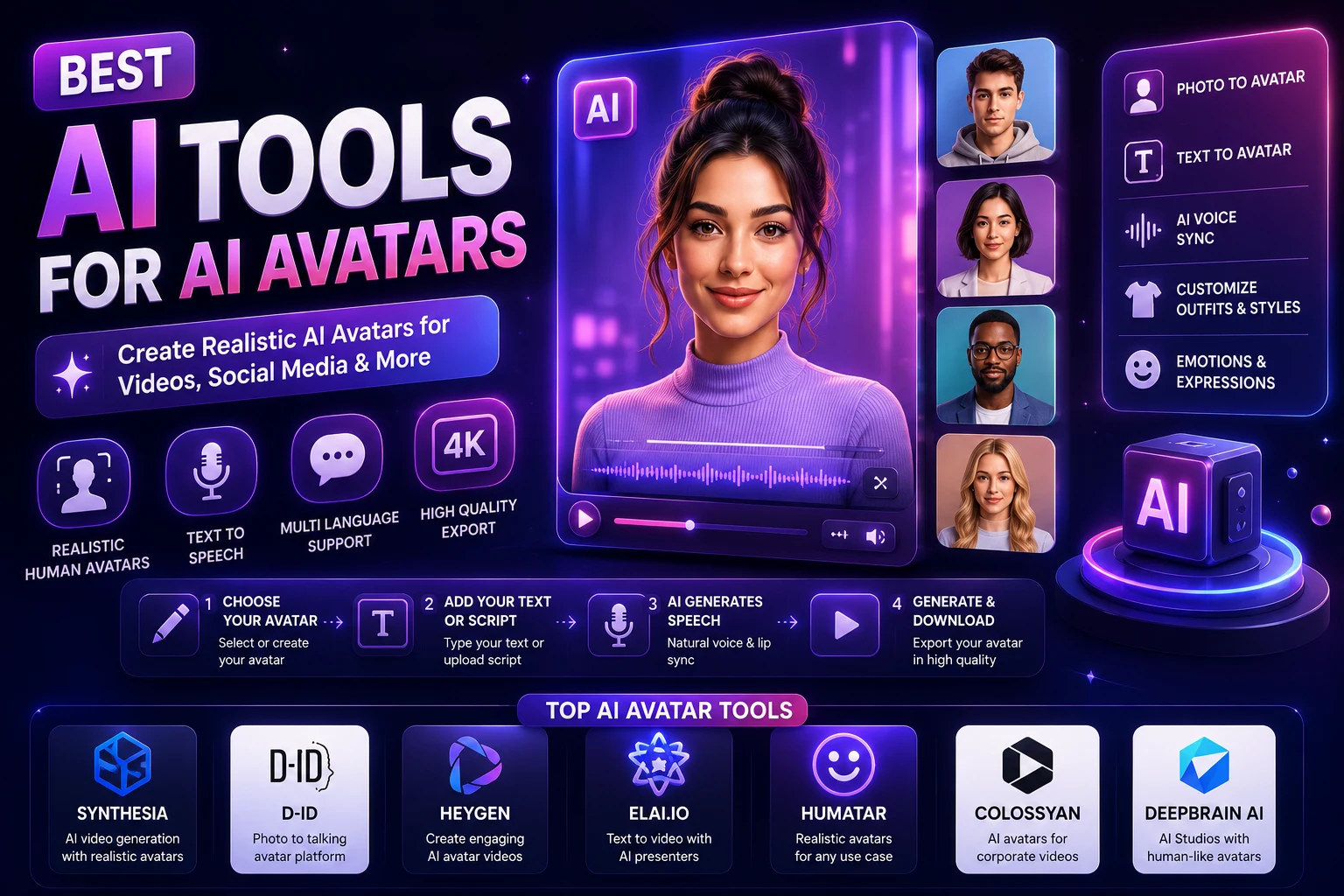
- HeyGen — Best for AI avatars and presenter videos
- Synthesia — Best for business and training videos
1. Google Veo
Google's Veo family has become one of the major competitors in AI video generation. Current 2026 comparisons frequently highlight Veo for realistic scenes, strong prompt adherence, cinematic output, and native audio capabilities.
Veo is particularly interesting when you want an AI-generated scene that looks and sounds more like a finished piece of video rather than a simple animated image.
Why use Google Veo?
- High-quality video generation
- Strong cinematic visuals
- Realistic motion and environments
- Natural-language prompting
- Native audio capabilities in current versions
Best for: Filmmakers, content creators, marketers, and anyone looking for high-quality cinematic AI video.
2. Runway
Runway remains one of the best-known AI video platforms for creators who want more control over the generation process. Current comparisons continue to highlight Runway's creative controls, camera movement options, reference-based workflows, and professional-oriented tools.
Rather than simply generating a video from a sentence, Runway is useful when you want to experiment with visual direction and build a more controlled creative workflow.
Why use Runway?
- Advanced creative controls
- Text-to-video generation
- Image-to-video workflows
- Useful camera and motion controls
- Professional creative workflow
Best for: Professional creators, filmmakers, designers, advertisers, and video editors.
3. Kling AI
Kling AI has become a major competitor in the AI video space, particularly for realistic motion and cinematic-looking clips. Independent 2026 comparisons frequently place Kling among the leading choices for realism and value.
It can be useful for generating dynamic scenes, product shots, characters, environments, and other visual sequences where natural movement is important.
Why use Kling AI?
- Realistic motion generation
- Cinematic visual output
- Text-to-video capabilities
- Image-to-video generation
- Useful for dynamic scenes
Best for: Creators who want realistic motion, cinematic clips, and strong value from an AI video platform.
4. Pika
Pika focuses heavily on accessible and creative video generation. It is particularly attractive for social media creators who want to quickly create short-form visual content and experiment with effects.
Current 2026 comparisons frequently identify Pika as a strong choice for social content, quick effects, and creator-friendly workflows.
Why use Pika?
- Easy-to-use interface
- Short-form video generation
- Creative visual effects
- Useful for social media content
- Good option for experimentation
Best for: TikTok creators, Instagram creators, YouTubers, and beginners experimenting with AI video.
5. Luma AI
Luma AI is another useful option for creators interested in generating cinematic visuals and animating images. It can be especially useful when you already have a still image and want to transform it into a moving scene.
The platform is commonly included among the leading AI video tools for creative scene generation and image-to-video workflows.
Why use Luma AI?
- Image-to-video generation
- Creative camera movement
- Cinematic visual effects
- Useful for concept development
- Good for visual experimentation
Best for: Designers, artists, filmmakers, and creators who want to animate images and experiment with cinematic scenes.
6. HeyGen
Not every AI video project requires cinematic text-to-video generation. Some creators and businesses need an AI presenter who can explain a product, lesson, announcement, or training topic.
HeyGen focuses on this type of workflow, making it useful for presenter-style videos, marketing content, educational material, and business communication.
Why use HeyGen?
- AI avatar presenters
- Text-to-speech workflows
- Business video creation
- Marketing and sales videos
- Useful for multilingual content
Best for: Businesses, marketers, educators, sales teams, and creators who need presenter-based videos.
7. Synthesia
Synthesia is designed primarily around AI presenter and business video workflows. It is particularly useful for companies creating training, onboarding, educational, and internal communication videos.
Unlike cinematic video generators, Synthesia focuses on a different problem: turning scripts and information into professional presenter-led videos.
Why use Synthesia?
- AI presenter videos
- Corporate training content
- Educational videos
- Multilingual video workflows
- Professional presentation formats
Best for: Businesses, HR teams, educators, trainers, and organizations producing instructional videos.
AI Video Generators Compared
| AI Tool | Best For | Main Strength |
|---|---|---|
| Google Veo | Cinematic video | Realism, prompt adherence, and audio |
| Runway | Professional creators | Creative control |
| Kling AI | Realistic motion | Cinematic movement |
| Pika | Social media | Fast creative effects |
| Luma AI | Creative visuals | Image-to-video workflows |
| HeyGen | AI presenters | Avatar videos |
| Synthesia | Business training | Professional presenter videos |
What Can AI Video Generators Create?
AI video tools can now be used for many different types of content. The best platform depends on the type of video you want to produce.
- Social media videos
- YouTube content
- Product advertisements
- Marketing videos
- Short cinematic scenes
- Animated images
- Product demonstrations
- Educational videos
- Training videos
- AI presenter videos
- Concept videos
- Visual effects and creative experiments
Text-to-Video vs. Image-to-Video
There are two common ways to create AI-generated video.
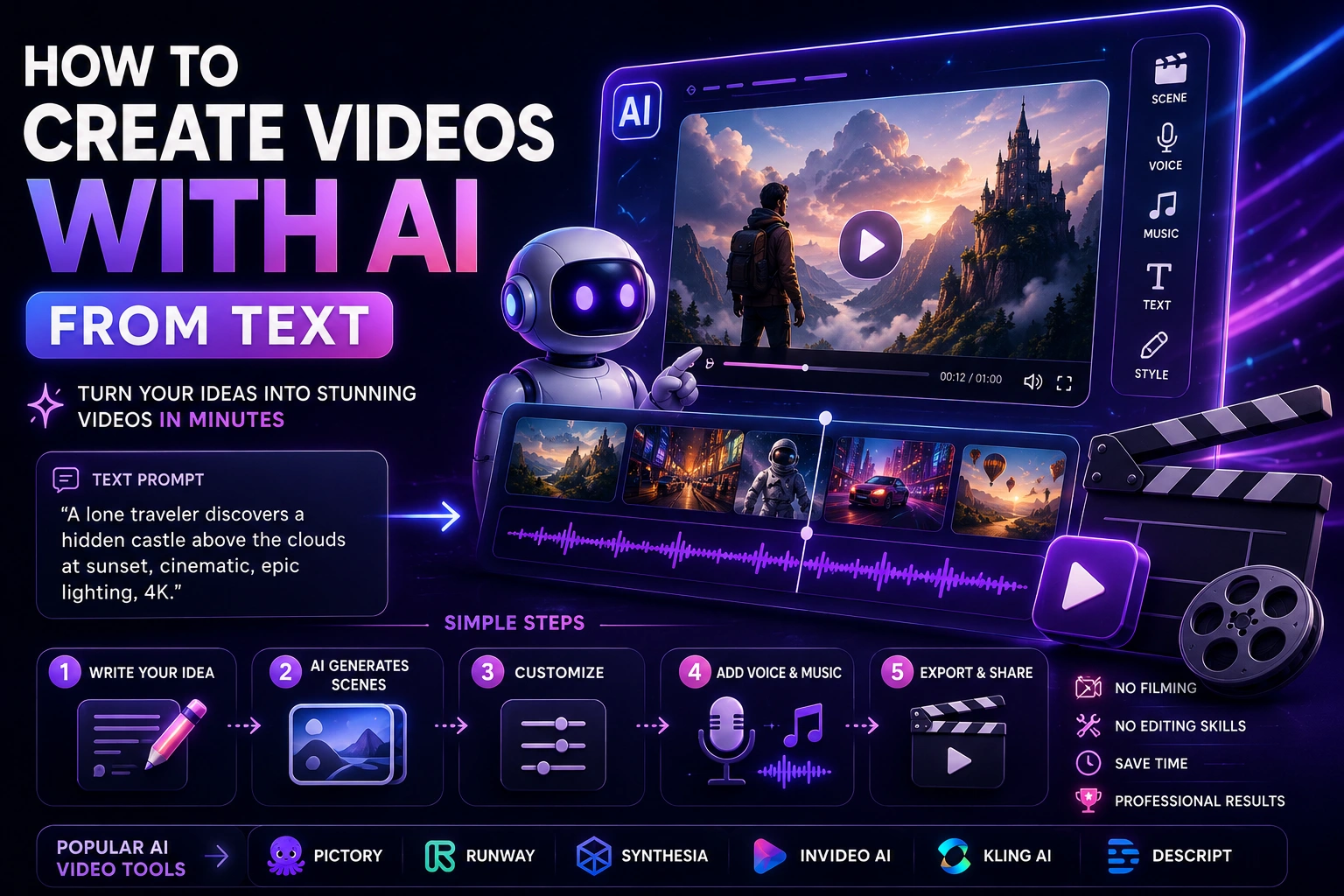
Text-to-video
With text-to-video generation, you describe a scene using a written prompt and the AI creates a video based on your description.
For example:
A cinematic aerial shot of a futuristic city at sunset, flying vehicles moving between skyscrapers, realistic lighting, dramatic clouds, slow camera movement.
This approach is useful when you want to create a completely new scene.
Image-to-video
Image-to-video starts with an existing image and uses AI to animate it. You can describe how you want the camera, character, environment, or objects to move.
This can be especially useful for turning photographs, illustrations, product images, and AI-generated artwork into short videos.
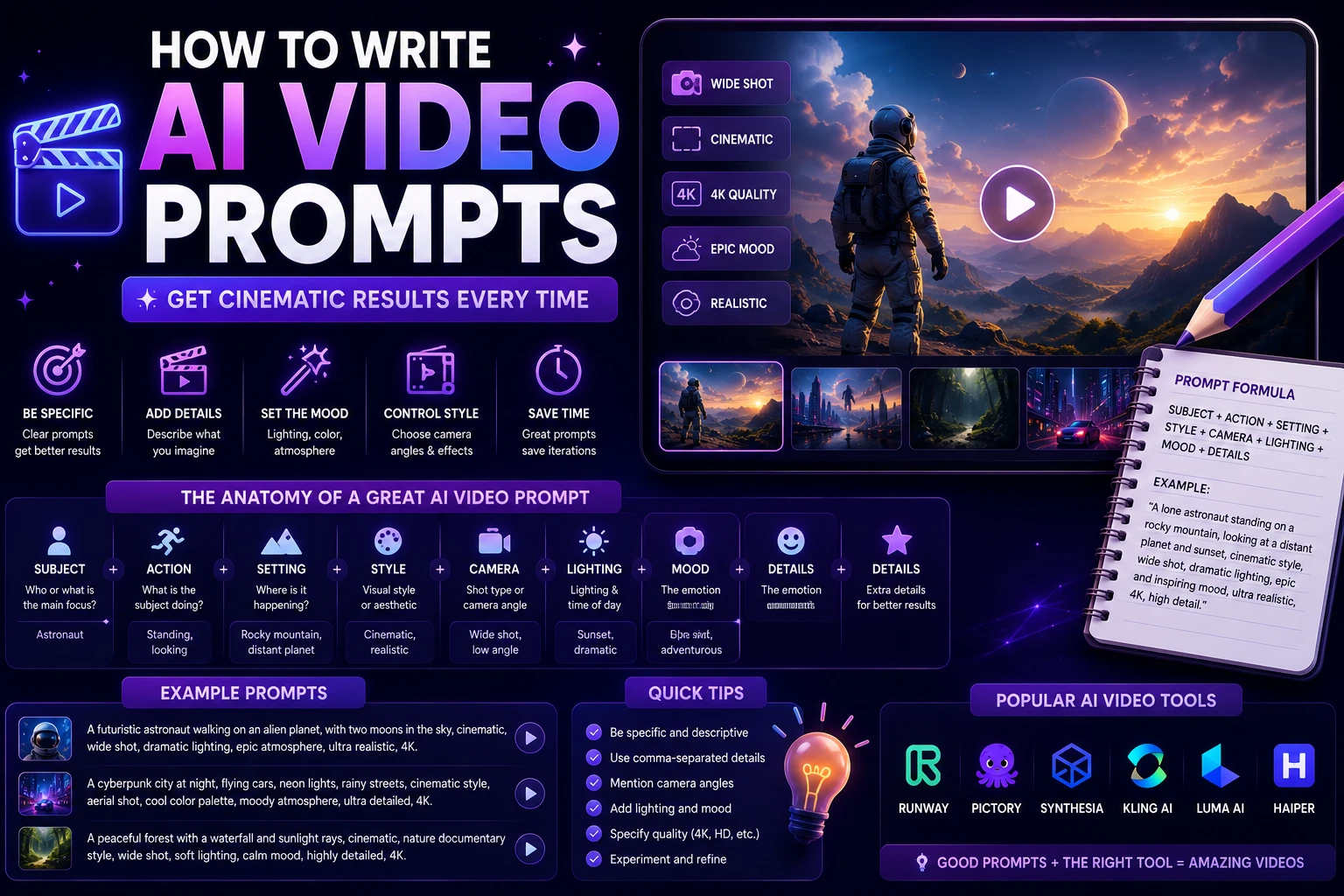
How to Write Better AI Video Prompts
A good video prompt should explain not only what the scene looks like, but also how the scene should move.
A useful prompt can include:
- Subject: What appears in the video?
- Environment: Where does the scene happen?
- Action: What is moving?
- Camera: How should the camera move?
- Lighting: What type of lighting should be used?
- Style: Cinematic, realistic, animated, documentary, or another style.
- Duration: How long should the scene feel?
- Mood: Calm, dramatic, energetic, futuristic, or professional.
Instead of writing:
A woman walking through a city.
A more detailed prompt could be:
Cinematic tracking shot of a young woman walking through a futuristic downtown street at night, neon lights reflecting on wet pavement, realistic movement, pedestrians in the background, shallow depth of field, slow camera movement, atmospheric lighting, photorealistic style.
Which AI Video Generator Should You Choose?
For cinematic videos
Google Veo, Kling, and Runway are strong choices if cinematic quality and realistic motion are your main priorities. Current 2026 comparisons commonly place these platforms near the top of the market.
For professional creative work
Runway is a strong option when you need more creative control and want an AI video platform that fits into a professional production workflow.
For social media
Pika is a good choice for creators who want quick, creative clips and visual effects for platforms such as TikTok, Instagram, and YouTube Shorts.
For AI presenters
HeyGen and Synthesia are better suited to presenter-style content than cinematic text-to-video tools. They can be useful for training, marketing, educational, and business communication.
What About Sora?
OpenAI's Sora was one of the most widely discussed AI video systems, but the situation has changed in 2026. Multiple current reports state that OpenAI discontinued the Sora consumer app and web experience in April 2026, with the API scheduled to sunset later in 2026.
Because availability and product status can change quickly, users should check OpenAI's current documentation before choosing Sora for a new production workflow.
Are AI Video Generators Free?
Some AI video platforms offer free credits or limited free access, while more advanced generation usually requires a paid plan or a credit-based system.
The amount of video you can generate depends on the platform, model, resolution, duration, and generation settings. In practice, the cheapest-looking plan is not always the best value if you need to produce large amounts of video.
Before subscribing, compare the number of generations you actually receive, output quality, available models, watermarks, and commercial-use terms.
Can AI-Generated Videos Be Used Commercially?
Commercial use depends on the specific AI service and the terms associated with your plan. Some platforms provide commercial-use rights under certain conditions, while others may have restrictions.
If you're creating advertisements, YouTube videos, client projects, or content for a business, always review the provider's current licensing and commercial-use terms before publishing.
Final Verdict
AI video generation has become one of the most exciting areas of artificial intelligence in 2026. Modern platforms can produce realistic motion, cinematic scenes, animated images, social media clips, and presenter-based videos with much less manual work than traditional production.
For cinematic and high-quality generation, Google Veo is one of the strongest choices. Runway is an excellent option for professional creators who want more control, while Kling AI is a strong choice for realistic motion and cinematic scenes.
For short-form social content, Pika is worth considering. For AI presenters and business videos, HeyGen and Synthesia solve a different but equally useful problem.
There is no single AI video generator that is perfect for everyone. The right tool depends on whether your priority is cinematic quality, creative control, social media production, realistic motion, or professional presentation videos.
Frequently Asked Questions
What is the best AI video generator in 2026?
Google Veo, Runway, and Kling are among the leading choices in current 2026 comparisons, but the best tool depends on your specific workflow and requirements.
Can AI generate videos from text?
Yes. Text-to-video systems can create video clips from natural-language descriptions. You can describe the subject, environment, action, camera movement, lighting, and visual style.
Can AI animate an existing image?
Yes. Many modern AI video generators support image-to-video generation, allowing you to turn a still image into an animated scene.
Which AI video generator is best for TikTok?
Pika can be a useful choice for short-form social content because it focuses on accessible generation and creative effects. Other platforms such as Runway and Kling can also be useful when higher visual quality or more control is required.
Can AI-generated videos be used on YouTube?
AI-generated videos can be used as part of YouTube content, but creators should review the platform's current policies and the AI provider's licensing terms, particularly when publishing commercial content.