
AI coding tools have become an important part of modern software development. They can help developers write code faster, understand unfamiliar projects, find bugs, generate tests, refactor existing code, and learn new programming languages.
The good news is that you don't always need a paid subscription to get started. In 2026, several powerful AI coding assistants offer free plans or free tiers that are useful for beginners, students, hobby developers, and even professional programmers working on smaller projects.
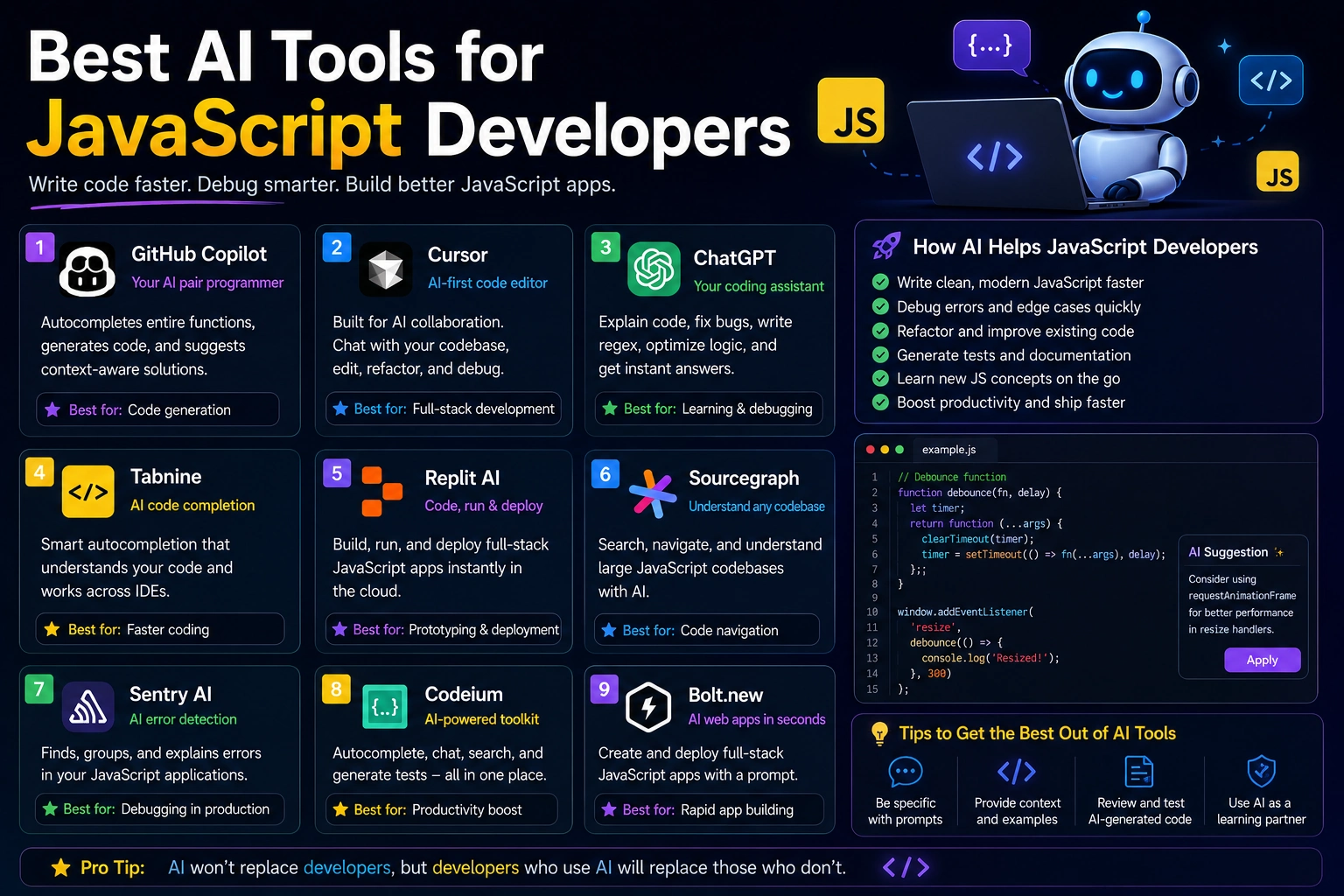
Some of the strongest free options include GitHub Copilot, Gemini Code Assist, Cursor, Windsurf, Cline, and Aider. Their free offerings differ considerably, so the best choice depends on whether you want autocomplete, an AI-powered editor, research help, or agent-style coding.
In this guide, we'll compare the best free AI coding tools in 2026 and explain what each one is best for.
What Are AI Coding Tools?
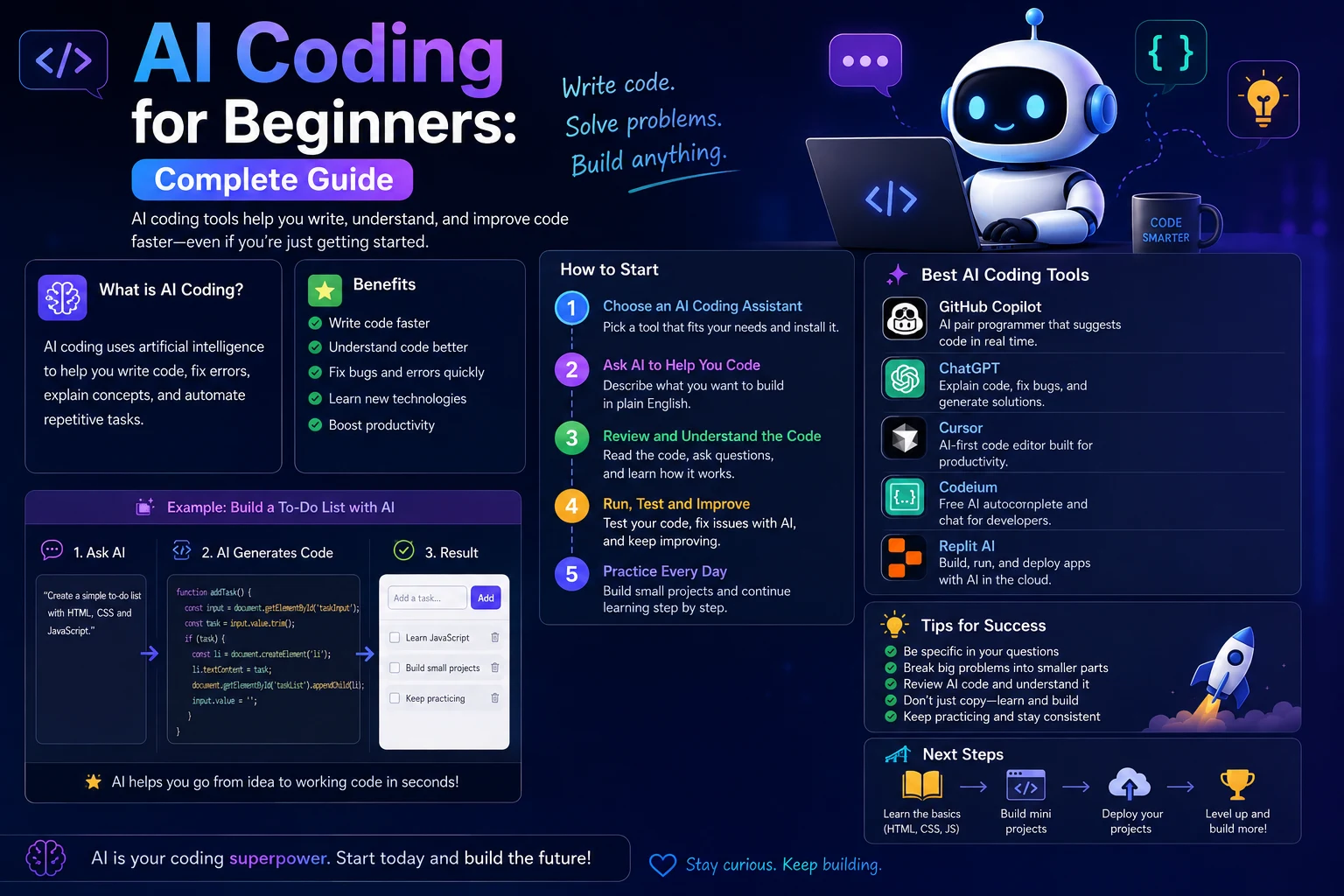
AI coding tools are applications that use artificial intelligence to assist with software development.
Depending on the tool, they can help you:
- Generate code from natural-language instructions
- Complete code as you type
- Explain unfamiliar code
- Find and fix bugs
- Refactor existing code
- Write unit tests
- Generate documentation
- Understand large codebases
- Create project files
- Learn programming concepts
Some tools work as extensions inside popular editors such as VS Code and JetBrains, while others provide their own AI-powered development environment or terminal interface.
Best Free AI Coding Tools in 2026
1. Gemini Code Assist
Best for: Generous free coding assistance
Gemini Code Assist is one of the most attractive free options for developers in 2026. It integrates with popular development environments and can provide code completion, explanations, debugging assistance, and other coding support.
Current 2026 comparisons report a particularly generous free allowance for Gemini Code Assist, making it an attractive option for developers who want a large amount of AI-assisted coding without paying for a subscription.
Best features:
- Code completion
- Code generation
- Debugging assistance
- Code explanations
- IDE integration
- Large free usage allowance
Best for: Students, beginners, and developers who want a generous free coding assistant.
2. GitHub Copilot Free
Best for: Beginners and everyday coding assistance
GitHub Copilot is one of the most established AI coding assistants. Its free plan gives individual developers access to a limited amount of AI-assisted coding without requiring a paid subscription.
GitHub's current official pricing page lists the Free plan at $0 and includes 2,000 code completions per month, along with access to selected AI models and Copilot CLI.
Copilot works with popular development environments including VS Code, Visual Studio, JetBrains IDEs, and Neovim.
Best features:
- Code autocomplete
- AI chat
- Code explanations
- Debugging assistance
- Multiple IDE integrations
- GitHub integration
- Copilot CLI
Best for: Developers who already use GitHub and want a familiar AI assistant inside their editor.
3. Cursor
Best for: AI-powered code editing
Cursor is an AI-powered code editor based on the VS Code ecosystem. It is designed to make AI assistance a central part of the development experience rather than simply adding autocomplete to an existing editor.
Its free tier is limited, but it can still be useful for beginners and developers who want to experiment with AI-assisted development. Current 2026 comparisons report a free tier with limited completions and premium requests.
Best features:
- AI code completion
- Codebase-aware chat
- Multi-file editing
- Code generation
- Bug fixing
- Natural-language coding
Best for: Developers who want an AI-first coding editor.
4. Windsurf
Best for: AI-assisted development workflows
Windsurf is another AI-powered development environment that combines code completion with more advanced AI assistance.
Its free offering has changed over time, but current 2026 comparisons identify Windsurf as an attractive option for developers interested in AI-assisted editor workflows and agent-style features.
Best features:
- AI autocomplete
- Code generation
- Multi-file assistance
- AI coding workflows
- Editor integration
- Project-aware assistance
Best for: Developers who want an AI-native coding environment with more than simple autocomplete.
5. Cline
Best for: Open-ended AI coding agents
Cline is an AI coding assistant available as an extension for VS Code and compatible environments. It is particularly interesting for developers who want an agent-style workflow where the AI can work across multiple files and perform development tasks.
Cline itself can be used without a subscription, although the underlying AI model may require an API key or another supported provider. Current comparisons describe this as a free tool with a bring-your-own-API-key model.
Best features:
- Agentic coding
- Multi-file changes
- Terminal interaction
- Code generation
- Project analysis
- VS Code integration
Best for: Developers who want more control over the AI model and coding workflow.
6. Aider
Best for: Terminal-based coding and Git workflows
Aider is an AI pair-programming tool designed to work from the terminal. It can interact with your Git repository and help modify existing code.
The software itself is free and open source, although you typically need access to an AI model through an API or another provider. Current 2026 comparisons identify Aider as a strong free and open-source option for Git-integrated AI pair programming.
Best features:
- Terminal-based coding
- Git integration
- Code editing
- Repository-aware assistance
- Multiple AI model options
- Open-source workflow
Best for: Experienced developers who prefer the command line.
7. Continue
Best for: Customizable AI coding
Continue is an open-source coding assistant that integrates with development environments such as VS Code and JetBrains.
One of its biggest advantages is flexibility. Developers can connect different AI models and customize how the assistant works.
Current 2026 comparisons list Continue among the notable free options for developers who want an open and customizable coding workflow.
Best features:
- Open-source
- Custom AI models
- VS Code integration
- JetBrains integration
- Code generation
- Code explanations
Best for: Developers who want control over their AI coding stack.
8. Replit
Best for: Beginners and browser-based coding
Replit provides a browser-based development environment with AI-powered coding features. Because everything runs online, it can be convenient for beginners who don't want to configure a local development environment.
Its free plan is limited, but it can be useful for learning programming and creating small prototypes. Current comparisons include Replit among free-tier options for learning and AI-assisted development.
Best features:
- Browser-based development
- AI coding assistance
- Online projects
- Easy setup
- Beginner-friendly workflow
Best for: Beginners and students learning to code.
Quick Comparison of the Best Free AI Coding Tools
| Tool | Best For | Free Option | IDE | Agent Features | Ease of Use |
|---|---|---|---|---|---|
| Gemini Code Assist | Generous free usage | Yes | Excellent | Limited | Excellent |
| GitHub Copilot | Everyday coding | Yes | Excellent | Limited | Excellent |
| Cursor | AI-native editor | Limited | Excellent | Very Good | Excellent |
| Windsurf | AI development workflow | Limited | Excellent | Very Good | Very Good |
| Cline | AI coding agents | Yes* | Excellent | Excellent | Good |
| Aider | Terminal coding | Yes* | Terminal | Very Good | Good |
| Continue | Customization | Yes* | Excellent | Very Good | Good |
| Replit | Beginners | Limited | Browser | Good | Excellent |
*The software may be free, but using an external AI model can require an API key or paid model access.
Which Free AI Coding Tool Is Best?
The best option depends on what you're trying to accomplish.
- Best overall free option: Gemini Code Assist
- Best for beginners: GitHub Copilot
- Best AI editor: Cursor
- Best for AI coding workflows: Windsurf
- Best open-ended coding agent: Cline
- Best terminal tool: Aider
- Best customizable option: Continue
- Best for learning: Replit
How to Choose a Free AI Coding Tool
Consider Your Editor
If you already use VS Code, an extension such as GitHub Copilot, Cline, or Continue may be the easiest option.
If you want a completely AI-focused editor, Cursor or Windsurf may be a better fit.
Consider Your Coding Experience
Beginners generally benefit from tools that explain code and provide straightforward suggestions. More experienced developers may prefer agentic tools that can modify multiple files and work directly with repositories.
Consider Usage Limits
A tool advertised as "free" may still have strict limits on completions, chat requests, agent operations, or model access.
For example, GitHub's official Free plan currently includes 2,000 completions per month.
Free limits can change, so check the provider's current pricing page before relying on a particular allowance.
Consider Model Choice
Some coding tools lock free users to specific models, while others let you connect different models through an API.
If model flexibility is important to you, open-source tools such as Cline, Aider, and Continue can be particularly interesting.
How to Use AI Coding Tools Effectively
Start With a Clear Request
Instead of asking:
"Fix my code."
Give the AI useful context:
"This PHP function returns an undefined variable error when the form is submitted. Explain the cause, identify the problematic line, and suggest a minimal fix without changing the rest of the function."
Ask AI to Explain the Code
AI coding assistants are excellent learning tools. If you don't understand a function or class, ask the assistant to explain what it does step by step.
Generate Tests
Ask your coding assistant to create unit tests for important functions. This can help identify edge cases and prevent regressions.
Review AI-Generated Code
Never assume AI-generated code is automatically correct or secure.
Read the code, test it, run your existing test suite, and check for security problems before deploying it.
Are Free AI Coding Tools Good Enough?
For many developers, yes.
Free tools can be more than enough for learning programming, completing small projects, generating boilerplate, explaining errors, and experimenting with AI-assisted development.
However, developers working on large codebases or using AI agents heavily may eventually need higher usage limits, more powerful models, or advanced team features.
Free AI Coding Tools for Students
Students can benefit significantly from free coding assistants. Instead of using AI simply to generate assignments, students can use these tools to understand programming concepts and learn from their mistakes.
Useful student tasks include:
- Explaining programming concepts
- Debugging homework code
- Creating practice exercises
- Explaining error messages
- Generating small coding examples
- Reviewing personal projects
- Learning new programming languages
Students should still follow their school's or university's rules regarding AI-assisted coursework.
Common Mistakes When Using AI for Coding
1. Copying Code Without Understanding It
AI can generate working-looking code very quickly, but copying code without understanding it can create problems later.
2. Not Testing the Output
Always run and test AI-generated code. A solution that looks correct can still contain bugs.
3. Ignoring Security
AI-generated code can introduce security vulnerabilities. Pay particular attention to authentication, SQL queries, file uploads, permissions, API keys, and user input.
4. Giving AI Sensitive Information
Avoid sending passwords, private API keys, database credentials, or confidential company information to AI tools unless you understand the tool's privacy and data-handling policies.
5. Letting AI Make Huge Changes Without Review
For larger projects, review changes incrementally. Use Git so that you can inspect and revert modifications when necessary.
Best Free AI Coding Setup for Beginners
If you're just getting started, you don't need a complicated setup.
A simple combination could be:
- VS Code: Your primary editor
- Gemini Code Assist: Free coding assistance
- GitHub: Version control and project hosting
- ChatGPT: Explanations and learning assistance
This setup gives beginners a practical environment for learning, coding, debugging, and experimenting with AI.
Best Free AI Coding Setup for Experienced Developers
Experienced developers may prefer a more customizable setup.
For example, you could combine:
- Cursor or VS Code: Main development environment
- Cline or Continue: Custom AI workflows
- Aider: Terminal and Git workflows
- GitHub: Repository management
The advantage of this approach is that you can choose different tools depending on the project instead of relying on a single AI assistant.
Final Thoughts
The best free AI coding tools in 2026 make it much easier to experiment with AI-assisted programming without immediately paying for a subscription.
Gemini Code Assist stands out for developers looking for a generous free option, while GitHub Copilot is an excellent choice for developers who want a familiar assistant integrated into popular IDEs.
Cursor and Windsurf are worth considering if you want an AI-native development environment. Developers who prefer open and customizable workflows can explore Cline, Aider, and Continue.
The most important thing is not choosing the tool with the biggest feature list. Choose the tool that fits your editor, programming experience, workflow, and budget.
And remember: AI should help you become a better developer, not replace your understanding of the code.
Frequently Asked Questions
What is the best free AI coding tool in 2026?
Gemini Code Assist is one of the strongest free options because of its generous free usage. GitHub Copilot is another excellent choice for developers who want reliable code completion inside popular IDEs.
Is GitHub Copilot free?
Yes. GitHub currently offers a Free plan for individual developers. Its official pricing page lists 2,000 code completions per month and selected AI features.
Is Cursor free?
Cursor offers a limited free tier. It can be useful for trying its AI-native editor, but heavy users may need a paid plan once the free usage limits are reached.
What is the best free AI coding tool for beginners?
GitHub Copilot, Gemini Code Assist, and Replit are good starting points. Beginners should prioritize tools that explain code and help them learn rather than simply generating complete projects.
Are free AI coding tools good for professional developers?
Yes, especially for autocomplete, debugging, documentation, and smaller tasks. However, professional developers working heavily with AI agents may eventually benefit from paid plans with higher usage limits and more advanced models.
Can AI coding tools build an entire website?
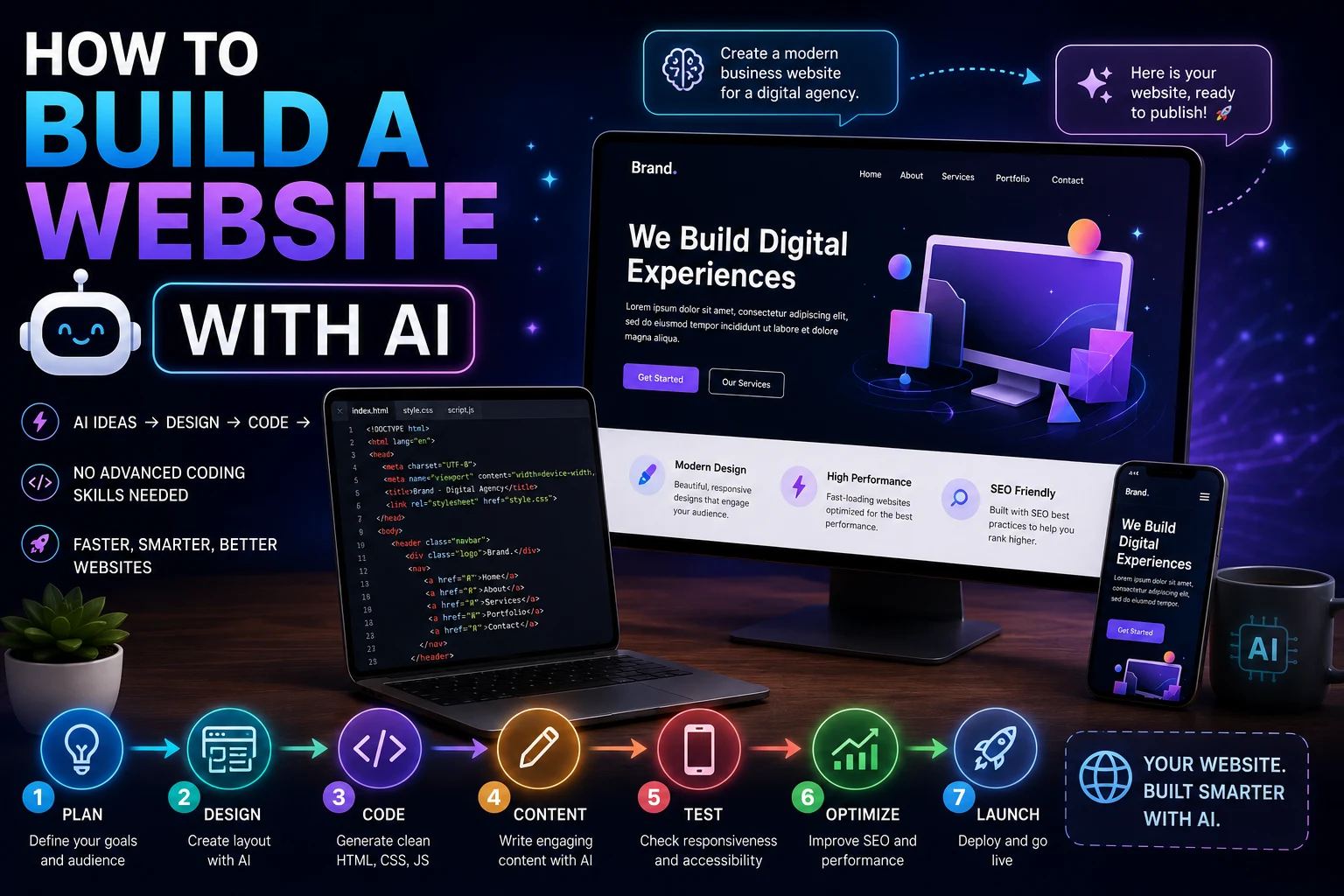
Some AI coding tools can generate substantial parts of a website or application from natural-language instructions. However, developers still need to review the architecture, security, functionality, performance, and generated code.
Are free AI coding tools safe?
They can be useful, but you should review privacy policies and avoid sharing secrets such as passwords, private API keys, and confidential source code unless you understand how the service handles that information.