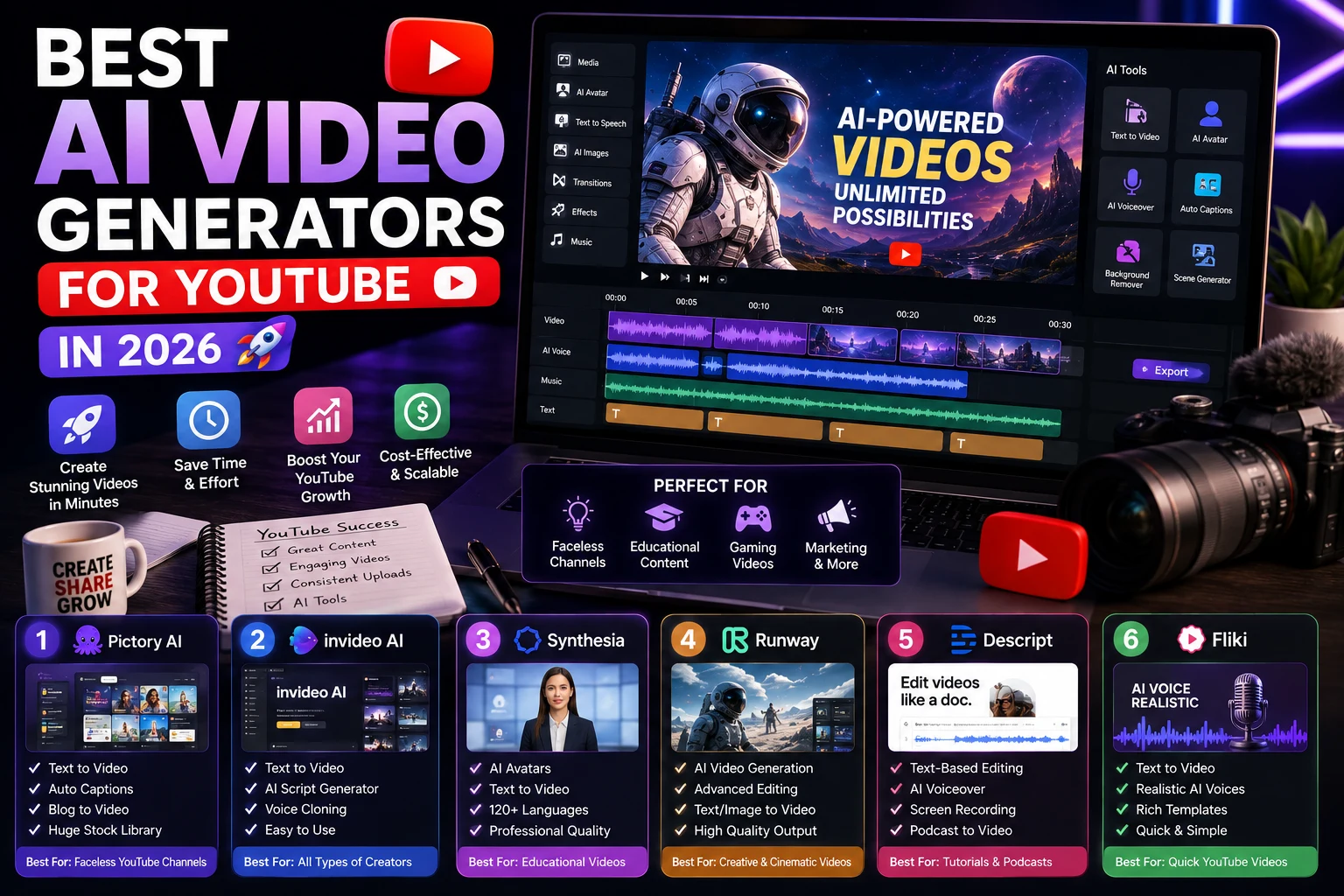

Creating a successful YouTube video traditionally requires a camera, microphone, lighting, video editing software, and plenty of time. AI is changing that workflow.
Today, creators can use AI to generate video scenes, create B-roll, produce talking-avatar videos, turn scripts into videos, generate voiceovers, and repurpose long-form content into Shorts.
But with so many AI video tools available, choosing the right one can be difficult.
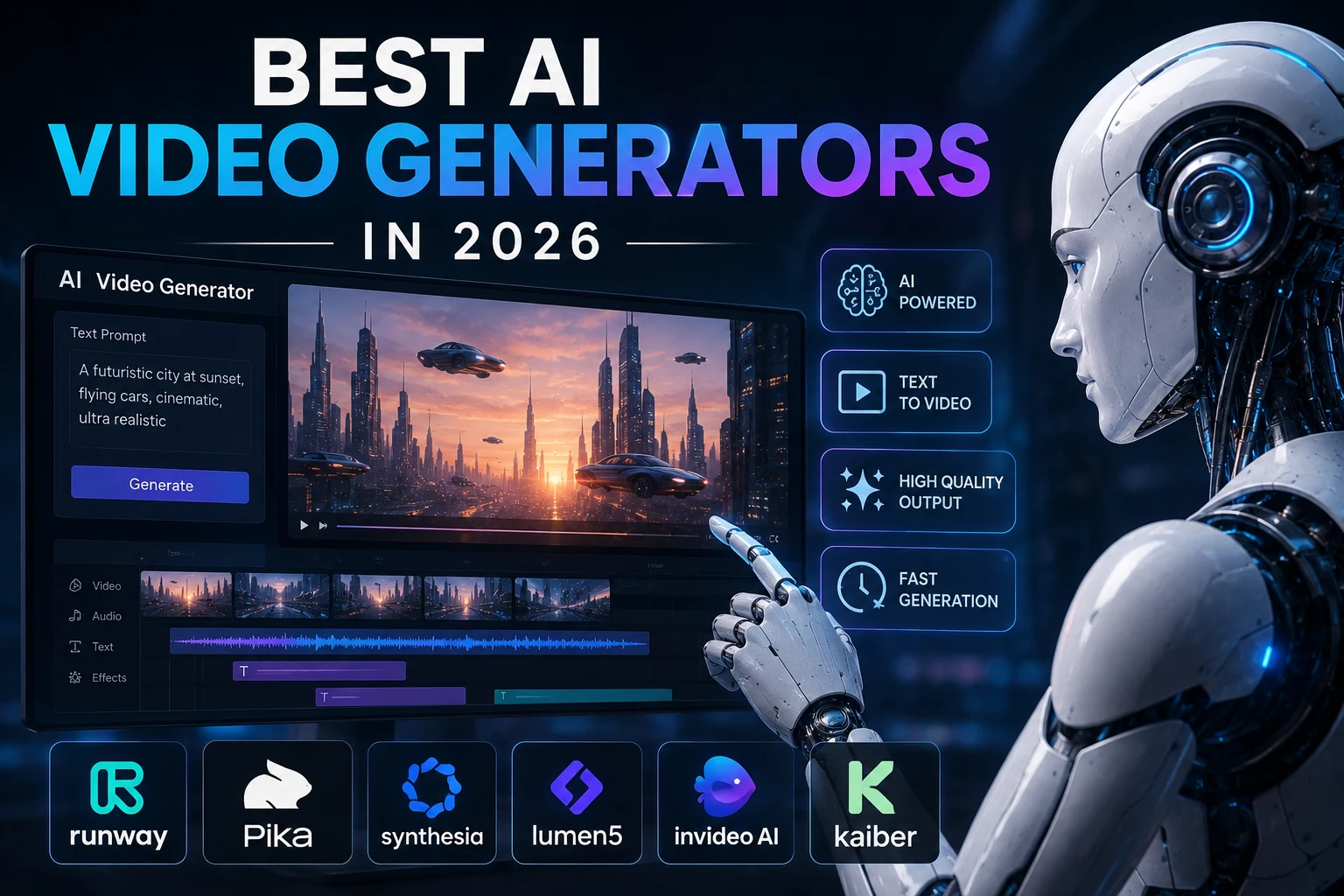
In this guide, we'll compare the best AI video generators for YouTube in 2026 and explain which tools are best for faceless channels, cinematic videos, tutorials, AI avatars, Shorts, and beginner-friendly workflows.
What Is an AI Video Generator?
An AI video generator is a tool that uses artificial intelligence to create or edit video content from text prompts, scripts, images, or existing footage.
Depending on the platform, you can use AI to create:
- Complete YouTube videos
- Faceless videos
- Cinematic B-roll
- AI avatar presentations
- Educational videos
- Product demonstrations
- YouTube Shorts
- Animated videos
- Video introductions
- Background footage
Some tools focus on generating individual scenes, while others are designed to turn an entire script into a finished video.
Best AI Video Generators for YouTube
1. HeyGen
Best for: AI avatars, faceless channels, and multilingual YouTube videos
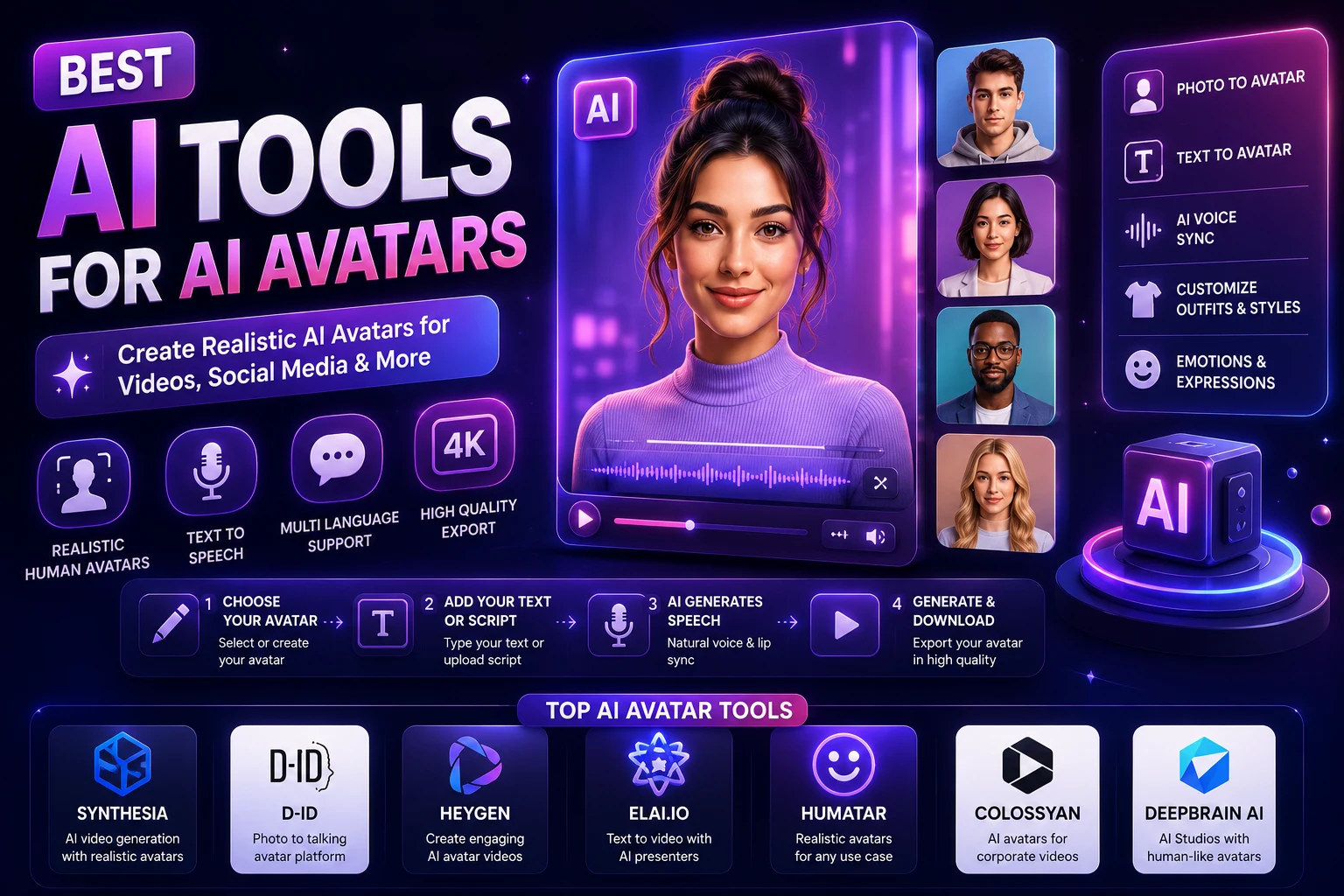
HeyGen is one of the strongest options for creators who want to produce videos without appearing on camera. It combines AI avatars, voice generation, script-based video creation, and multilingual capabilities in one workflow.
Recent 2026 evaluations have highlighted HeyGen as a strong overall option for YouTube creators, particularly for avatar-led and faceless content.
It can be particularly useful for educational channels, tutorials, business content, explainer videos, and creators publishing in multiple languages.
Best features:
- AI presenters and avatars
- Script-to-video workflows
- Voice generation
- Multilingual video creation
- Faceless video production
- Video translation
Best for: Educational channels, tutorials, business channels, and faceless YouTube creators.
2. Runway
Best for: Cinematic YouTube videos and AI-generated B-roll
Runway is an excellent choice when you want more creative control over individual scenes and visual sequences.
Its current AI video workflow supports starting from text prompts, images, or existing clips, then refining, extending, upscaling, and exporting the results.
Runway is particularly useful for cinematic storytelling, technology videos, documentaries, music videos, product videos, and B-roll.
Best features:
- Text-to-video generation
- Image-to-video generation
- AI video editing
- Cinematic B-roll
- Video extension
- Creative visual effects
Best for: Creators who want cinematic visuals and greater creative control.
3. Google Veo
Best for: High-quality AI-generated video and cinematic scenes
Google's Veo family is another major option for creators interested in high-quality generative video. Google has also integrated generative video technology into YouTube's creator ecosystem through features such as Dream Screen.
Veo is especially interesting for creators who want realistic scenes, cinematic sequences, and generated audio in supported workflows.
Best for: Cinematic storytelling, B-roll, Shorts, and high-quality visual experiments.
4. Kling AI
Best for: Realistic motion and affordable AI video generation
Kling AI has become a popular choice among creators who need short AI-generated clips and realistic motion without necessarily using the most expensive platforms.
It can be useful for generating B-roll, cinematic scenes, character animations, and visual effects for YouTube videos.
Best features:
- Text-to-video
- Image-to-video
- Realistic motion
- Character-focused scenes
- Short cinematic clips
Best for: Creators who need multiple short clips for YouTube videos.
5. InVideo AI
Best for: Beginners who want to turn a prompt or script into a complete video
InVideo AI is designed around a simpler workflow. Instead of manually generating every scene, creators can provide an idea or script and let the platform help assemble a complete video.
This makes it particularly useful for beginners who don't have advanced video-editing skills.
Best features:
- Prompt-to-video workflows
- Script-to-video
- AI voiceovers
- Stock media integration
- Automated editing
- Captions
Best for: Beginners, faceless channels, educational content, and list-style YouTube videos.
6. Synthesia
Best for: Educational and presenter-based YouTube videos
Synthesia focuses heavily on AI presenters and professional video communication. It can be useful for educational channels, tutorials, software demonstrations, and business-focused YouTube content.
It is especially suitable when you want a presenter without recording yourself on camera.
Best features:
- AI presenters
- Script-based videos
- Multilingual content
- Professional presentation styles
- Educational video workflows
Best for: Tutorials, courses, educational channels, and professional presentations.
7. Pika
Best for: YouTube Shorts and creative visual effects
Pika is useful for creators who want to experiment with short AI-generated clips and visual effects.
It is particularly suitable for Shorts, memes, creative transitions, and short-form visual experiments rather than producing an entire long-form YouTube video from start to finish.
Best for: YouTube Shorts, social media creators, and quick creative effects.
Quick Comparison
| AI Tool | Best For | Ease of Use | Video Quality |
|---|---|---|---|
| HeyGen | AI avatars & faceless videos | Excellent | Very Good |
| Runway | Cinematic B-roll | Very Good | Excellent |
| Google Veo | High-quality generative video | Very Good | Excellent |
| Kling AI | Realistic short clips | Very Good | Excellent |
| InVideo AI | Complete videos for beginners | Excellent | Very Good |
| Synthesia | Educational presenter videos | Excellent | Very Good |
| Pika | YouTube Shorts & effects | Excellent | Very Good |
Which AI Video Generator Is Best for YouTube?
There isn't one AI video generator that is perfect for every YouTube channel. The best choice depends on your content format.
- Best overall for creators: HeyGen
- Best for cinematic videos: Runway
- Best for high-quality generative scenes: Google Veo
- Best for realistic short clips: Kling AI
- Best for beginners: InVideo AI
- Best for educational presenters: Synthesia
- Best for Shorts and effects: Pika
Best AI Video Generator for Faceless YouTube Channels
Faceless YouTube channels are one of the most popular applications of AI video tools.
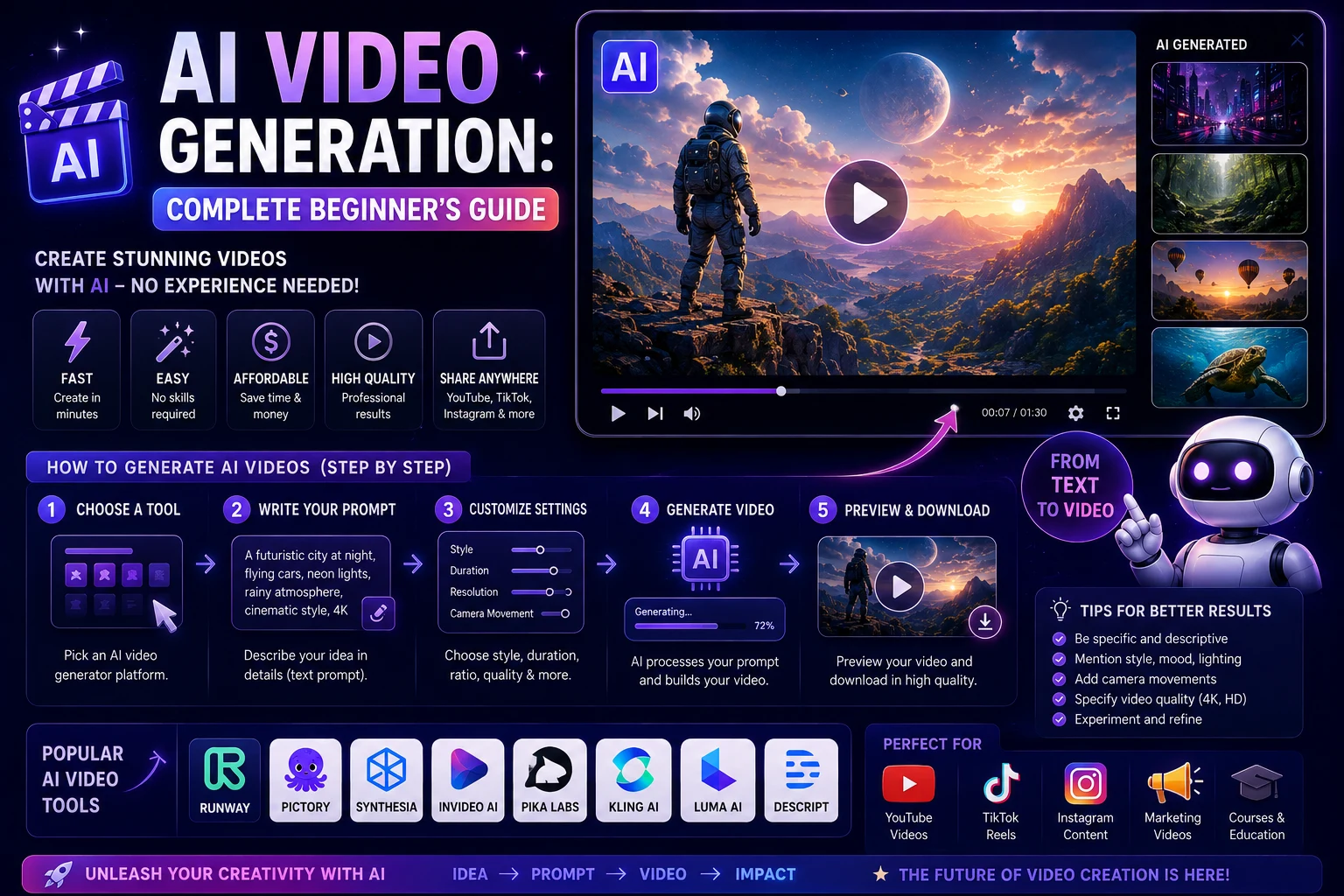
A typical faceless workflow looks like this:
- Research a topic.
- Write a script.
- Generate narration.
- Create or collect visual footage.
- Combine narration and visuals.
- Add captions and music.
- Create a thumbnail.
- Upload the finished video to YouTube.
HeyGen and InVideo AI are particularly useful for creators who want to automate much of this process, while Runway and Kling are better suited to generating custom visual footage.
Best AI Video Generator for YouTube Shorts
YouTube Shorts require a slightly different approach from long-form videos.
Shorts usually benefit from:
- Fast pacing
- Vertical video
- Strong opening hooks
- Captions
- Short visual scenes
- Quick transitions
Pika, Runway, Kling, and other short-clip generators can be useful for creating visual scenes, while AI editing tools can help assemble and caption the final Short.
Best AI Video Generator for YouTube Tutorials
If you create tutorials, educational videos, or software guides, an AI avatar platform can be especially useful.
Synthesia and HeyGen are strong options for presenter-style content because they can create videos around scripts without requiring you to record yourself on camera.
For tutorials that need custom visual demonstrations or cinematic B-roll, you can combine an avatar tool with Runway or another generative video platform.
How to Create a YouTube Video with AI
Step 1: Choose a Topic
Start with a topic that provides genuine value to your target audience.
Examples include:
- How-to tutorials
- AI tool reviews
- Technology news
- Educational explanations
- Product comparisons
- Travel guides
- History videos
Step 2: Write the Script
Your script should have a strong opening, clear structure, useful information, and a conclusion.
For YouTube, avoid making the introduction unnecessarily long. The viewer should understand the value of the video quickly.
Step 3: Generate the Visuals
Use an AI video generator to create the visual scenes needed for your script.
You can generate separate clips for each section rather than attempting to create the entire video in one generation.
Step 4: Generate the Voiceover
AI voice tools can create narration from your script. Choose a voice that matches the topic and audience.
For educational content, a clear and natural voice is usually preferable to an overly dramatic one.
Step 5: Edit Everything Together
Combine the narration, AI-generated footage, music, captions, and other elements in a video editor.
Make sure the visuals change often enough to maintain viewer interest without making the video feel chaotic.
Step 6: Create a Thumbnail
Your thumbnail is one of the most important elements of your YouTube video.
You can use AI image generators and design tools to create thumbnail concepts, but keep the final design simple and easy to understand at a small size.
How to Write AI Video Prompts for YouTube
Good prompts can make a major difference in the quality of generated footage.
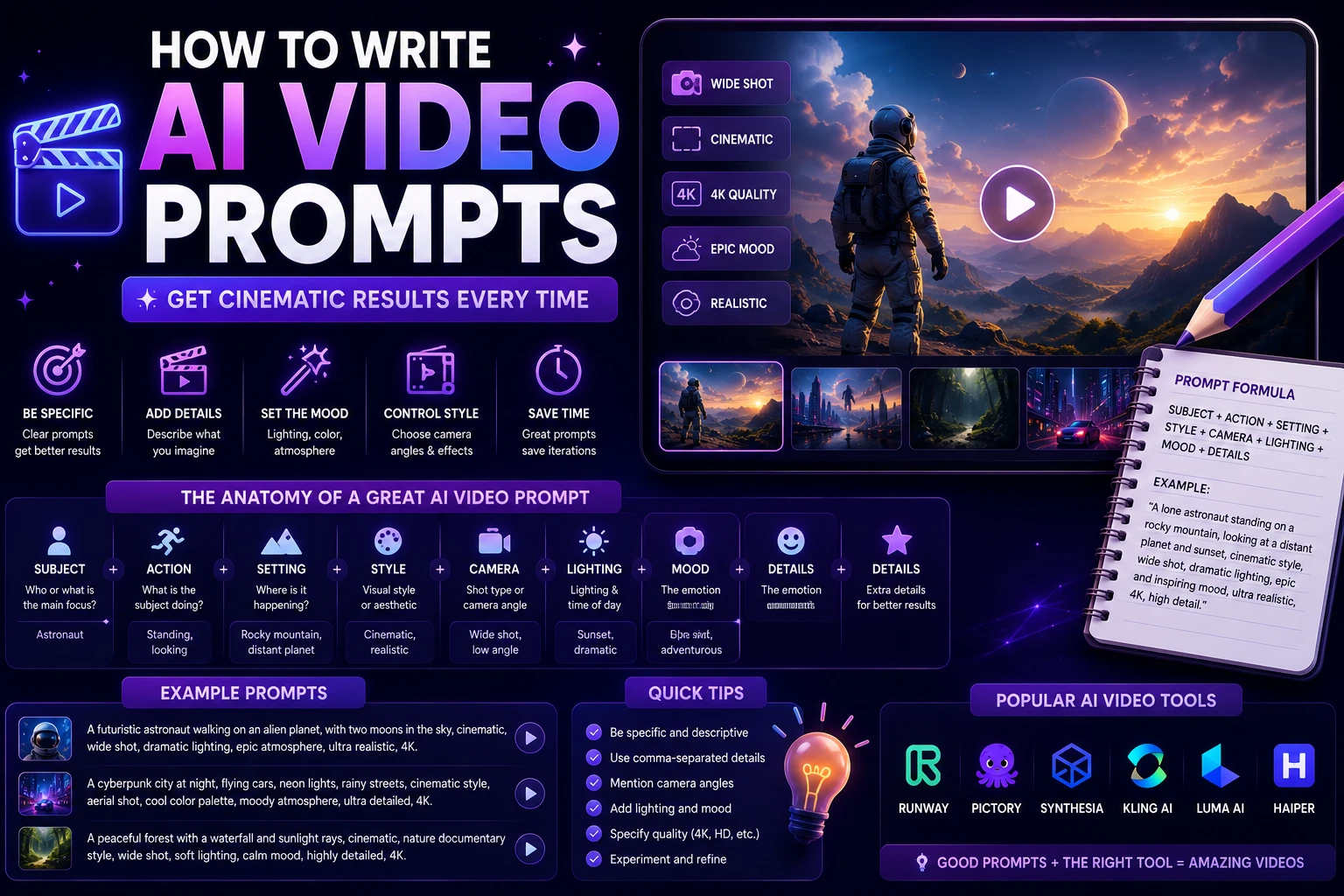
A useful formula is:
Subject + Action + Environment + Camera + Lighting + Style + Motion
For example:
"A futuristic AI robot walking through a modern technology laboratory, glowing screens and holographic interfaces in the background, slow cinematic tracking shot, realistic movement, dramatic blue and purple lighting, shallow depth of field, premium technology documentary style, highly detailed."
Tips for Creating Better AI YouTube Videos
- Start with a strong hook.
- Keep your script focused on one topic.
- Use short AI-generated clips instead of one long generation.
- Keep characters and visual styles consistent.
- Use captions when appropriate.
- Don't rely entirely on AI-generated footage.
- Add original commentary and useful information.
- Review every generated clip before publishing.
- Use licensed music and sound effects.
- Create custom thumbnails for every video.
Can You Monetize AI-Generated YouTube Videos?
AI can be used as part of a YouTube production workflow, but using AI does not automatically make a channel successful or eligible for monetization.
The important factor is the value and originality of the finished content. Simply generating large numbers of nearly identical videos with minimal human input may produce low-quality content that viewers don't find useful.
A better strategy is to use AI to accelerate production while adding your own research, opinions, storytelling, editing, commentary, and expertise.
Should You Use One AI Tool or Several?
For most serious YouTube creators, combining several specialized tools can produce better results than relying on a single platform.
For example:
- Script: AI writing assistant
- Voice: AI voice generator
- B-roll: Runway or Kling
- Presenter: HeyGen or Synthesia
- Editing: AI video editor
- Thumbnail: AI image generator + design tool
This approach lets you choose the strongest tool for each part of your workflow.
Final Thoughts
AI video generation has become a practical option for YouTube creators in 2026. Whether you're building a faceless channel, producing tutorials, creating cinematic videos, or publishing Shorts, there is now an AI tool that can simplify part of the process.
HeyGen is a strong choice for avatar-based and faceless content, while Runway is better suited to cinematic visuals and creative B-roll. Google Veo is worth considering when high-quality generative video is the priority, while InVideo AI is a convenient starting point for beginners.
The best results usually come from combining AI generation with human creativity. Use AI to save time, experiment with ideas, and automate repetitive tasks—but make sure the final video provides something genuinely useful to your viewers.
Frequently Asked Questions
What is the best AI video generator for YouTube?
There is no single best tool for every channel. HeyGen is a strong option for avatars and faceless videos, Runway is excellent for cinematic B-roll, Google Veo focuses on high-quality generative video, and InVideo AI is beginner-friendly for script-to-video workflows.
Can AI create a complete YouTube video?
Yes. Some AI platforms can generate a large portion of a complete video from a script or prompt. However, reviewing and editing the output is still important if you want professional and original content.
What is the best AI video generator for faceless YouTube channels?
HeyGen and InVideo AI are strong options for faceless workflows. Runway and Kling can complement them by generating custom B-roll and visual scenes.
Can I use AI-generated videos on YouTube?
Yes. AI-generated content can be uploaded to YouTube, but creators should follow YouTube's applicable policies, disclosure requirements, copyright rules, and monetization guidelines.
What is the best AI video generator for YouTube Shorts?
Pika, Runway, and Kling are useful for generating short visual clips and effects. For a complete Short, you may want to combine generation with an AI-powered video editor.
Do I need video editing skills to use AI video generators?
No. Beginner-focused tools such as InVideo AI can automate much of the video creation process. However, learning basic editing will help you create more polished and engaging YouTube videos.