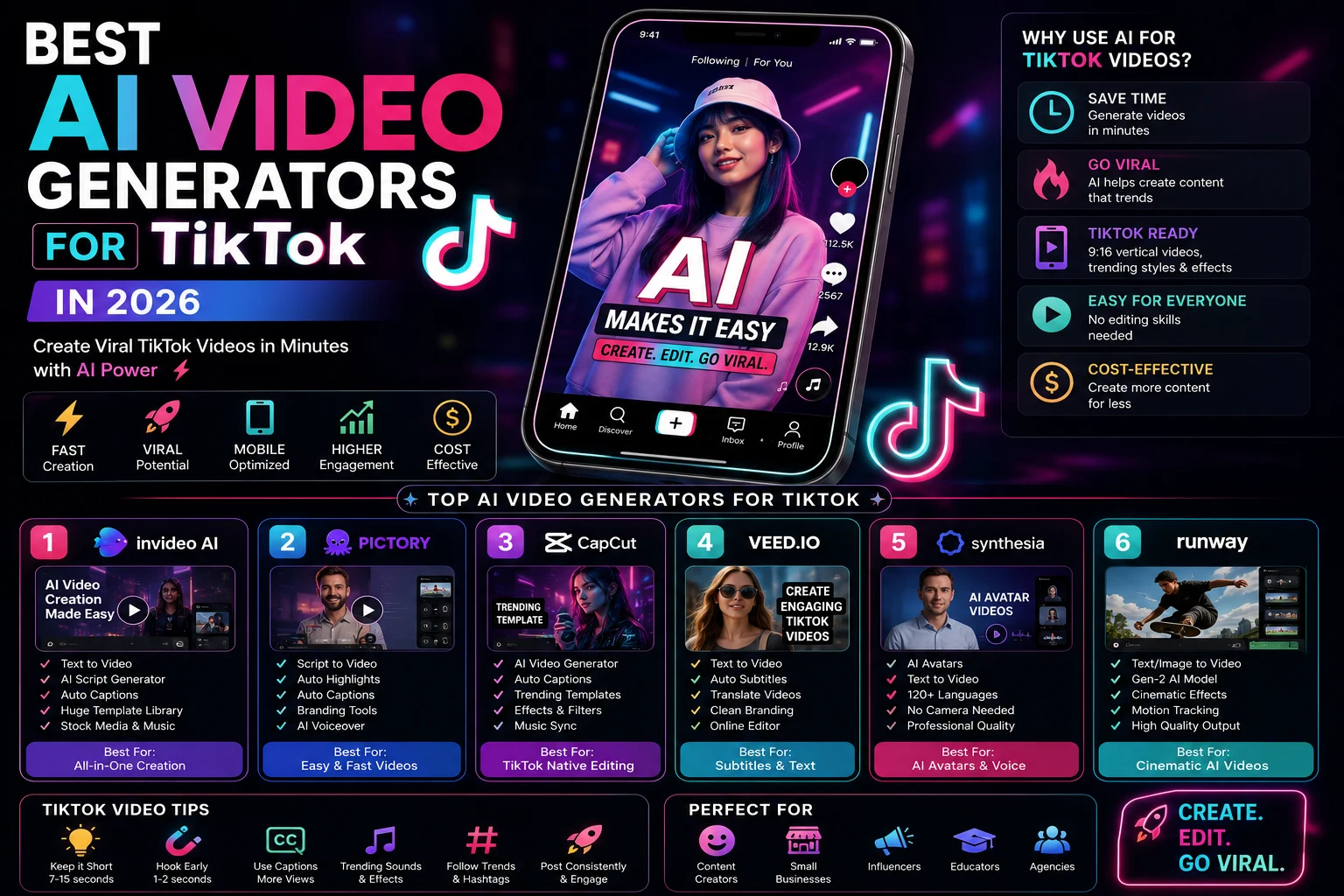

TikTok has become one of the most important platforms for short-form video creators, but consistently producing new content can take a lot of time.
AI video generators can make the process much faster. They can help you create vertical videos, generate cinematic clips, produce AI avatars, create product videos, add voiceovers, and turn simple ideas into TikTok-ready content.
In this guide, we'll compare the best AI video generators for TikTok in 2026 and explain which tools are best for viral clips, faceless accounts, UGC, advertisements, AI avatars, and everyday TikTok content.
For TikTok specifically, vertical 9:16 output, fast generation, strong visual hooks, captions, and quick iteration are especially important. Recent 2026 comparisons emphasize these factors when evaluating AI video tools for short-form content.
What Is an AI Video Generator for TikTok?
An AI video generator uses artificial intelligence to create or edit video content from text prompts, scripts, images, products, or existing footage.
For TikTok creators, these tools can help with:
- Vertical 9:16 videos
- Faceless TikTok videos
- AI avatar videos
- UGC-style videos
- Product advertisements
- AI-generated B-roll
- Storytelling videos
- Educational content
- TikTok Shorts and clips
- Captions and automated editing
The best tool depends on the type of TikTok content you want to produce.
Best AI Video Generators for TikTok
1. Kling AI
Best for: Realistic AI-generated TikTok clips
Kling is a strong choice for creators who want realistic motion and visually impressive short clips. It can be particularly useful for lifestyle content, product videos, cinematic scenes, and visual storytelling.
Recent 2026 comparisons highlight Kling as a strong option for realistic characters, lifestyle footage, and vertical social content.
Best features:
- Text-to-video generation
- Image-to-video generation
- Realistic motion
- Vertical video creation
- Character-focused scenes
- Cinematic visual styles
Best for: Creators who want realistic and cinematic TikTok clips.
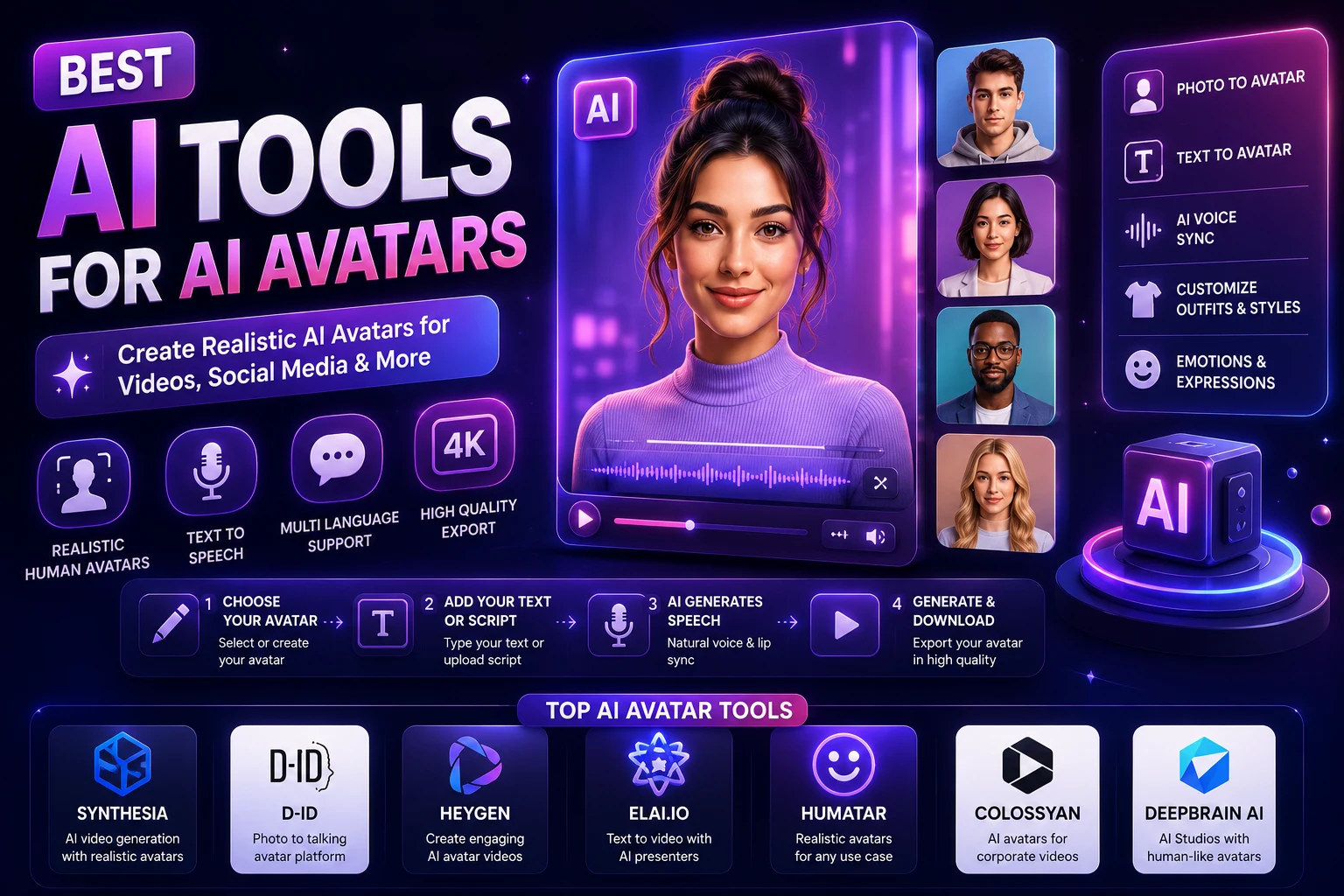
2. HeyGen
Best for: AI avatars, UGC, and presenter videos
HeyGen is especially useful when you want a person or AI avatar to deliver your TikTok content without recording yourself.
You can create videos from scripts, choose an AI presenter, generate voice narration, and produce content in multiple languages.
Current 2026 evaluations identify HeyGen as a strong overall option for presenter-based TikTok content, particularly when vertical videos, avatars, captions, and multilingual production are important.
Best features:
- AI avatars
- AI voice generation
- Multilingual videos
- Script-to-video workflows
- UGC-style content
- Vertical video creation
Best for: Educational creators, influencers, businesses, and faceless TikTok channels.
3. Pika
Best for: Creative TikTok clips and visual effects
Pika is designed for fast and creative AI video generation. It can be useful for short visual experiments, stylized videos, effects, memes, and eye-catching TikTok content.
Its speed and accessibility make it particularly interesting for creators who need to test multiple short-form ideas quickly.
Best for: Creative TikTok videos, memes, effects, and high-volume short clips.
4. Runway
Best for: Cinematic TikTok videos
Runway is a powerful option for creators who want more sophisticated visual generation and cinematic effects.
Rather than generating an entire TikTok automatically, you can use Runway to create individual scenes and B-roll that you later assemble into a finished short-form video.
Best features:
- Text-to-video
- Image-to-video
- Creative video effects
- Cinematic scenes
- AI video editing
- Visual storytelling
Best for: Cinematic creators and advanced TikTok editors.
5. InVideo AI
Best for: Creating complete TikTok videos from prompts
InVideo AI is a convenient option for beginners because it can help turn an idea or script into a complete video workflow.
Instead of manually creating every scene, the platform can help combine visuals, narration, captions, and other elements into a finished short-form video.
Best features:
- Prompt-to-video
- Script-to-video
- AI voiceovers
- Automated editing
- Captions
- Stock media
Best for: Beginners and faceless TikTok channels.
6. CapCut
Best for: Editing and finishing TikTok videos
CapCut is not simply an AI video generator, but it is one of the most useful tools in a TikTok creator's workflow because it combines video editing with AI-powered features and social-media-friendly templates.
Recent creator comparisons continue to highlight CapCut as a strong option for TikTok-native editing, captions, templates, and fast short-form production.
Best features:
- AI-powered editing
- Automatic captions
- Templates
- Effects
- Background removal
- Text animations
- Short-form editing
Best for: Almost any TikTok creator who wants to edit and polish AI-generated clips.
7. OpenArt
Best for: All-in-one AI TikTok content creation
OpenArt has expanded its video-generation capabilities and is designed for creators who want to combine scripts, visual generation, voices, and consistent characters.
Recent 2026 testing has positioned OpenArt as an all-around option for creators who want a workflow focused specifically on vertical short-form content.
Best for: Creators who want to experiment with multiple AI video workflows in one platform.
8. TikTok Symphony
Best for: TikTok-focused business and advertising content
TikTok itself has introduced TikTok Symphony, an AI-powered creative suite designed to help businesses create TikTok-ready content.
TikTok describes Symphony as a suite that can support the creative process from ideation through production, including AI-generated creative assets.
This makes it particularly interesting for brands, advertisers, agencies, and businesses creating content specifically for TikTok.
Best for: TikTok advertising, brands, product content, and marketing teams.
Quick Comparison
| AI Tool | Best For | Ease of Use | Best Content Type |
|---|---|---|---|
| Kling AI | Realistic AI video | Very Good | Cinematic clips |
| HeyGen | AI avatars | Excellent | Presenter & UGC |
| Pika | Creative effects | Excellent | Viral short clips |
| Runway | Cinematic visuals | Very Good | Creative storytelling |
| InVideo AI | Complete videos | Excellent | Faceless content |
| CapCut | AI editing | Excellent | All TikTok content |
| OpenArt | AI content creation | Very Good | Vertical AI videos |
| TikTok Symphony | TikTok marketing | Very Good | Ads & branded content |
Which AI Video Generator Is Best for TikTok?
The best choice depends on your content strategy.
- Best for realistic videos: Kling AI
- Best for AI avatars: HeyGen
- Best for creative effects: Pika
- Best for cinematic videos: Runway
- Best for beginners: InVideo AI
- Best for editing: CapCut
- Best all-in-one AI workflow: OpenArt
- Best for TikTok advertising: TikTok Symphony
Best AI Video Generator for Faceless TikTok Channels
AI is particularly useful for faceless TikTok channels because you can produce content without appearing on camera.
A typical workflow looks like this:
- Choose a topic.
- Write a short script.
- Generate AI narration.
- Create AI video clips.
- Add captions.
- Add music and sound effects.
- Edit the video.
- Publish it as a vertical TikTok.
InVideo AI and HeyGen can simplify much of this process, while Kling, Pika, and Runway can provide custom visual footage.
Best AI Video Generator for TikTok Ads
Businesses have different requirements from entertainment creators. For advertisements, you may need product demonstrations, UGC-style presentations, AI presenters, and multiple variations of the same creative.
HeyGen is useful for presenter and UGC-style content, while TikTok Symphony is specifically designed around TikTok's advertising and creative ecosystem.
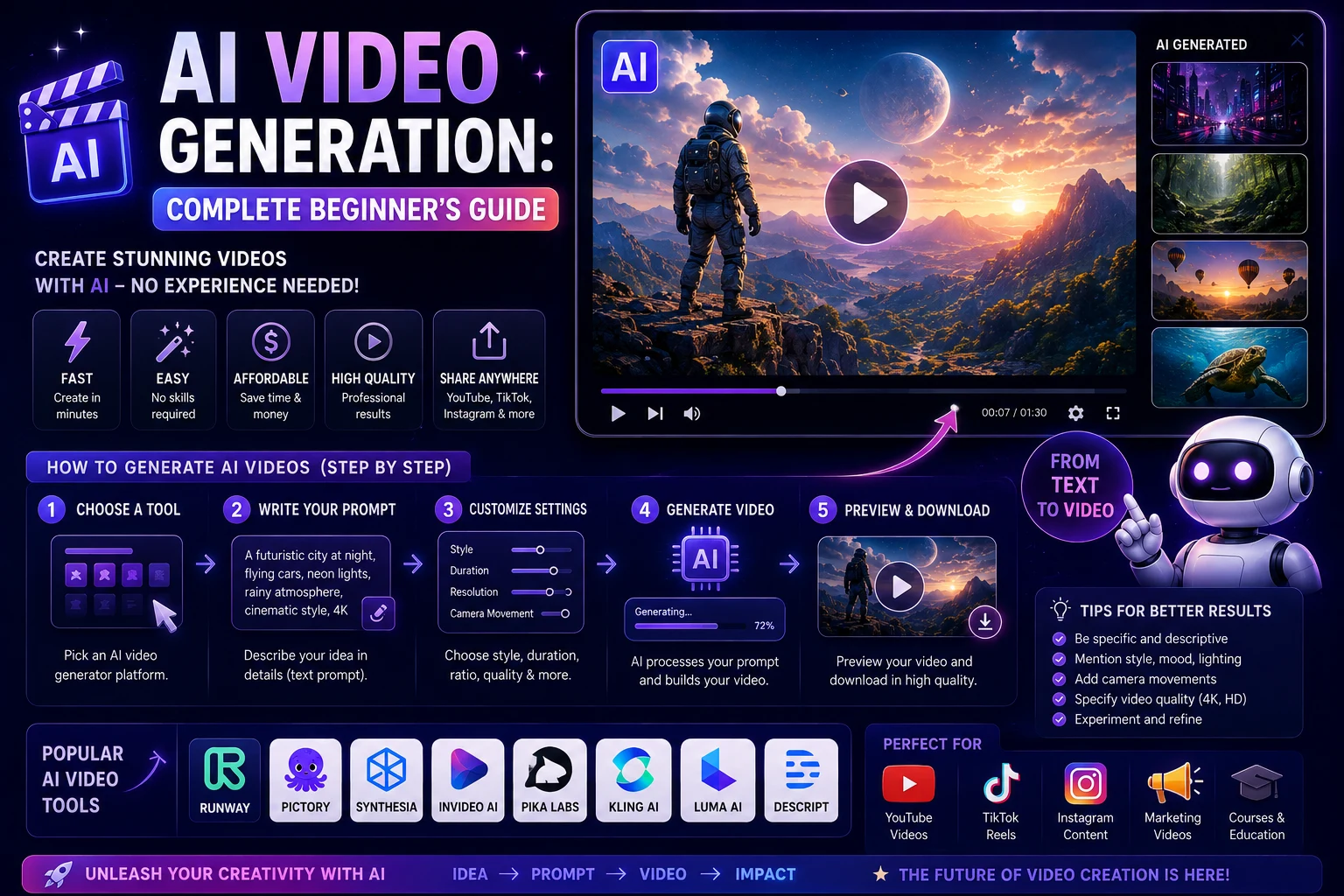
How to Create a TikTok Video with AI
Step 1: Find a Strong Idea
Your first goal should be to create a concept that immediately gives viewers a reason to keep watching.
Good TikTok ideas include:
- Quick tutorials
- Interesting facts
- AI experiments
- Before-and-after videos
- Product demonstrations
- Short stories
- Educational tips
- Trending challenges
Step 2: Write a Strong Hook
The opening seconds are extremely important for short-form content.
Examples include:
- "You won't believe what AI can do with one photo."
- "Here's how I created this video without a camera."
- "Three AI tools every creator should know."
- "Stop scrolling if you create TikTok videos."
Step 3: Generate the Video
Choose an AI video generator and create your scenes.
For visual AI clips, describe the subject, action, environment, camera movement, lighting, and style.
Step 4: Use Vertical 9:16 Format
TikTok is designed around vertical short-form video, so create your content in 9:16 whenever possible.
Generating the video vertically from the beginning is preferable to cropping a horizontal video afterward.
Step 5: Add Captions
Captions can make your videos easier to follow, especially when viewers watch without sound.
Tools such as CapCut can help automate caption creation and styling.
Step 6: Add Music and Sound Effects
Audio can significantly affect the feel of a TikTok. Use music and sound effects that fit the content and that you have permission to use.
Step 7: Edit and Publish
Remove unnecessary pauses, improve pacing, check the captions, and make sure the main idea is clear before publishing.
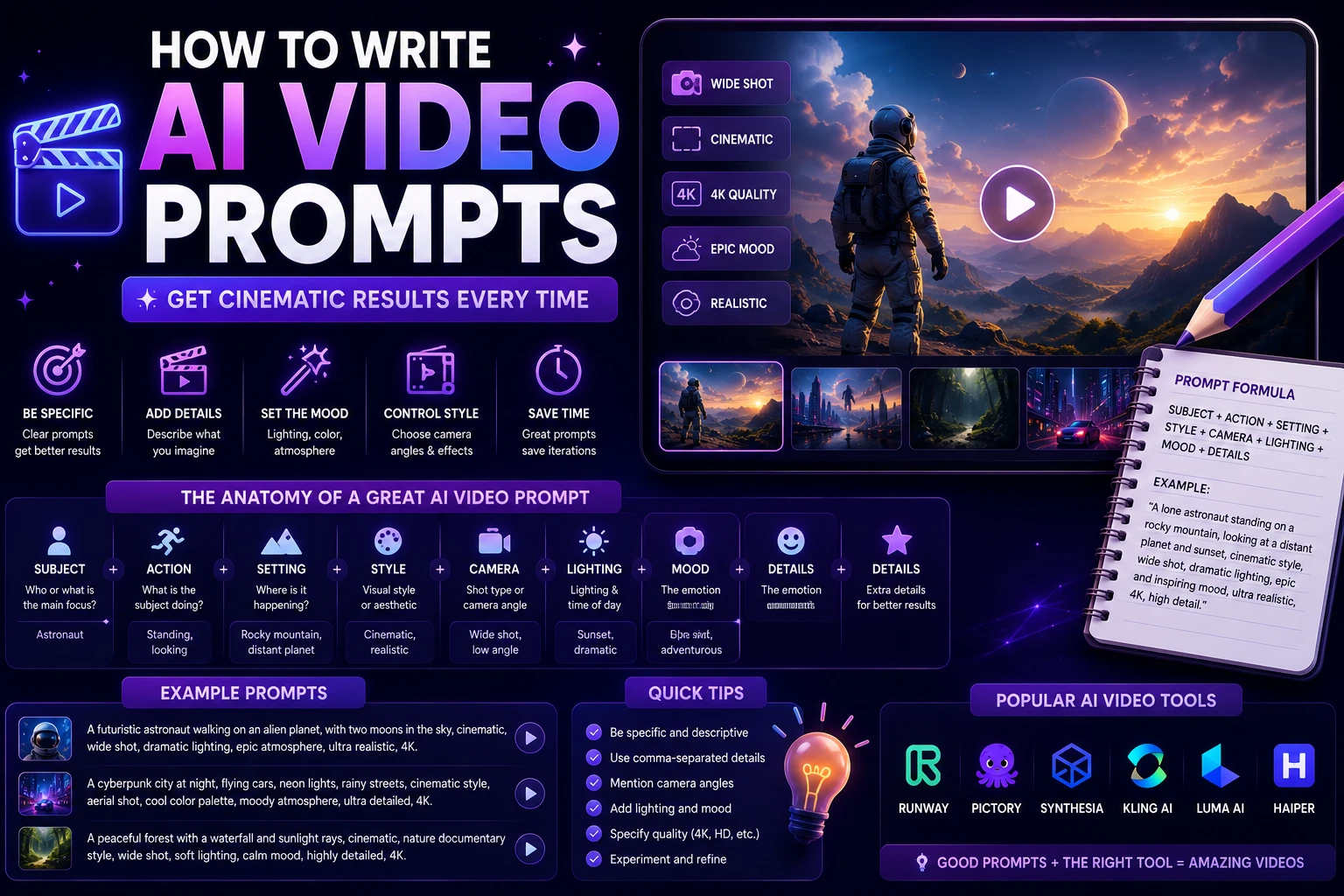
How to Write AI Video Prompts for TikTok
A useful prompt structure is:
Subject + Action + Environment + Camera + Lighting + Style + Format
For example:
"A stylish young creator holding a futuristic smartphone in a modern bedroom, excitedly demonstrating an AI application, natural handheld camera movement, bright soft lighting, realistic social media creator style, energetic atmosphere, vertical 9:16 composition."
Example AI Video Prompts for TikTok
AI Technology TikTok
"A futuristic AI assistant appearing as a glowing holographic interface above a modern laptop, rapid camera push-in, dynamic blue and purple lighting, realistic reflections, energetic technology content style, vertical 9:16."
Product TikTok
"Premium wireless headphones on a minimalist desk, dramatic close-up product reveal, smooth rotating camera movement, soft studio lighting, realistic reflections, luxury social media advertisement style, vertical 9:16."
Travel TikTok
"A breathtaking Mediterranean beach at golden hour, turquoise water, palm trees moving gently in the wind, cinematic handheld camera movement, vibrant natural colors, realistic travel influencer style, vertical 9:16."
Tips for Making Better AI TikTok Videos
- Start with a strong hook.
- Keep the video focused on one idea.
- Use vertical 9:16 format.
- Keep scenes short and dynamic.
- Add captions.
- Use consistent characters.
- Test different openings.
- Create multiple versions of successful concepts.
- Review every AI-generated clip before publishing.
- Add your own creativity and commentary.
AI Video vs Traditional Video for TikTok
| Factor | AI Video | Traditional Video |
|---|---|---|
| Production Speed | Very Fast | Slower |
| Camera Required | No | Usually |
| Editing Skills | Low to Medium | Medium to Advanced |
| Creative Possibilities | Very High | High |
| Authenticity | Depends on the workflow | Usually High |
| Cost | Can be Low | Can be Higher |
Can You Monetize AI TikTok Videos?
AI can be used as part of a TikTok content workflow, but simply generating large amounts of low-quality content is unlikely to create a strong audience.
The best approach is to use AI to make production faster while adding original ideas, storytelling, research, commentary, and editing.
If your content is AI-generated or significantly modified by AI, check TikTok's current disclosure and labeling requirements before publishing. TikTok has been expanding its own AI creative tools and labeling systems, so creators should keep up with the platform's current rules.
Should You Use One AI Tool or Several?
You don't have to use one tool for everything.
A powerful TikTok workflow can combine several tools:
- Ideas and scripts: AI writing assistant
- AI scenes: Kling or Runway
- Avatar: HeyGen
- Editing: CapCut
- Captions: CapCut or another caption tool
- Marketing content: TikTok Symphony
Using specialized tools can give you more control over the final result.
Final Thoughts
AI video generators have become powerful tools for TikTok creators in 2026. They can reduce production time, make experimentation easier, and help creators produce more content without expensive filming equipment.
Kling AI is a strong choice for realistic visual clips, HeyGen is excellent for AI avatars and UGC-style videos, Pika is useful for creative effects, and Runway is a great choice for cinematic visuals.
For beginners who want a more automated workflow, InVideo AI is worth considering, while CapCut remains extremely useful for editing and polishing the final TikTok.
The most important thing is not simply generating an AI video. Your goal should be to create something people actually want to watch. A strong hook, useful idea, fast pacing, original creativity, and good editing matter just as much as the AI tool you choose.
Frequently Asked Questions
What is the best AI video generator for TikTok?
There is no single best tool for every creator. Kling is a strong choice for realistic AI video, HeyGen works well for AI avatars and UGC, Pika is useful for creative clips, and InVideo AI is convenient for beginners.
Can AI create TikTok videos automatically?
Yes. Some AI platforms can generate scripts, visuals, voiceovers, captions, and complete videos from a simple prompt. However, reviewing and editing the result is still recommended.
What is the best AI video generator for faceless TikTok videos?
HeyGen and InVideo AI are useful for faceless workflows. You can also combine them with Kling, Pika, or Runway to create custom visual footage.
What format should AI TikTok videos use?
For standard TikTok content, vertical 9:16 is the ideal starting format. Creating the video vertically from the beginning can help avoid quality loss caused by cropping.
Can AI-generated videos go viral on TikTok?
AI-generated videos can attract significant attention, but the tool itself does not guarantee viral results. Strong ideas, hooks, pacing, originality, and audience relevance are much more important.
Can I use AI videos for TikTok ads?
Yes. AI can be used to create product demonstrations, UGC-style advertisements, presenter videos, and creative variations. TikTok also offers its own AI-powered Symphony creative suite for businesses.