
Instagram Reels have become one of the most important formats for creators, brands, marketers, and businesses that want to reach audiences with short-form video.
The challenge is that creating Reels consistently can take a lot of time. You need to come up with ideas, write scripts, create or record footage, edit clips, add captions, choose music, and format everything for vertical viewing.
AI video generators can simplify many of these steps. Depending on the tool, you can generate scenes from text, create AI presenters, animate images, turn scripts into videos, add captions, or quickly edit existing footage.
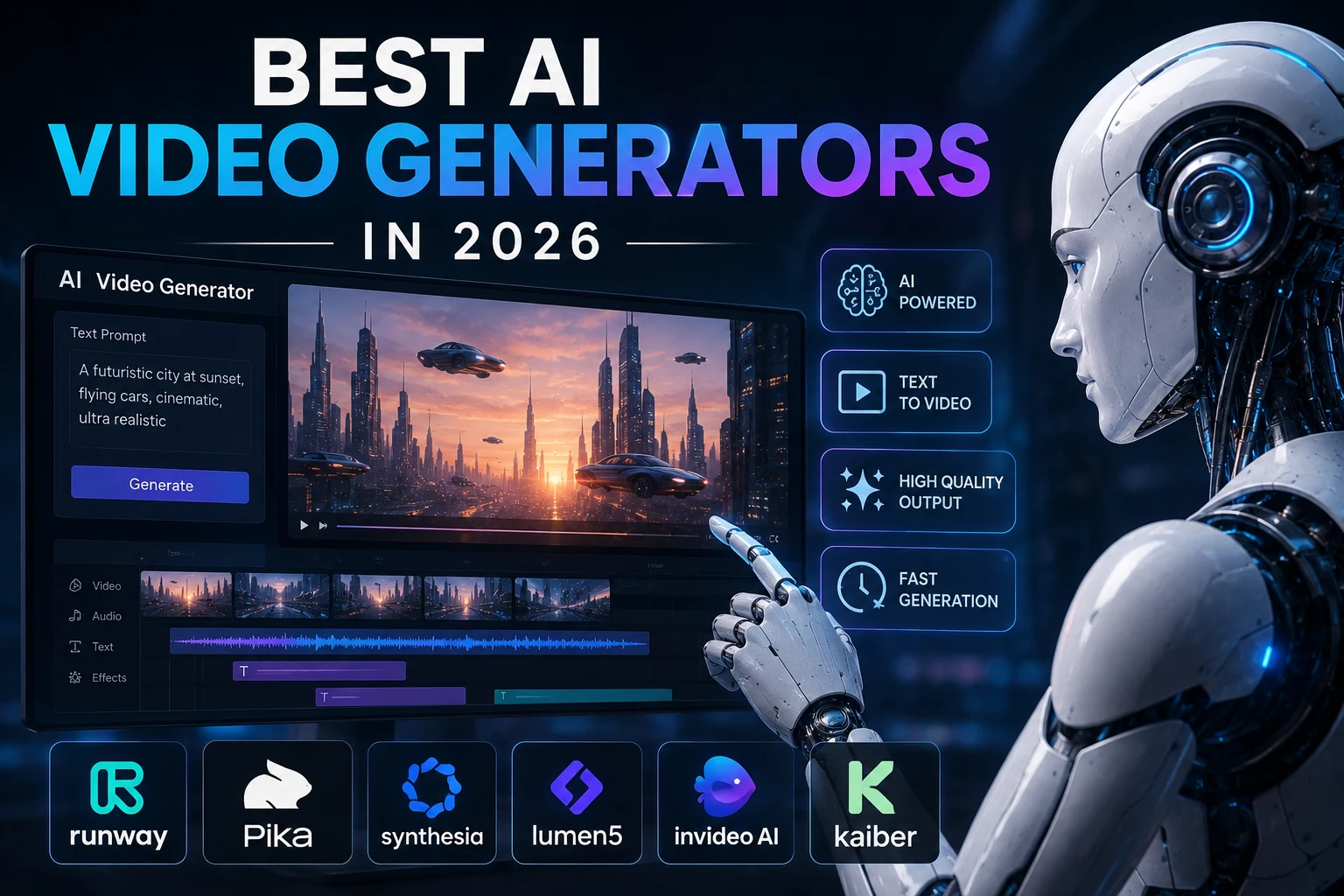
In this guide, we'll look at some of the best AI video generators and video tools for Instagram Reels in 2026 and explain which type of creator each one is best suited for.
What Makes a Good AI Video Generator for Instagram Reels?
Not every AI video generator is equally useful for Reels. Instagram's vertical format means that creators should pay particular attention to the output format, speed, editing workflow, and ability to create engaging short-form content.
Important features include:
- 9:16 vertical video: Reels are designed primarily for full-screen vertical viewing.
- Fast generation: Quick generation makes it easier to experiment with multiple ideas.
- Good visual quality: Generated footage should look convincing and visually engaging.
- Captions: Subtitles are useful for viewers watching without sound.
- Templates: Templates can speed up repetitive social-media workflows.
- Image-to-video: Useful for turning still images into animated clips.
- Text-to-video: Useful when you want to create scenes from a written description.
- Easy editing: The ability to quickly cut, rearrange, and refine clips is important for short-form content.
Recent 2026 comparisons emphasize native vertical output, speed, captions, templates, and visual quality as important factors when choosing an AI tool for Reels.
Best AI Video Generators for Instagram Reels
The best tool depends on the type of Reel you want to create. Some platforms are designed for AI presenters, while others focus on cinematic generation, editing, captions, or complete social-media workflows.
- HeyGen — Best for AI avatar and presenter Reels
- Runway — Best for cinematic AI visuals
- Kling AI — Best for realistic AI-generated motion
- Canva — Best for branded Reels and simple design workflows
- CapCut — Best for fast social-media editing
- InVideo AI — Best for turning ideas and scripts into complete videos
- VEED — Best for captions and browser-based video editing
- Pika — Best for creative short-form effects
1. HeyGen
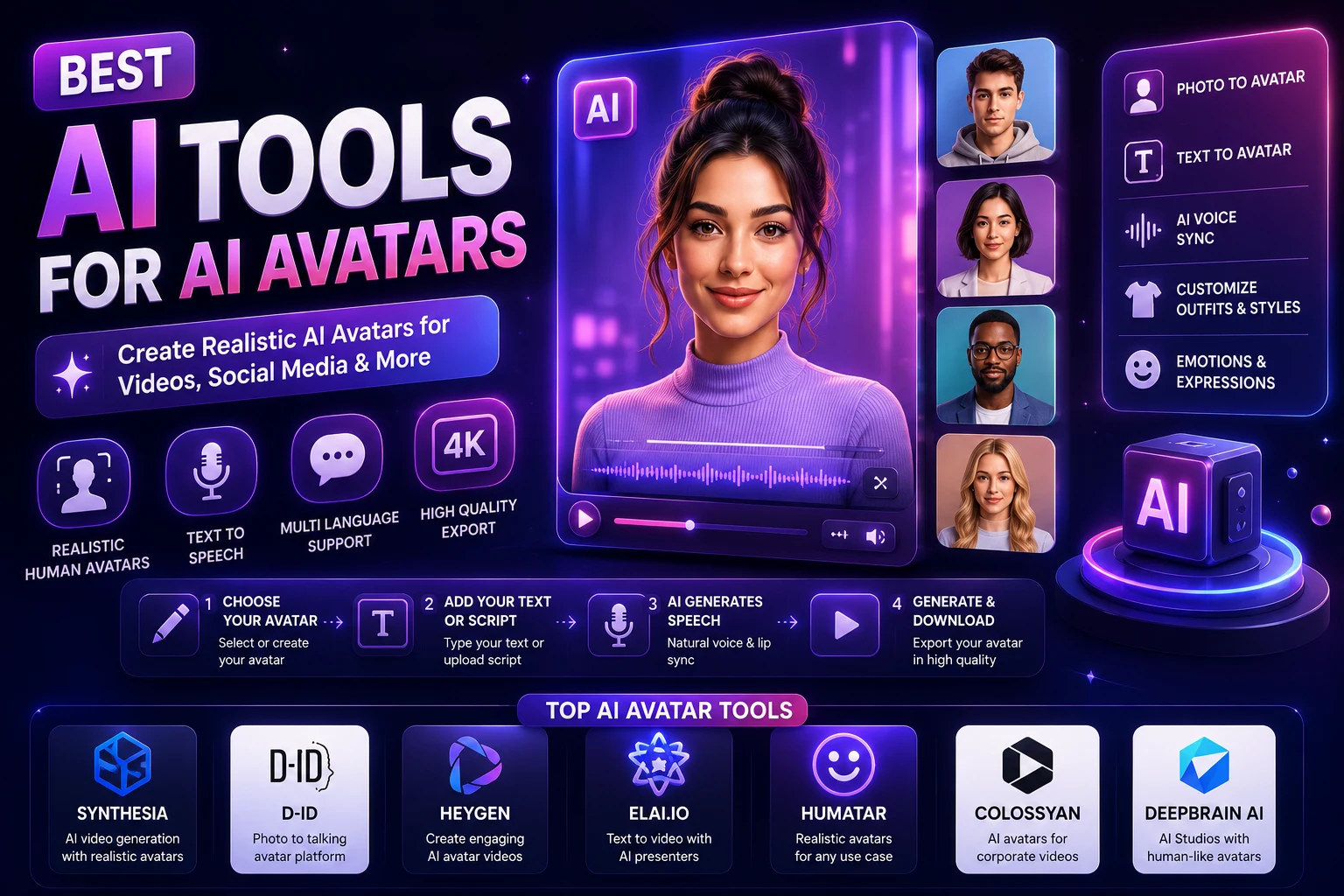
HeyGen is particularly useful for creators and businesses that want to produce presenter-style Reels without recording themselves every time.
You can create videos featuring AI avatars, voiceovers, and multilingual presentations. This makes the platform useful for educational content, marketing messages, product explanations, and creator-style videos.
A recent 2026 comparison specifically ranked HeyGen highly for avatar-led Reels, multilingual content, and fast prompt-to-publish workflows.
Why use HeyGen?
- AI avatar presenters
- Useful voice and narration workflows
- Multilingual content
- Good for educational Reels
- Useful for business and marketing videos
Best for: AI presenters, educational creators, marketers, and businesses.
2. Runway
Runway is a strong option when your goal is to create visually impressive and cinematic AI-generated scenes.
Rather than focusing only on talking-head content, Runway is useful for generating creative scenes, visual effects, image-to-video content, and cinematic concepts.
This makes it particularly useful for creators who want their Reels to have a more cinematic or artistic appearance.
Current 2026 comparisons continue to identify Runway as a strong choice for cinematic AI visuals and creative storytelling.
Why use Runway?
- Cinematic AI video generation
- Creative visual effects
- Text-to-video workflows
- Image-to-video generation
- Useful for visual storytelling
Best for: Filmmakers, visual creators, advertisers, and cinematic Reels.
3. Kling AI
Kling AI is a strong choice for creators who prioritize realistic movement and visually detailed generated scenes.
It can be useful for nature scenes, characters, products, environments, and other visual concepts where realistic motion is important.
Several 2026 comparisons highlight Kling for video quality, realistic motion, and prompt adherence.
Why use Kling AI?
- Realistic motion
- Strong visual quality
- Text-to-video generation
- Image-to-video workflows
- Useful for cinematic short clips
Best for: Creators who want realistic AI-generated scenes and cinematic Reels.
4. Canva
Canva is particularly useful when you don't want AI generation and video editing to exist in separate workflows.
You can create visual assets, work with templates, add text, apply brand colors, and prepare social-media designs within the same platform.
This makes Canva a practical choice for businesses and creators who need consistent branding across Reels, posts, presentations, and other content.
Current 2026 comparisons identify Canva as a strong option for teams that already use design tools and need consistent brand workflows.
Why use Canva?
- Easy design interface
- Social-media templates
- Branding tools
- Simple video editing
- Useful for beginners
Best for: Small businesses, marketers, bloggers, and creators who want branded Reels.
5. CapCut
CapCut is one of the most practical options for creators who want to edit Reels quickly, especially when working from a phone or using short-form templates.
Its strength is not necessarily generating every scene from scratch. Instead, it can help creators turn clips, images, captions, effects, and other assets into polished short-form videos.
Recent 2026 comparisons continue to highlight CapCut for fast daily posting, templates, captions, and mobile-first social workflows.
Why use CapCut?
- Fast social-media editing
- Short-form templates
- Caption and subtitle tools
- Mobile-friendly workflow
- Useful effects and transitions
Best for: TikTok and Instagram creators who want to edit and publish Reels quickly.
6. InVideo AI
InVideo AI is designed around turning ideas, scripts, and instructions into complete videos.
This can be useful when you want to create a Reel without manually assembling every scene from scratch.
The platform can be especially useful for marketing teams and creators producing content at scale. A 2026 review notes that InVideo supports many AI models and multiple aspect ratios while offering conversational video creation.
Why use InVideo AI?
- Prompt-based video creation
- Script-to-video workflows
- Templates and stock media
- Multiple aspect ratios
- Useful for marketing content
Best for: Marketers, businesses, faceless creators, and people who want to turn scripts into complete videos.
7. VEED
VEED combines AI features with browser-based video editing. It can be useful when captions and quick editing are an important part of your workflow.
For talking-head Reels, tutorials, interviews, educational videos, and other caption-heavy content, automatic subtitles can save considerable editing time.
A recent 2026 comparison ranked VEED highly for caption-heavy vertical clips and highlighted its subtitle workflow.
Why use VEED?
- Automatic subtitles
- Browser-based editing
- Vertical video workflows
- Simple timeline editing
- Useful for talking-head videos
Best for: Educational creators, talking-head content, interviews, and caption-heavy Reels.
8. Pika
Pika is a useful option for creators who want to experiment with short, creative AI-generated clips and visual effects.
Its approachable workflow makes it suitable for experimenting with unusual transformations, animated images, and visually distinctive short-form content.
Some current 2026 comparisons highlight Pika for its accessible workflow and distinctive visual style for short-form social content.
Why use Pika?
- Creative AI effects
- Short-form video generation
- Image-to-video workflows
- Easy experimentation
- Useful for social content
Best for: Social-media creators who want creative effects and unusual visual content.
AI Video Generators for Instagram Reels Compared
| AI Tool | Best For | Main Strength |
|---|---|---|
| HeyGen | AI presenters | Avatars and multilingual videos |
| Runway | Cinematic Reels | Creative AI visuals |
| Kling AI | Realistic scenes | Motion and visual quality |
| Canva | Branded Reels | Design and templates |
| CapCut | Fast editing | Social-media workflow |
| InVideo AI | Script-to-video | Complete video creation |
| VEED | Caption-heavy videos | Subtitles and editing |
| Pika | Creative effects | Short-form experimentation |
What Is the Best AI Video Generator for Instagram Reels?
There is no single best tool for every creator.
If you want an AI presenter, HeyGen is a strong option. If cinematic visuals are your priority, Runway is worth considering. Kling is particularly interesting when realistic motion is important.
For everyday social-media editing, CapCut is a practical choice, while Canva is useful when your Reels need to follow an established brand style.
For script-driven video creation, InVideo AI can save time by handling more of the production workflow. For captions and browser-based editing, VEED is another useful option.
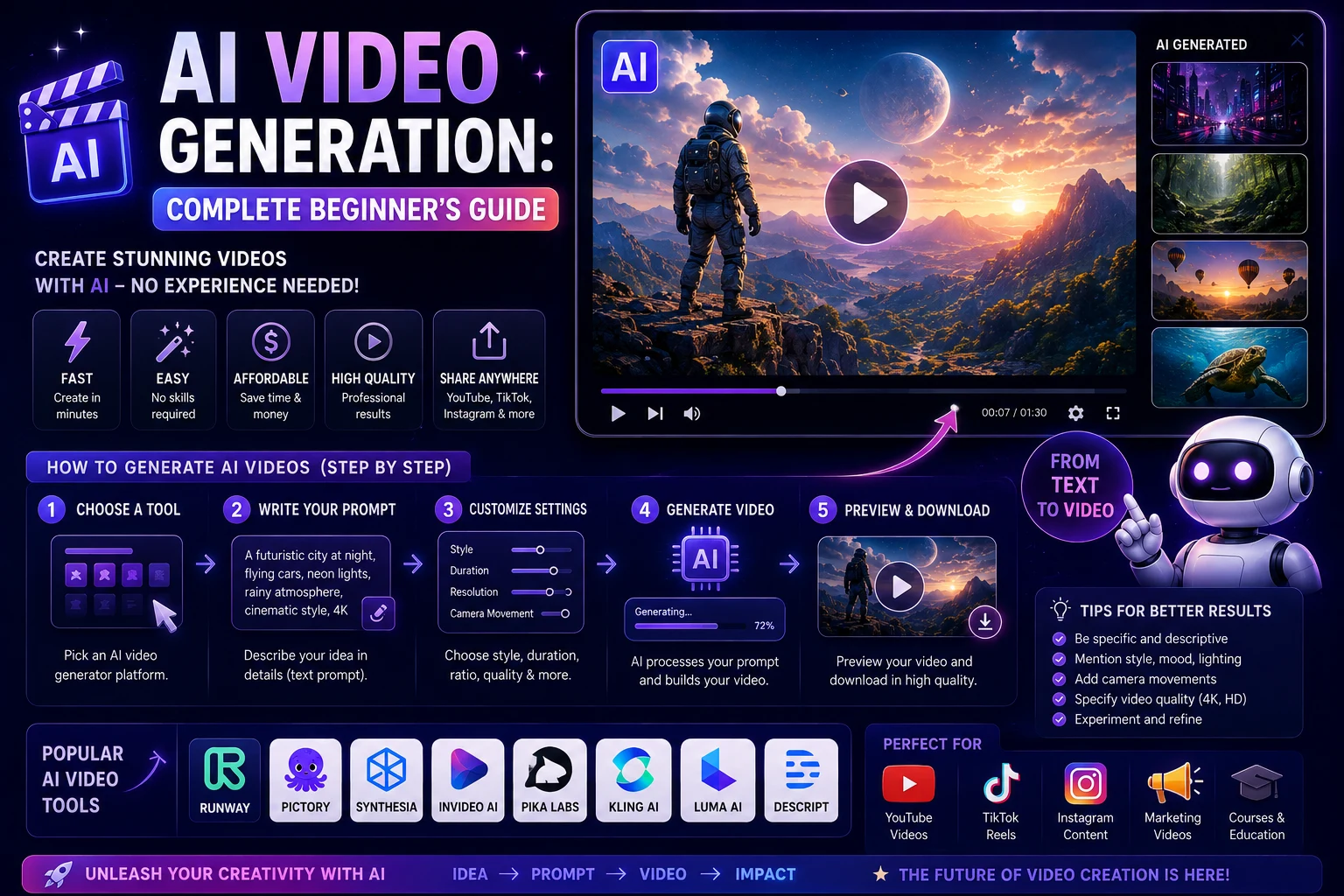
How to Create an Instagram Reel With AI
You can use a simple workflow to create an AI-assisted Reel.
Step 1: Choose a Topic
Start with a clear topic that can be communicated quickly.
Examples include:
- Three AI tools every creator should know
- One productivity trick that saves time
- How to use an AI tool
- Before-and-after design transformation
- AI-generated travel concept
Step 2: Write a Short Hook
The opening seconds are important for short-form content. Start with a clear reason for the viewer to continue watching.
For example:
You're wasting hours creating Reels manually. These AI tools can speed up your workflow.
Step 3: Generate the Visuals
Use an AI video generator to create the scenes, avatar footage, animations, or visual effects needed for the Reel.
For cinematic content, you might generate several short clips instead of trying to create one long video.
Step 4: Edit the Clips
Combine the generated clips in an editor such as CapCut, Canva, or VEED.
Remove unnecessary sections, adjust the pacing, add transitions, and make sure the video feels natural.
Step 5: Add Captions
Captions can make your Reel easier to follow, especially when viewers are watching without sound.
Use large, readable text and avoid covering important visual elements.
Step 6: Add Music or Voiceover
Depending on your content, you can add narration, background music, sound effects, or other audio.
Make sure that any music or audio you use is properly licensed for your intended use.
Step 7: Export in Vertical Format
For a full-screen Reel, use a vertical 9:16 composition whenever possible.
This helps the video fill the viewer's screen instead of appearing as a small horizontal video with unused space.
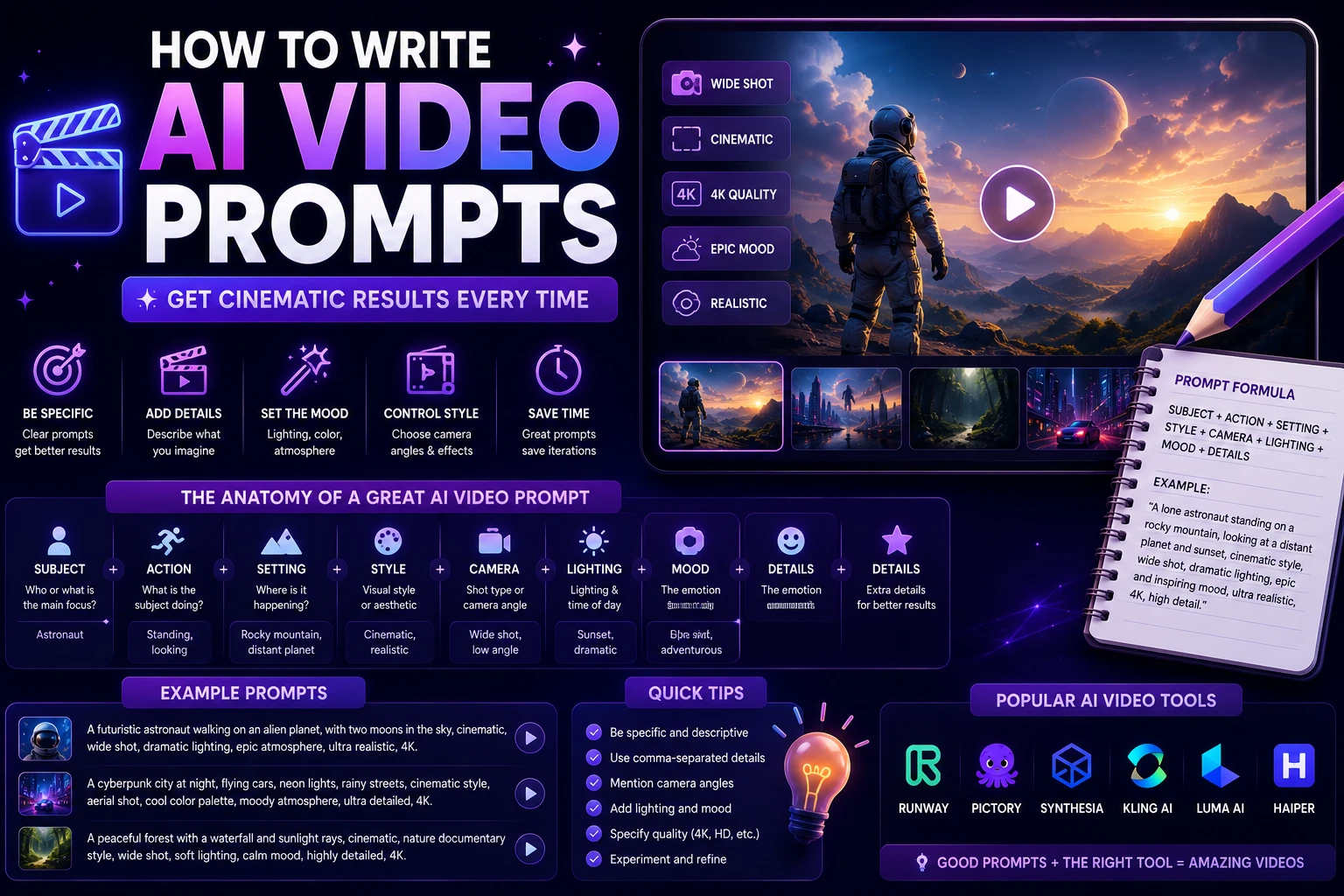
How to Write AI Video Prompts for Reels
A useful Reel prompt should describe the subject, action, environment, camera movement, lighting, and visual style.
For example:
Vertical 9:16 cinematic shot of a futuristic city at night, a young creator walking through a neon-lit street, glowing advertisements reflected on wet pavement, realistic movement, dynamic camera tracking, dramatic lighting, energetic social-media aesthetic.
You can make the prompt more specific by adding:
- Subject: What should appear?
- Action: What is happening?
- Camera: How should the camera move?
- Lighting: What should the scene look like?
- Style: Realistic, cinematic, animated, documentary, or artistic.
- Composition: Close-up, medium shot, wide shot, or aerial view.
- Format: Vertical 9:16 for Reels.
Tips for Better AI Instagram Reels
Keep the Opening Strong
Don't spend too much time introducing the topic. Start with the most interesting part of the video.
Use Short Clips
Generating several short scenes can give you more control over pacing than trying to generate one long continuous clip.
Keep the Visual Style Consistent
When a Reel contains multiple AI-generated scenes, use consistent descriptions, colors, characters, and visual styles to make the final video feel cohesive.
Design for Mobile Screens
Important subjects, captions, and visual information should remain visible on a small smartphone display.
Don't Rely Entirely on AI
AI can accelerate production, but editing and creative direction still matter.
A generated clip may look impressive on its own but become boring when several similar clips are placed together. Human editing can improve pacing, storytelling, and overall quality.
AI Video Generators vs Traditional Reel Creation
| Task | Traditional Workflow | AI-Assisted Workflow |
|---|---|---|
| Idea generation | Manual research and brainstorming | AI-assisted ideation |
| Script writing | Manual writing | AI-assisted scripts |
| Filming | Camera and recording setup | Can use AI-generated scenes or avatars |
| Editing | Manual editing | AI-assisted editing |
| Captions | Manual or automatic | Automatic AI captions |
| Visual effects | Manual or specialized software | AI-generated effects |
Are AI Video Generators Free?
Some AI video platforms provide free credits, limited generations, or free editing features, while more advanced generation usually requires a paid subscription or credits.
The exact limits can change frequently. Before choosing a platform, check its current pricing, resolution limits, generation credits, watermarks, and commercial-use terms.
Free access can be useful for experimentation, but creators producing Reels regularly may eventually need a paid plan for higher limits or additional features.
Can You Use AI-Generated Videos on Instagram?
AI-generated video can be used as part of Instagram content, but creators should make sure that the content follows Instagram's current rules and the AI provider's licensing conditions.
You should also review the rights associated with music, voices, stock footage, avatars, trademarks, and other elements included in your Reel.
If the video is being used for commercial purposes, always check the provider's current commercial-use terms before publishing.
Final Verdict
AI video generators are making Instagram Reels faster and easier to produce. Instead of recording and editing every element manually, creators can now generate scenes, animate images, create AI presenters, produce captions, and assemble short-form videos with AI-assisted workflows.
For cinematic visuals, Runway is a strong choice. For realistic AI-generated motion, Kling AI is worth considering. For presenter-based content, HeyGen is particularly useful.
For fast social-media editing, CapCut is practical, while Canva is useful for creators and businesses that prioritize branding. InVideo AI can simplify script-to-video workflows, and VEED is useful when captions and browser-based editing are important.
The best strategy is not necessarily to let AI create the entire Reel automatically. A hybrid workflow often produces better results: use AI to generate ideas and visuals, then use human editing to improve the hook, pacing, storytelling, captions, and final presentation.
Frequently Asked Questions
What is the best AI video generator for Instagram Reels?
The best tool depends on your goal. Runway is a strong choice for cinematic visuals, Kling AI for realistic motion, HeyGen for AI presenters, CapCut for fast social editing, and Canva for branded content.
Can AI create Instagram Reels automatically?
Yes. Some AI platforms can generate videos from prompts or scripts and automate parts of the production process. However, reviewing and editing the final Reel is recommended before publishing.
What size should an Instagram Reel be?
A vertical 9:16 format is generally the best choice for full-screen Reels. Designing specifically for vertical mobile viewing helps your content use the available screen space effectively.
Can AI generate vertical videos?
Yes. Many modern AI video platforms support vertical video or workflows that allow creators to produce content for mobile-first platforms such as Instagram Reels, TikTok, and YouTube Shorts.
Which AI video generator is best for faceless Reels?
Tools such as InVideo AI can be useful for script-driven faceless videos, while Runway, Kling, and Pika can provide AI-generated visual scenes. The best option depends on whether your priority is narration, visuals, editing, or automation.
Can AI-generated Reels be monetized?
AI-generated content can potentially be used in monetized content, but monetization depends on the platform's current policies, the originality of the content, and the licensing terms of the tools and media used.
Should I use AI for the entire Reel?
Not necessarily. A hybrid workflow can be more effective. AI can handle ideas, scripts, visuals, captions, and some editing, while human creative direction can improve storytelling, pacing, authenticity, and quality.