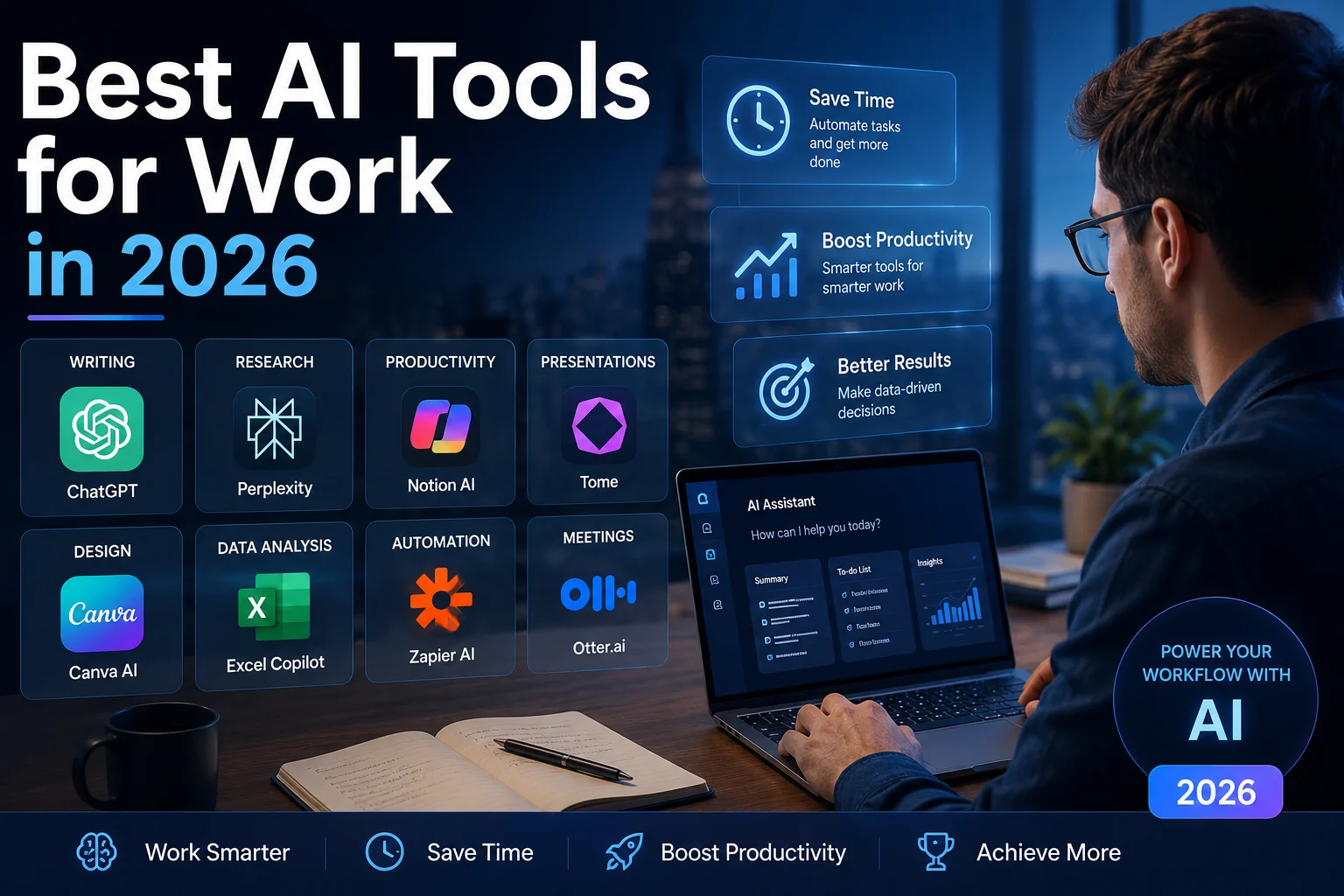

Artificial intelligence is quickly becoming part of everyday work. Whether you write emails, analyze documents, manage projects, conduct research, attend meetings, or automate repetitive tasks, the right AI tool can save time and help you work more efficiently.
But there are hundreds of AI applications available today, and choosing the right ones can be difficult. In this guide, we explore some of the best AI tools for work in 2026 and explain what each tool is best suited for.
Quick Answer
For most professionals, ChatGPT is one of the strongest all-purpose AI assistants. Claude is excellent for long documents and writing, while Gemini is particularly useful for people who work heavily with Google Workspace. Microsoft users can benefit from Microsoft Copilot, while tools such as Notion AI, Grammarly, Perplexity, and Zapier are useful for specific workplace tasks.
What Are AI Tools for Work?
AI tools for work are software applications that use artificial intelligence to help people complete professional tasks. They can generate and edit text, summarize information, analyze data, answer questions, organize knowledge, take meeting notes, create content, automate workflows, and assist with decision-making.
The most useful AI tools do not necessarily replace the entire workflow. Instead, they remove repetitive tasks and give professionals more time to focus on important decisions, creativity, communication, and problem-solving.
Best AI Tools for Work in 2026
1. ChatGPT — Best Overall AI Assistant
ChatGPT is one of the most versatile AI tools for professional work. It can help with writing, brainstorming, research, document analysis, coding, data analysis, planning, and many other everyday tasks.
Professionals can use ChatGPT to draft emails, summarize reports, create presentations, generate ideas, analyze spreadsheets, prepare meeting agendas, and turn rough notes into polished documents.
- Writing and editing
- Research and brainstorming
- Document analysis
- Data analysis
- Coding assistance
- Planning and organization
Best for: Professionals who want one flexible AI assistant for a wide range of tasks.
2. Claude — Best for Long Documents and Writing
Claude is an AI assistant that is particularly useful for writing, analysis, document review, and complex reasoning.
It can help professionals analyze lengthy documents, summarize reports, improve business writing, create structured content, and work through complicated ideas.
- Long-document analysis
- Business writing
- Research and summaries
- Brainstorming
- Coding and technical tasks
Best for: Writers, analysts, consultants, researchers, and professionals who regularly work with large amounts of text.
3. Google Gemini — Best for Google Workspace
Google Gemini is a strong choice for people already working inside the Google ecosystem. Its integration with Google services can make AI assistance more convenient for everyday work.
Gemini can assist with writing, summarization, brainstorming, information analysis, and tasks connected to Google Workspace.
- Gmail assistance
- Google Docs
- Google Sheets
- Research and brainstorming
- Summarizing information
Best for: Professionals and teams that rely heavily on Google Workspace.
4. Microsoft 365 Copilot — Best for Microsoft Users
Microsoft 365 Copilot is designed to bring AI assistance into Microsoft's workplace ecosystem.
It can help users work with documents, email, meetings, presentations, spreadsheets, and other Microsoft 365 workflows.
- Microsoft Word
- Excel assistance
- PowerPoint creation
- Outlook and email workflows
- Meeting and workplace assistance
Best for: Businesses and professionals already using Microsoft 365.
5. Notion AI — Best for Knowledge Management
Notion AI combines AI capabilities with a workspace for notes, documents, projects, and knowledge management.
Teams can use it to summarize notes, improve documents, organize information, generate ideas, and find useful information inside their workspace.
- Meeting notes
- Project documentation
- Knowledge management
- Writing assistance
- Workspace search
Best for: Teams that use Notion as their central workspace for documents and knowledge.
6. Grammarly — Best for Professional Communication
Grammarly is useful for professionals who write emails, reports, proposals, presentations, and other business communications.
Beyond traditional grammar checking, its AI features can help improve clarity, tone, and overall communication.
- Grammar correction
- Spelling and punctuation
- Professional writing
- Tone suggestions
- Text rewriting
Best for: Professionals who write frequently and want clearer, more polished communication.
7. Perplexity — Best for Research
Perplexity is an AI-powered research and answer engine designed to help users find and summarize information from the web.
It can be useful when you need to quickly investigate a topic, compare information, identify sources, or build an initial understanding of a subject.
- Web research
- Source discovery
- Topic research
- Comparisons
- Research summaries
Best for: Researchers, marketers, writers, students, analysts, and professionals who need fast information discovery.
8. Zapier — Best for Workflow Automation
Zapier connects different applications and can automate repetitive business workflows.
For example, a business could create an automation that takes a new form submission, adds the information to a spreadsheet, sends a notification, and creates a task automatically.
- Workflow automation
- App integrations
- Lead management
- Notifications
- Repetitive task automation
Best for: Professionals and businesses that want to automate repetitive workflows without building everything from scratch.
9. Otter.ai — Best for Meeting Notes
Otter.ai can help turn meetings and conversations into searchable notes and summaries.
Instead of manually writing everything discussed during a meeting, teams can use AI-powered transcription and summaries to capture the important points.
- Meeting transcription
- Meeting summaries
- Action items
- Searchable conversations
- Team collaboration
Best for: Teams that spend significant time in meetings and need organized meeting records.
10. ClickUp AI — Best for Project Management
ClickUp combines project management features with AI capabilities designed to help teams organize and complete work.
Teams can use AI to summarize project information, generate content, improve tasks, and assist with everyday project workflows.
- Task management
- Project organization
- AI summaries
- Team collaboration
- Workflow assistance
Best for: Teams that want project management and AI assistance in the same platform.
AI Tools for Work: Quick Comparison
| Tool | Best For | Main Strength |
|---|---|---|
| ChatGPT | General work | Versatility |
| Claude | Writing & documents | Reasoning and long documents |
| Gemini | Google Workspace | Google integration |
| Microsoft Copilot | Microsoft 365 | Office integration |
| Notion AI | Knowledge management | Workspace intelligence |
| Grammarly | Communication | Writing quality |
| Perplexity | Research | Fast web research |
| Zapier | Automation | App integrations |
| Otter.ai | Meetings | Transcription |
| ClickUp AI | Projects | AI-powered project management |
How AI Tools Can Improve Your Work
Save Time on Repetitive Tasks
AI can handle many repetitive activities such as summarizing documents, drafting routine emails, organizing information, and creating first drafts. This allows professionals to spend more time on higher-value work.
Improve Writing and Communication
AI writing assistants can help make emails, reports, proposals, and other documents clearer and easier to understand.
Research Faster
AI research tools can help you quickly discover relevant information, summarize sources, and identify important ideas before you perform a deeper review.
Automate Workflows
Automation platforms can connect the applications your business already uses. This can reduce manual data entry and repetitive administrative work.
Make Better Use of Meetings
AI meeting tools can capture discussions, create summaries, and identify action items so that participants can focus more on the conversation itself.
How to Choose the Right AI Tool for Work
You do not need every AI tool available. In fact, using too many overlapping tools can make your workflow more complicated.
Start by identifying your biggest productivity problem.
- For general assistance: Start with ChatGPT, Claude, or Gemini.
- For Microsoft workflows: Consider Microsoft 365 Copilot.
- For Google workflows: Gemini can be a natural choice.
- For research: Consider Perplexity.
- For writing: Grammarly, ChatGPT, or Claude can help.
- For meetings: Consider Otter.ai or another dedicated meeting assistant.
- For automation: Zapier can connect many everyday business applications.
- For project management: ClickUp AI or similar project platforms can combine tasks and AI assistance.
Are AI Tools Safe for Work?
AI tools can be extremely useful at work, but businesses should think carefully about privacy and security before entering confidential information into an AI system.
Avoid submitting sensitive customer information, passwords, private credentials, confidential contracts, or other restricted information unless your organization's policies and the specific AI service explicitly allow it.
Businesses should also review account permissions, data handling, retention policies, and available enterprise controls before deploying AI tools across a team.
Final Thoughts
The best AI tool for work depends on the type of work you do. There is no single application that is perfect for every professional or every company.
For general-purpose assistance, ChatGPT, Claude, and Gemini are strong starting points. Microsoft users may benefit from Copilot, while Google Workspace users can take advantage of Gemini's ecosystem integration. Specialized tools such as Grammarly, Perplexity, Otter.ai, Notion AI, and Zapier can then fill specific gaps in your workflow.
The smartest approach is to start small: choose one or two tools that solve a real problem, measure whether they save time or improve the quality of your work, and expand your AI toolkit only when there is a clear benefit.
Start Building Your AI Work Toolkit
You do not need dozens of AI applications. Start with the tool that solves your biggest workplace problem and build from there.
Frequently Asked Questions
What is the best AI tool for work?
ChatGPT is one of the strongest general-purpose choices because it can assist with many different workplace tasks. However, the best tool depends on your specific workflow.
What is the best free AI tool for work?
Several leading AI platforms offer free access with limitations. ChatGPT, Claude, Gemini, and other tools can be useful starting points before deciding whether a paid plan is necessary.
Can AI tools replace employees?
AI tools are primarily designed to assist people with tasks and workflows. They can automate parts of a job, but human judgment, creativity, communication, accountability, and domain expertise remain important.
How many AI tools should I use?
There is no ideal number. For many professionals, starting with one general AI assistant and adding one or two specialized tools is more effective than subscribing to many overlapping applications.