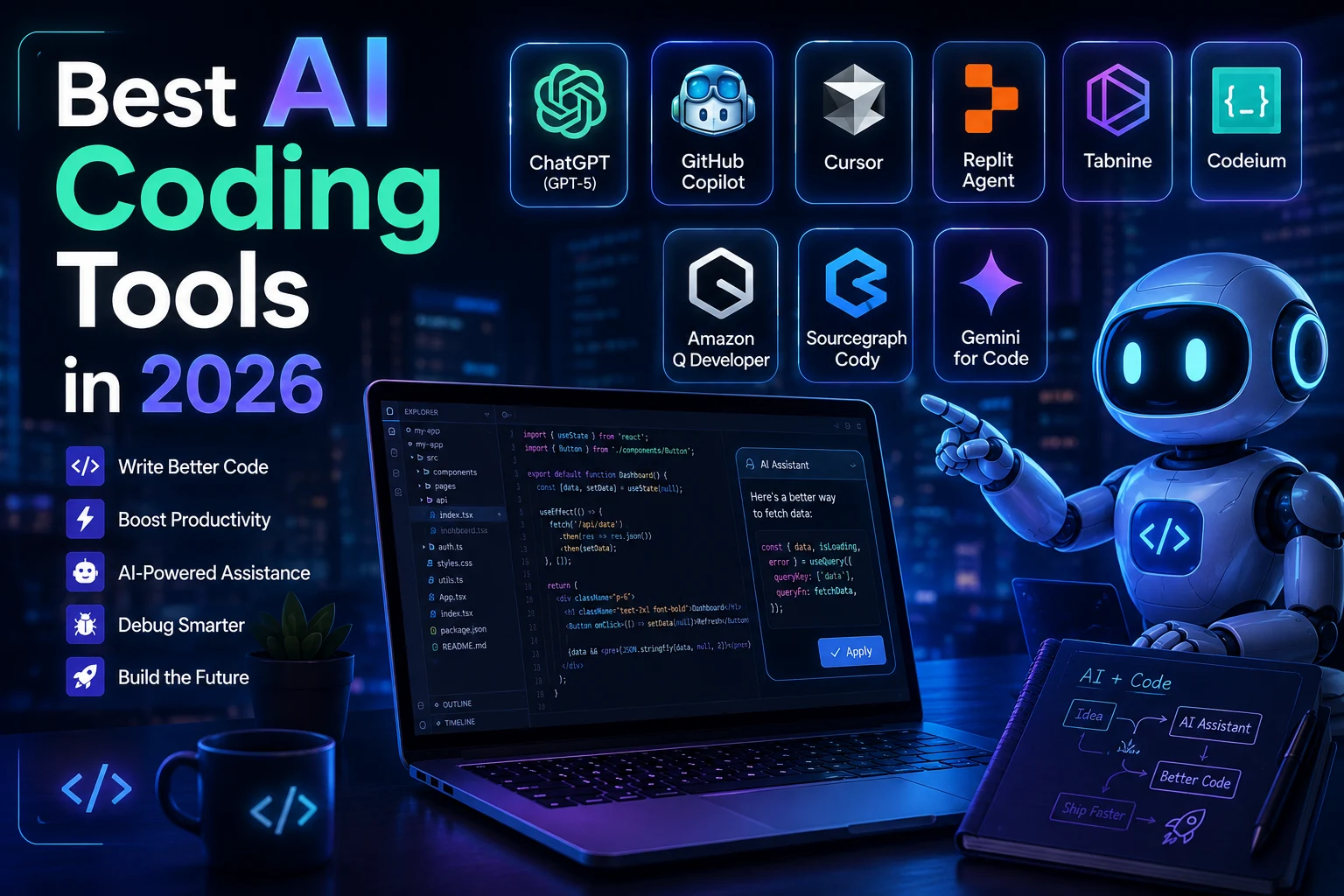

AI coding tools have evolved far beyond simple code autocomplete. In 2026, modern AI assistants can understand entire codebases, generate and modify multiple files, explain unfamiliar code, write tests, debug problems, and even handle larger development tasks with limited supervision.
But with so many options available, choosing the right AI coding tool can be difficult. Some tools are built directly into an IDE, while others work from the terminal or integrate deeply with platforms such as GitHub.
In this guide, we'll look at the best AI coding tools in 2026 and explain what each tool is best suited for.
What Are AI Coding Tools?
AI coding tools are software development assistants powered by artificial intelligence. They can help developers write, understand, refactor, test, and debug code using natural-language instructions.
Instead of manually writing every function, a developer can describe what they want to build and let an AI assistant generate an initial implementation. The developer can then review, modify, and test the result.
Modern coding assistants are increasingly capable of working across multiple files and understanding relationships between different parts of a project.
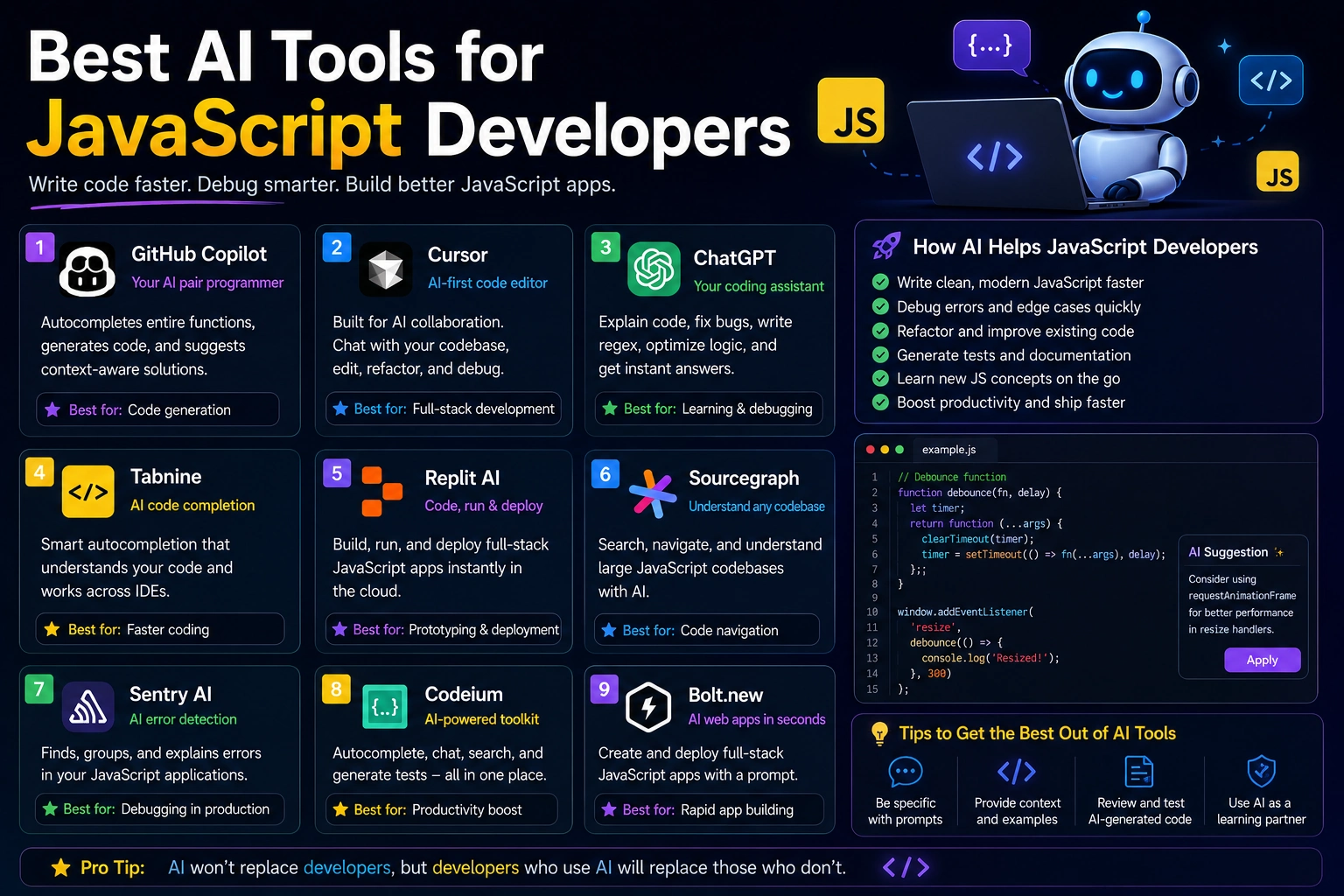
Best AI Coding Tools in 2026
1. Cursor
Cursor is an AI-first code editor based on the VS Code ecosystem. It is designed for developers who want AI deeply integrated into their daily coding environment.
Cursor is particularly useful for understanding existing projects, generating code, editing multiple files, and working on larger development tasks without constantly switching between an editor and an AI chatbot.
Best for
- Daily software development
- Multi-file editing
- Large codebases
- Developers who prefer an AI-native editor
2. GitHub Copilot
GitHub Copilot is one of the most established AI coding assistants. It integrates with popular development environments and is especially attractive to developers and teams already using GitHub.
Copilot can provide code suggestions, explain code, help with debugging, generate tests, and assist with development tasks. Its close relationship with GitHub also makes it useful for workflows involving issues and pull requests.
Best for
- GitHub-based development teams
- Code completion
- IDE integration
- Enterprise development workflows
3. Claude Code
Claude Code takes a different approach. Instead of being primarily an editor extension, it works as a terminal-based coding agent. It can inspect a project, plan changes, modify files, run commands, and iterate on development tasks.
This makes it especially interesting for developers working on complex multi-file changes and larger refactoring tasks.
Best for
- Complex coding tasks
- Large refactoring projects
- Terminal-based workflows
- Developers who want more autonomous AI assistance
4. Windsurf
Windsurf is another AI-powered development environment focused on agentic coding workflows. Its Cascade system is designed to understand project context and help developers make changes across their codebase.
Windsurf can be a strong option for developers who want an AI-native editor while keeping a familiar development experience.
Best for
- AI-assisted IDE workflows
- Multi-file development
- Agentic coding tasks
- Developers looking for an alternative to Cursor
5. Cline
Cline is an AI coding agent that works inside VS Code and supports a bring-your-own-model/API approach. This makes it attractive to developers who want more control over which AI models they use.
It can help with planning, editing files, executing commands, and working through larger development tasks.
Best for
- VS Code users
- Developers who want model flexibility
- BYO API workflows
- Experimenting with different AI models
AI Coding Tools Compared
| Tool | Best For | Type |
|---|---|---|
| Cursor | AI-native development | AI Code Editor |
| GitHub Copilot | GitHub workflows and coding assistance | IDE Assistant |
| Claude Code | Complex coding and refactoring | Terminal Agent |
| Windsurf | Agentic IDE workflows | AI Code Editor |
| Cline | Flexible model-based workflows | VS Code Agent |
Which AI Coding Tool Should You Choose?
The best AI coding tool depends on how you work. There is no single assistant that is perfect for every developer.
If you want an AI-native editor for everyday development, Cursor is an excellent starting point. If your workflow already revolves around GitHub, GitHub Copilot can be a natural choice.
Developers working on complex multi-file tasks may prefer Claude Code, while Windsurf offers another strong AI-native development environment. Developers who want more control over their model and API choices can consider Cline.
AI Coding Tools vs Traditional Programming
AI coding assistants do not eliminate the need for programming knowledge. Developers still need to understand architecture, security, databases, APIs, testing, and software design.
The biggest advantage is productivity. AI can handle repetitive tasks, generate boilerplate, explain unfamiliar code, and provide possible solutions much faster than starting from an empty file.
However, AI-generated code should always be reviewed and tested before being used in production. AI assistants can make incorrect assumptions, introduce bugs, or produce insecure implementations.
How to Get Better Results From AI Coding Tools
- Describe the goal clearly. Explain what you want the application or feature to accomplish.
- Provide relevant context. Tell the AI about your framework, programming language, database, and existing architecture.
- Work in smaller steps. Breaking a large project into manageable tasks usually makes the results easier to review.
- Ask the AI to explain changes. Understanding why code was changed makes debugging and maintenance easier.
- Test everything. Never assume generated code is correct simply because it looks convincing.
Are AI Coding Tools Worth It in 2026?
For many developers, AI coding tools have become valuable parts of the development workflow. The strongest tools can help with everything from simple autocomplete to complex multi-file development tasks.
The important thing is to choose a tool that matches your workflow rather than simply choosing the tool with the most features.
Cursor, GitHub Copilot, Claude Code, Windsurf, and Cline all approach AI-assisted programming differently. Trying one or two tools and measuring how much time they save in your actual projects is often the best way to decide.
Final Thoughts
The future of software development is increasingly collaborative, with developers working alongside AI systems rather than simply using AI as a code autocomplete tool.
In 2026, AI coding assistants can help developers move from an idea to working software faster, but human judgment remains essential. The best results come from combining AI's speed with a developer's understanding of software engineering.
Whether you're a beginner learning to code or an experienced developer managing large applications, there has never been a better time to explore AI-powered programming tools.