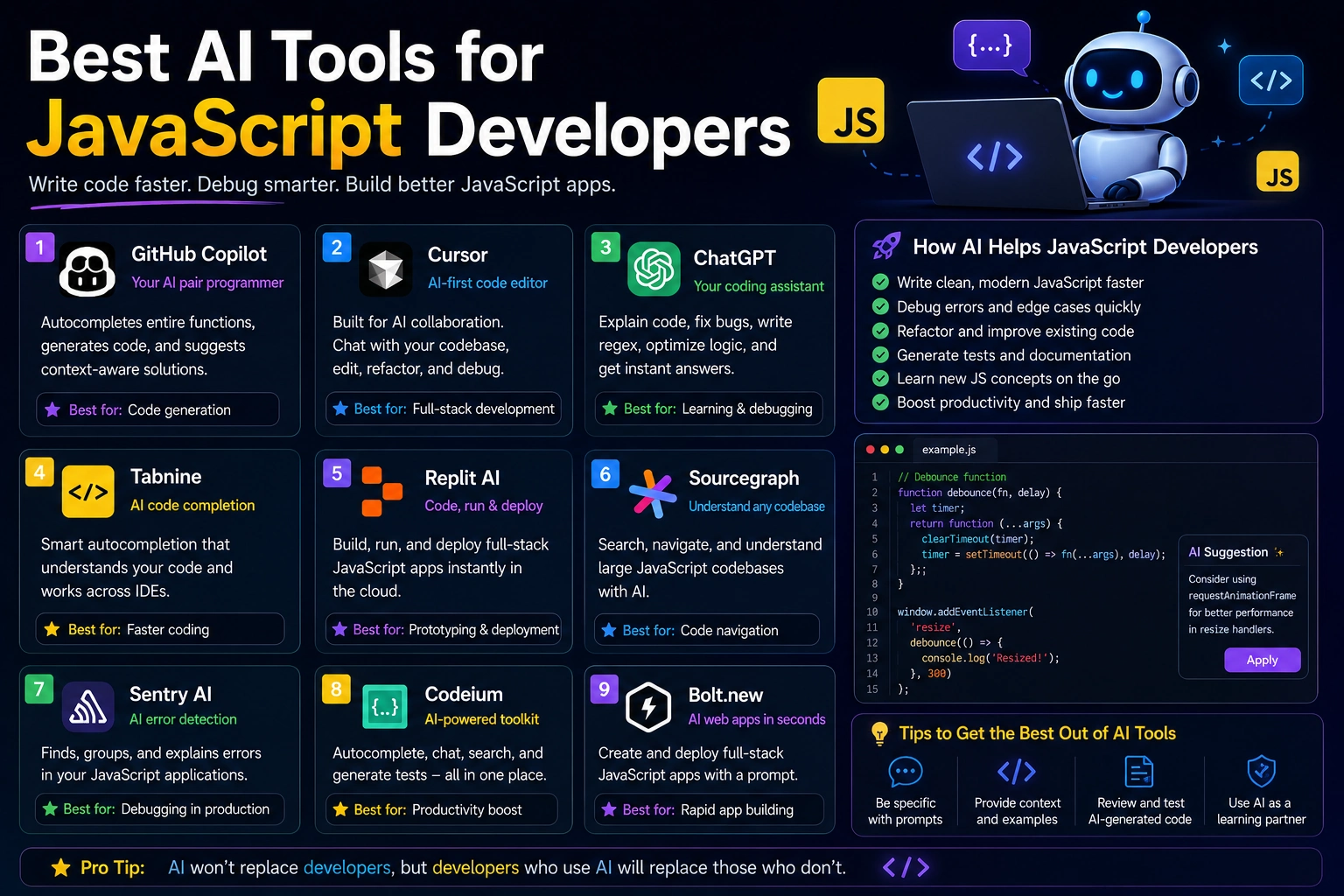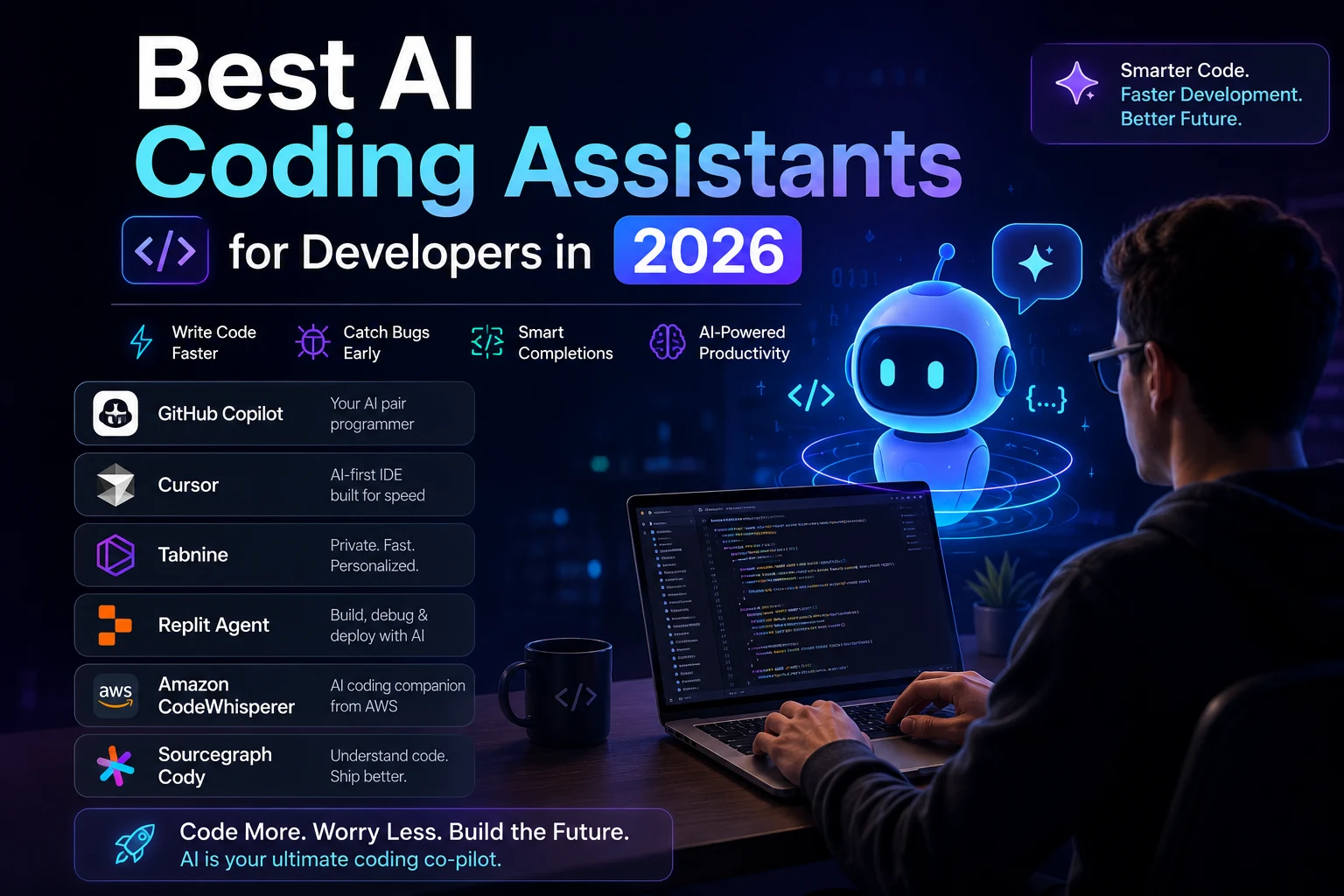

Artificial intelligence is changing the way software is built. In 2026, developers can use AI not only to autocomplete code, but also to understand entire codebases, generate features, find bugs, write tests, refactor applications, and automate repetitive development tasks.
AI coding assistants are becoming increasingly powerful, especially with the rise of AI coding agents. These tools can analyze a project, create implementation plans, modify multiple files, run commands, and help developers complete complex software tasks.
But with so many AI coding tools available, which ones are actually worth using?
In this guide, we'll explore the best AI coding assistants for developers in 2026, what they can do, who they are best for, and how to choose the right tool for your workflow.
What Is an AI Coding Assistant?
An AI coding assistant is a software development tool that uses artificial intelligence to help programmers write, understand, debug, test, and improve code.
Depending on the platform, an AI coding assistant can help with:
- Writing code
- Completing code automatically
- Generating functions and components
- Explaining unfamiliar code
- Finding and fixing bugs
- Refactoring applications
- Writing unit tests
- Generating documentation
- Searching and understanding codebases
- Working with terminal commands
- Automating development tasks
Modern AI coding assistants are increasingly becoming development agents rather than simple autocomplete tools. They can work with multiple files and maintain context about the project while carrying out larger tasks.
Best AI Coding Assistants in 2026
1. Cursor
Best for: AI-first software development
Cursor is one of the most popular AI-first code editors available to developers. It is designed around the idea that AI should be deeply integrated into the development environment rather than added as a simple autocomplete feature.
Cursor can understand project context, search through codebases, generate code, modify existing files, and help developers complete larger tasks.
Its agent-oriented workflow makes it particularly useful when working on applications that require changes across multiple files.
Key features include:
- AI-powered code generation
- Codebase understanding
- Multi-file editing
- AI coding agents
- Code refactoring
- Debugging assistance
- Multiple AI model options
- Project-aware conversations
Best for: Full-stack developers, professional programmers, startups, and developers working on large projects.
2. GitHub Copilot
Best for: Developers using GitHub and popular IDEs
GitHub Copilot is one of the most established AI coding assistants. It integrates directly into popular development environments and can help developers generate code, understand programming problems, write tests, and work with GitHub repositories.
Copilot has also expanded beyond traditional autocomplete with more advanced agent capabilities. Developers can use it for larger software development tasks while maintaining control over reviewing and accepting the generated changes.
Key features include:
- AI code completion
- Code generation
- Programming chat
- GitHub integration
- Agent-based development
- Code explanations
- Test generation
- Command-line assistance
Best for: Developers already using GitHub, VS Code, and Git-based development workflows.
3. Claude Code
Best for: Advanced developers and terminal-based workflows
Claude Code is an AI coding agent designed for developers who want to work with AI directly from the terminal and development environment.
Instead of simply answering programming questions, Claude Code can work with repositories, inspect files, understand project structures, modify code, debug problems, and help automate development tasks.
This makes it particularly useful for experienced developers who are comfortable working from the command line.
Key features include:
- Terminal-based coding
- Repository understanding
- Multi-file changes
- Debugging assistance
- Code review
- Automation
- Agentic development
Best for: Experienced developers, backend engineers, DevOps engineers, and developers who prefer terminal workflows.
4. OpenAI Codex
Best for: AI-powered software engineering tasks
OpenAI Codex has evolved toward agent-based software development. Instead of using AI only for generating individual snippets, developers can use coding agents to work on larger tasks.
Codex can assist with implementing features, fixing bugs, analyzing repositories, reviewing code, and completing development tasks.
The biggest advantage of an agentic approach is that developers can describe the desired outcome instead of manually explaining every individual code change.
Best for: Developers interested in AI agents and automated software development workflows.
5. Gemini Code Assist
Best for: Developers using Google's ecosystem
Gemini Code Assist is Google's AI-powered coding assistant. It helps developers generate and understand code, troubleshoot problems, and improve productivity inside supported development environments.
Its connection to Google's broader AI and cloud ecosystem makes it particularly useful for developers building applications with Google Cloud and other Google technologies.
Key features include:
- Code generation
- Code completion
- Code explanations
- Debugging assistance
- Google Cloud integration
- AI-powered development assistance
Best for: Google Cloud developers, Android developers, and programmers using Google's technology ecosystem.
6. Windsurf
Best for: Developers looking for an AI-first development environment
Windsurf is an AI-focused development environment designed to combine traditional coding with AI-assisted programming and agentic workflows.
It can use project context to help developers generate code, modify files, understand applications, and complete development tasks.
For developers looking for alternatives to traditional IDE assistants, Windsurf is worth exploring.
Best for: Developers who want an AI-centered coding workflow.
7. Amazon Q Developer
Best for: AWS developers
Amazon Q Developer is designed to help software developers build and maintain applications with AI assistance, with particularly strong integration into the AWS ecosystem.
It can help with coding, debugging, understanding AWS services, modernizing applications, and working with cloud infrastructure.
Best for: Developers and cloud engineers working heavily with AWS.
AI Coding Assistants Comparison
| AI Tool | Best For | Main Strength |
|---|---|---|
| Cursor | AI-first development | Codebase understanding and agents |
| GitHub Copilot | GitHub workflows | IDE and GitHub integration |
| Claude Code | Advanced developers | Terminal-based coding agents |
| OpenAI Codex | AI software engineering | Agent-based development |
| Gemini Code Assist | Google ecosystem | Google-powered coding assistance |
| Windsurf | AI-first IDE workflows | Context-aware development |
| Amazon Q Developer | AWS development | Cloud and AWS assistance |
How AI Coding Assistants Help Developers
AI coding assistants can improve productivity across many parts of the software development lifecycle.
Code Generation
Developers can describe what they want in natural language and ask an AI assistant to generate the initial implementation.
This is particularly useful for repetitive components, API integrations, database queries, utility functions, and boilerplate code.
Debugging
AI assistants can analyze error messages and code to suggest possible causes and fixes.
They can also help developers understand why an application is behaving unexpectedly.
Refactoring
AI can identify repetitive or difficult-to-maintain code and suggest cleaner implementations.
Developers can also ask AI assistants to refactor multiple related files while preserving the existing functionality.
Testing
Writing tests is an important part of software development, but it can also be repetitive. AI coding assistants can generate unit tests, identify possible edge cases, and help developers expand test coverage.
Documentation
AI can explain functions and classes, generate comments, create documentation, and summarize complicated sections of an application.
Benefits of AI Coding Assistants
1. Faster Development
AI can automate repetitive programming tasks and help developers create working implementations faster.
2. Better Code Understanding
Developers can ask questions about unfamiliar codebases instead of manually reading every file.
3. Faster Debugging
AI can analyze errors and suggest possible solutions, helping developers investigate problems more efficiently.
4. Easier Learning
AI coding assistants can explain programming concepts, frameworks, libraries, APIs, and unfamiliar code.
5. Improved Productivity
By reducing repetitive work, AI allows developers to spend more time on architecture, product design, security, and complex problem solving.
Are AI Coding Assistants Replacing Developers?
AI coding assistants are becoming increasingly capable, but they are not a complete replacement for professional developers.
Developers still need to understand system architecture, requirements, security, performance, testing, and business logic.
AI-generated code can also contain bugs, incorrect assumptions, security vulnerabilities, or unnecessary complexity.
For this reason, developers should treat AI-generated code as something to review, test, and verify rather than automatically trusting every suggestion.
Security and Privacy Considerations
Security is especially important when using AI coding agents.
Some advanced tools can access repositories, files, terminals, commands, and external services. Developers should therefore carefully configure permissions and avoid exposing sensitive information such as passwords, API keys, private credentials, and confidential source code unless the service and configuration are appropriate for that data.
Developers should also review AI-generated code for common security problems such as unsafe input handling, authentication mistakes, insecure dependencies, and exposed secrets.
How to Choose the Best AI Coding Assistant
The best AI coding assistant depends on your programming workflow.
- Choose Cursor if you want an AI-first development environment.
- Choose GitHub Copilot if you work heavily with GitHub and popular IDEs.
- Choose Claude Code if you prefer terminal-based AI development.
- Choose OpenAI Codex if you want an AI coding agent for larger software tasks.
- Choose Gemini Code Assist if you work extensively with Google's ecosystem.
- Choose Windsurf if you want an alternative AI-first coding environment.
- Choose Amazon Q Developer if your projects rely heavily on AWS.
Tips for Getting Better Results From AI Coding Tools
- Give the AI clear requirements.
- Explain the existing project structure.
- Provide relevant error messages.
- Ask the AI to explain its changes.
- Work on one well-defined task at a time.
- Review generated code before committing it.
- Run your tests after AI-generated changes.
- Never share sensitive credentials with an AI assistant.
Final Thoughts
The best AI coding assistants in 2026 are much more than autocomplete tools. They can understand projects, generate code, debug applications, write tests, modify multiple files, and help developers complete complex software engineering tasks.
Cursor, GitHub Copilot, Claude Code, OpenAI Codex, Gemini Code Assist, Windsurf, and Amazon Q Developer are all worth considering, but the right choice depends on your development environment and requirements.
The most effective approach is not to let AI replace your judgment. Instead, use AI as a powerful development partner while you remain responsible for architecture, security, testing, code quality, and the final decisions.
As AI coding agents continue to improve, developers who learn how to effectively collaborate with these tools will have a significant advantage in building software faster and more efficiently.