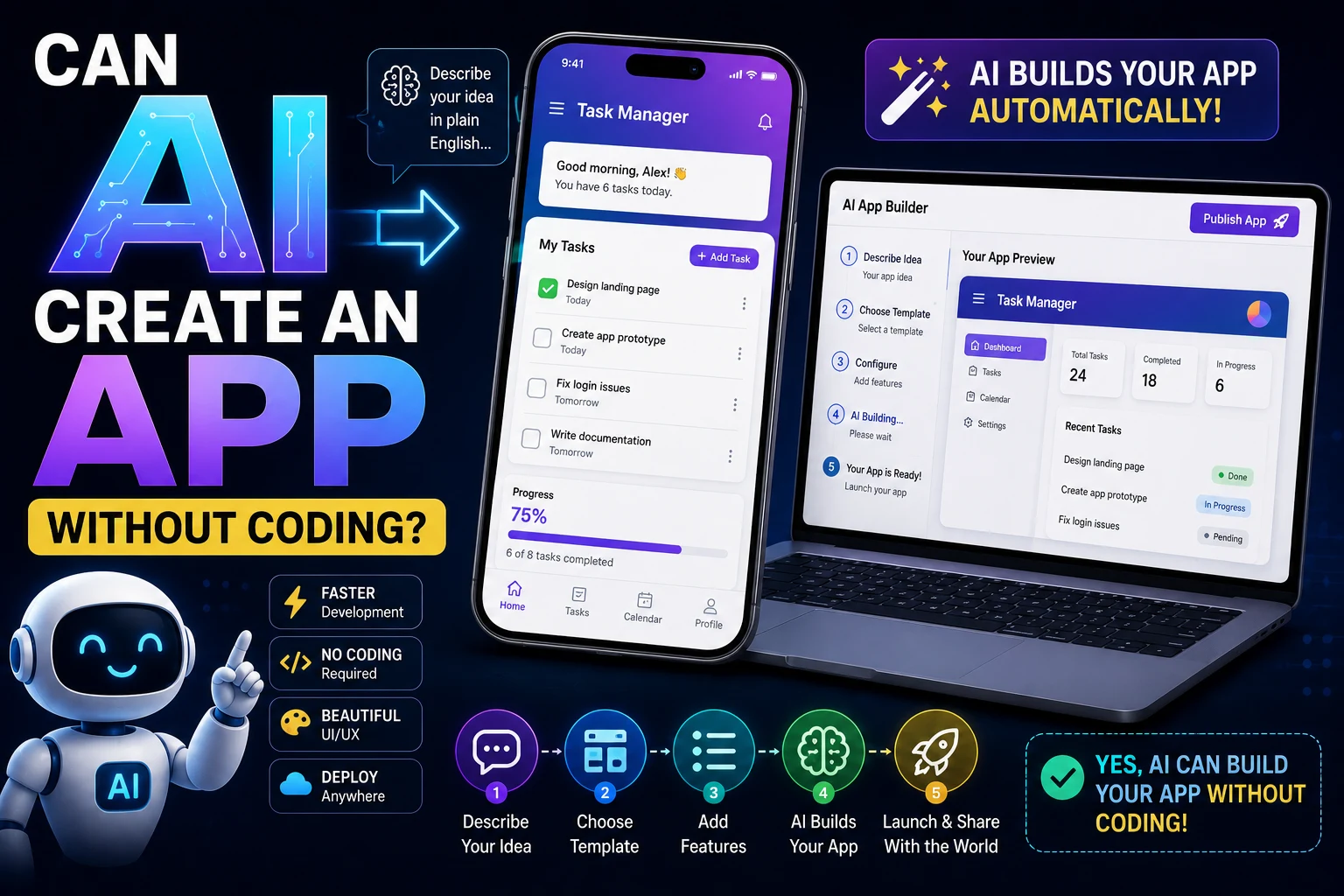

Can AI create an app without coding? Yes. Modern AI tools can help beginners create websites, web applications, mobile app prototypes, dashboards, internal tools, and other software without requiring them to write every line of code manually.
Instead of learning a programming language first, you can describe what you want to build in natural language. An AI tool can then generate code, create interface components, set up databases, explain errors, and help you improve the application.
However, building an app with AI does not mean that software development has completely disappeared. AI-generated applications still need testing, debugging, security checks, and maintenance.
In this guide, we'll explain how AI can create apps without traditional coding, what types of apps you can build, which AI tools can help, how to create your first app, and what limitations you should understand before starting.
Can AI Really Create an App Without Coding?
Yes. AI can generate much of the code required to create an application based on natural-language instructions.
Traditional app development usually requires knowledge of programming languages, frameworks, databases, APIs, authentication, deployment, and software architecture.
AI can reduce the amount of technical knowledge required by allowing you to describe your requirements in plain language.
For example, instead of manually writing hundreds of lines of JavaScript, you could tell an AI:
Build a simple task management web app. Users should be able to create tasks, mark tasks as completed, delete tasks, and filter tasks by status. Use a clean responsive interface and store the tasks in a database.
Depending on the AI tool and workflow, it may generate the interface, application logic, database structure, and supporting code.
You may still need to review the generated application, fix errors, configure services, and deploy it.
How AI App Development Works
AI-powered app development generally follows a simple process.
- Describe: Explain the application you want to build.
- Generate: The AI creates code, components, or an application structure.
- Preview: Test the generated application.
- Improve: Ask the AI to modify the application.
- Debug: Give the AI errors and unexpected behavior to investigate.
- Test: Verify that important features work correctly.
- Deploy: Publish the application when it is ready.
The major difference is that you can communicate with the development environment using natural language instead of manually implementing every feature.
What Types of Apps Can AI Create?
AI can help create many different types of applications. The complexity of the project determines how much human involvement will still be required.
- Websites
- Web applications
- Landing pages
- Business dashboards
- Task management apps
- To-do applications
- Booking systems
- Customer management tools
- Content management systems
- Online calculators
- Internal business tools
- Mobile app prototypes
- AI-powered applications
- Simple e-commerce applications
- Data visualization dashboards
More complex applications can also be developed with AI assistance, but they generally require significantly more technical knowledge and human supervision.
Best AI Tools for Building Apps Without Coding
Different AI development tools target different types of users. Some focus on no-code app creation, while others generate traditional source code that developers can modify.
- ChatGPT — Best for learning, planning, generating code, and debugging
- Claude — Best for generating and analyzing application code
- Cursor — Best for AI-assisted application development
- GitHub Copilot — Best for developers who want AI coding assistance
- AI-powered no-code builders — Best for beginners who want visual application creation
The best choice depends on whether you want the AI to build the application through a visual interface or generate actual source code that you can control.
1. ChatGPT
ChatGPT can help beginners plan applications, generate source code, explain programming concepts, troubleshoot errors, and improve existing projects.
You can describe the application you want and ask the AI to break it into smaller components.
Why use ChatGPT to build an app?
- Natural-language instructions
- Code generation
- Debugging assistance
- Application planning
- Database design assistance
- API development assistance
- Code explanations
- Learning support for beginners
ChatGPT is particularly useful if you want to understand what the AI is building instead of simply using a visual app builder.
Best for: Beginners who want AI assistance while learning how applications work.
2. Claude
Claude can help generate, analyze, refactor, and explain application code. It can be useful when a project contains multiple files or when you need help understanding an existing codebase.
You can ask Claude to create individual features and then progressively expand the application.
Why use Claude?
- Code generation
- Large-codebase analysis
- Debugging
- Refactoring
- Application planning
- Code explanations
- Multi-file development assistance
Best for: Users who want AI assistance for more complex application development.
3. Cursor
Cursor is an AI-powered code editor designed to help developers create and modify applications using natural-language instructions.
It can understand project context, modify multiple files, generate code, and help troubleshoot development problems.
For someone who wants to build an application with AI while still having access to the underlying source code, an AI-first editor can provide more control than a traditional no-code platform.
Best for: Beginners progressing toward more advanced AI-assisted development and developers building complete applications.
4. GitHub Copilot
GitHub Copilot can assist with application development by generating code, explaining existing code, suggesting implementations, and helping developers debug problems.
It is more developer-oriented than traditional no-code platforms, but beginners can still use it as a programming assistant while learning.
Best for: Users who want to learn coding while using AI to accelerate development.
AI App Builders vs AI Coding Tools
There is an important difference between an AI app builder and an AI coding assistant.
| Feature | AI App Builder | AI Coding Tool |
|---|---|---|
| Technical knowledge required | Low | Low to moderate |
| Visual development | Usually strong | Usually limited |
| Source-code control | Varies | Usually strong |
| Customization | Depends on platform | Very high |
| Learning programming | Limited | Excellent |
| Complex applications | Depends on platform | More flexible |
| Deployment control | Depends on platform | Usually greater control |
How to Build an App With AI Step by Step
Step 1: Define Your App Idea
Start by describing the problem your application should solve.
Avoid starting with a vague request such as:
Build me an app.
Instead, explain exactly what the application should do.
I want to build a simple expense tracker for individuals. Users should be able to add expenses, select a category, enter an amount, view monthly totals, and delete expenses.
The more clearly you describe the goal, the easier it is for AI to produce a useful result.
Step 2: List the Features
Create a list of the features your first version needs.
For example:
- Create an expense
- Edit an expense
- Delete an expense
- Select an expense category
- Calculate total spending
- Filter expenses by month
- Display a simple chart
Start with the essential features rather than trying to build everything at once.
Step 3: Ask AI to Plan the Application
Before generating a large amount of code, ask the AI to create a development plan.
Create a technical plan for this expense-tracking application. Break the project into frontend, backend, database, authentication, and deployment components. Recommend a simple technology stack suitable for a beginner and explain why each technology is needed.
This can help you understand the architecture before implementation begins.
Step 4: Build the Interface
Ask AI to create the application's user interface.
Create a responsive dashboard for the expense tracker. Include a navigation area, monthly spending summary, expense form, expense list, category filter, and a simple chart. Use a clean modern design that works on desktop and mobile screens.
You can then ask the AI to modify the design based on what you see.
Step 5: Add Application Logic
Once the interface works, add the functionality behind each feature.
For example, you could ask:
Add the functionality required to create, edit, and delete expenses. Validate the amount before saving it and update the monthly total whenever an expense changes.
Building features individually makes it easier to identify problems.
Step 6: Add a Database
If your application needs persistent data, you will usually need a database.
Ask AI to design the database structure before implementing it.
Design a database schema for this expense tracker. Include users, expenses, categories, timestamps, and relationships between the tables. Explain the purpose of every field and identify appropriate indexes.
The AI can then help generate database queries and application code.
Step 7: Add Authentication
Applications that store personal information often need user accounts.
AI can help implement login, registration, password reset, sessions, and authorization.
However, authentication is a security-sensitive part of an application. Never deploy authentication code without properly testing it and understanding how it works.
Step 8: Test the Application
Do not assume that an application works simply because AI generated it.
Test every important feature.
- Create new records
- Edit records
- Delete records
- Submit invalid information
- Test empty states
- Test mobile layouts
- Test authentication
- Test permissions
- Test error handling
Step 9: Fix Errors With AI
When something goes wrong, provide the exact error rather than simply saying that the application is broken.
This application produces the following error when I submit the registration form: "Unexpected token in JSON at position 0" Here is the relevant frontend code and the server response. Explain the cause, identify the incorrect assumption, and provide the smallest safe fix.
Specific error messages and relevant code give AI much more useful information than vague descriptions.
Step 10: Deploy the Application
After testing, you can deploy the application to a suitable hosting environment.
Your deployment requirements depend on the application. A simple static website may only require web hosting, while a full-stack application may require a server, database, environment variables, domain configuration, and other services.
Can ChatGPT Build an App for Me?
Yes. ChatGPT can help you plan, design, code, debug, and improve an application.
For example, you could start with:
I have never built an application before. Help me build a simple habit-tracking web app step by step. Use beginner-friendly technologies. Do not generate the entire project at once. First explain the architecture and create the project structure.
This approach is generally better than asking AI to generate an entire complex application in a single response.
You can then continue feature by feature until the application is complete.
Can AI Build a Mobile App Without Coding?
AI can help create mobile applications and mobile-friendly applications without requiring you to manually write all of the code.
However, the exact process depends on the tool you choose.
Some platforms can generate application interfaces and workflows visually, while AI coding tools can generate applications using frameworks designed for mobile development.
For a beginner, starting with a small mobile app or web application is usually easier than attempting to build a large production mobile application immediately.
Can AI Build a Website Without Coding?
Yes. Website creation is one of the easiest ways to start experimenting with AI-assisted development.
AI can generate:
- HTML
- CSS
- JavaScript
- Responsive layouts
- Navigation menus
- Contact forms
- Landing pages
- Interactive components
- Basic animations
A beginner can describe the website they want and use AI to generate the initial implementation.
Can AI Build a Full-Stack App?
AI can help create full-stack applications containing a frontend, backend, database, APIs, authentication, and other components.
For example, you could ask AI to create:
- A React frontend
- A Node.js backend
- A REST API
- A database schema
- User authentication
- Form validation
- Error handling
- Automated tests
The challenge is that full-stack applications contain many interconnected components. A small mistake in one part of the system can affect other parts.
For this reason, complex applications require more testing and technical oversight than simple websites.
What Apps Are Difficult for AI to Build?
AI can help with complex applications, but some projects are significantly harder to build without programming knowledge.
- Large social networks
- Banking applications
- Medical systems
- Large e-commerce platforms
- Real-time communication systems
- High-security applications
- Large-scale enterprise software
- Complex multiplayer games
- Systems with strict regulatory requirements
AI can contribute to these projects, but experienced developers are usually needed to design the architecture, review the implementation, manage security, and maintain the system.
Advantages of Building Apps With AI
Faster Development
AI can generate repetitive code and basic application structures much faster than writing everything manually.
Lower Barrier to Entry
People who do not know how to program can experiment with software development by describing their ideas in natural language.
Learning While Building
AI can explain unfamiliar concepts while you work on a real project.
For example:
Explain this JavaScript function line by line. Assume I have only basic programming knowledge and explain why each part is necessary.
Rapid Prototyping
Entrepreneurs and developers can use AI to create prototypes quickly and test an idea before investing significant development resources.
Debugging Assistance
AI can analyze error messages and suggest possible solutions, which can be particularly helpful for beginners.
Limitations of AI App Development
AI makes development easier, but it does not eliminate the challenges of software engineering.
AI Can Generate Bugs
AI-generated code can contain syntax errors, logic errors, incorrect assumptions, or compatibility problems.
AI May Not Understand Your Entire Business
An AI can implement instructions, but it may not fully understand your customers, business rules, legal requirements, or long-term product strategy.
Security Requires Human Review
Authentication, payments, databases, file uploads, APIs, and user-generated content all introduce security risks.
Complex Projects Need Architecture
Generating individual features is relatively easy. Designing a reliable system that remains maintainable as it grows is much more difficult.
AI Does Not Guarantee Production-Ready Code
Code that works in a demonstration may still have performance, security, scalability, or reliability problems.
How to Write a Good Prompt for Building an App
The quality of your instructions has a major impact on the result.
Instead of:
Make me a fitness app.
provide more context:
Build a responsive fitness tracking web application for beginners. Users should be able to create an account, record workouts, track exercises, view weekly progress, and delete workout records. Use a clean mobile-first interface. Include form validation and clear error messages. Start by creating the architecture and project structure before implementing individual features.
A strong app-building prompt should usually include:
- Application purpose
- Target users
- Required features
- Technology preferences
- Database requirements
- Authentication requirements
- Design requirements
- Device requirements
- Performance requirements
- Security requirements
- Expected output
Useful AI Prompts for Building Apps
App Planning Prompt
I want to build an application that solves this problem: [describe the problem]. Analyze the idea and create a technical plan. Identify the main features, user flows, database requirements, frontend components, backend requirements, security considerations, and deployment requirements. Keep the architecture appropriate for a beginner.
UI Prompt
Design a clean, responsive user interface for this application. Create the main dashboard, navigation, forms, buttons, cards, empty states, loading states, and error states. Make the interface accessible and usable on both desktop and mobile devices.
Debugging Prompt
My application is producing this error: [error]. Explain what the error means, identify the likely cause, inspect the provided code, and give me the smallest safe fix. Do not rewrite unrelated parts of the application.
Security Review Prompt
Review this application for common security problems. Check authentication, authorization, input validation, API security, database queries, sensitive information, file uploads, dependency risks, and client-side security. Identify each issue and explain how it should be fixed.
Testing Prompt
Create a comprehensive test plan for this application. Include normal user flows, invalid input, edge cases, authentication, authorization, API failures, database errors, mobile layouts, and security-related scenarios.
Do You Need to Learn Coding to Build an App With AI?
You can build simple applications with AI without knowing much programming, but learning basic coding concepts becomes increasingly valuable as your projects become more complex.
You do not necessarily need to become an expert programmer before using AI.
Instead, learn the fundamentals while building:
- HTML and CSS
- JavaScript basics
- Variables and functions
- APIs
- Databases
- Authentication
- Git and version control
- Basic security
- Debugging
The more you understand about software development, the better you can evaluate AI-generated code and identify problems.
AI App Development vs Traditional Coding
| Area | Traditional Development | AI-Assisted Development |
|---|---|---|
| Writing code | Mostly manual | AI can generate significant portions |
| Planning | Human-led | AI can assist with planning |
| Debugging | Mostly manual | AI can suggest fixes |
| Learning | Courses and documentation | Interactive AI explanations |
| Prototyping | Can take significant time | Often much faster |
| Security review | Human-led | AI can assist, but human review remains essential |
| Architecture | Human-led | AI can provide recommendations |
| Maintenance | Human-led | AI can assist with changes and debugging |
A Practical Workflow for Building an App With AI
- Choose an idea: Start with one clear problem.
- Define the MVP: Decide which features are absolutely necessary.
- Plan: Ask AI to create a technical architecture.
- Design: Create the interface and user flows.
- Build: Implement one feature at a time.
- Test: Test every feature as it is completed.
- Debug: Give AI exact errors and relevant context.
- Secure: Review authentication, data, APIs, and user input.
- Optimize: Improve performance and usability.
- Deploy: Publish the application after thorough testing.
- Maintain: Continue fixing bugs and improving the application.
Important: Don't Trust AI-Generated Code Blindly
One of the biggest mistakes beginners can make is assuming that AI-generated code is automatically correct.
AI can produce code that looks professional while containing subtle problems.
Before deploying an AI-generated application, check:
- Authentication
- Authorization
- Input validation
- Database security
- API security
- Cross-site scripting risks
- Cross-site request forgery
- Dependency vulnerabilities
- Data privacy
- Error handling
- Performance
- Mobile responsiveness
For applications handling payments, health information, financial data, or other sensitive information, professional security and technical review are especially important.
Can AI Replace Developers?
AI can automate many programming tasks, but that does not mean software developers are no longer needed.
Developers still need to understand the problem, choose an appropriate architecture, evaluate AI-generated code, test applications, manage security, and make technical decisions.
The role of a developer is increasingly shifting toward solving problems, reviewing implementations, directing AI tools, and managing complex systems rather than manually typing every line of code.
Final Verdict
Yes, AI can help you create an app without traditional coding. Beginners can use AI to generate interfaces, application logic, database structures, APIs, and other components using natural-language instructions.
For simple websites, prototypes, calculators, dashboards, and small applications, AI can significantly reduce the technical barrier to getting started.
For more complex applications, AI is better viewed as a development assistant rather than a complete replacement for programming knowledge. The more features your application has, the more important architecture, testing, security, and human review become.
If you're a complete beginner, the best approach is to start with a small project, ask AI to explain what it creates, build one feature at a time, and learn the underlying concepts as you go.
The goal isn't simply to have AI write an application for you. The goal is to use AI to turn an idea into a working product while gradually developing enough technical knowledge to understand, test, and improve what you build.
Frequently Asked Questions
Can AI create an app without coding?
Yes. AI-powered app builders and coding assistants can help create applications from natural-language descriptions. They can generate interfaces, code, databases, APIs, and other components depending on the tool and project.
Can ChatGPT build an app for me?
ChatGPT can help you plan, generate, explain, debug, and improve an application. For best results, build the application step by step rather than asking for a large complex application in a single request.
Can AI build a mobile app without coding?
Yes. AI can help create mobile applications and mobile app prototypes without requiring you to manually write all of the code. The exact capabilities depend on the AI development platform you use.
Can AI build a website without coding?
Yes. AI can generate HTML, CSS, JavaScript, layouts, forms, navigation, and interactive website components. Website creation is one of the easiest ways for beginners to start using AI for software development.
Can AI build a full-stack application?
Yes. AI can assist with frontend code, backend services, APIs, databases, authentication, and testing. However, full-stack applications require more technical knowledge and testing because their components are interconnected.
Do I need to know programming to use an AI app builder?
Not necessarily. Some AI app builders are designed for users with little or no programming experience. However, learning basic programming concepts will help you understand, troubleshoot, customize, and maintain the application.
What is the easiest app to build with AI?
Simple websites, calculators, to-do apps, expense trackers, dashboards, forms, and basic productivity tools are good starting projects for beginners.
Can AI build an app for free?
Some AI tools offer free plans or free usage limits, but building and deploying an application may still involve costs for hosting, databases, domains, APIs, or premium AI features.
Is AI-generated code safe?
AI-generated code is not automatically safe. It should be reviewed and tested for authentication problems, insecure data handling, vulnerabilities, dependency issues, and other security risks before being used in production.
Should beginners learn coding if AI can build apps?
Yes. You do not need to become an expert programmer before using AI, but learning basic coding, databases, APIs, debugging, and security will make you much better at using and evaluating AI-generated applications.