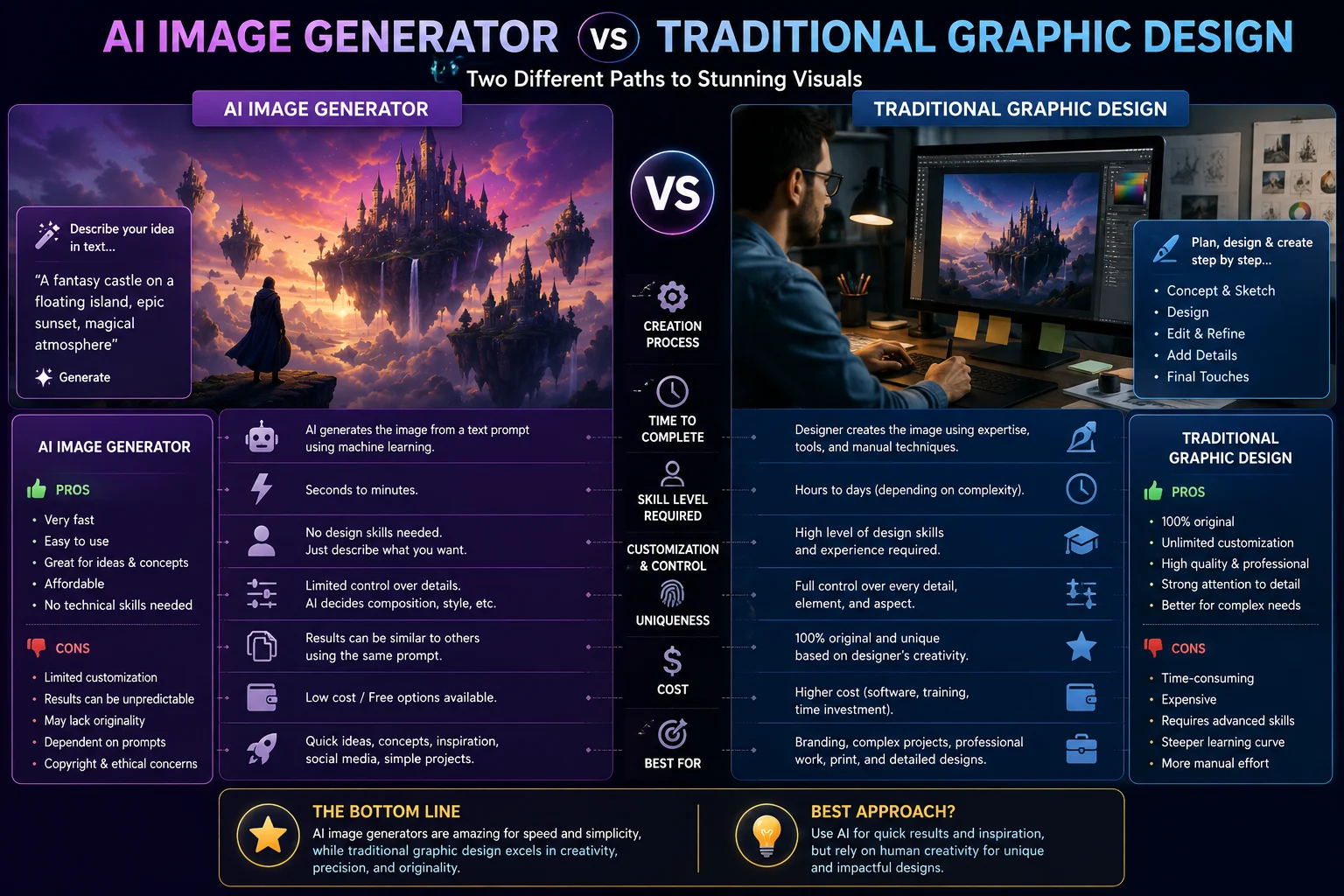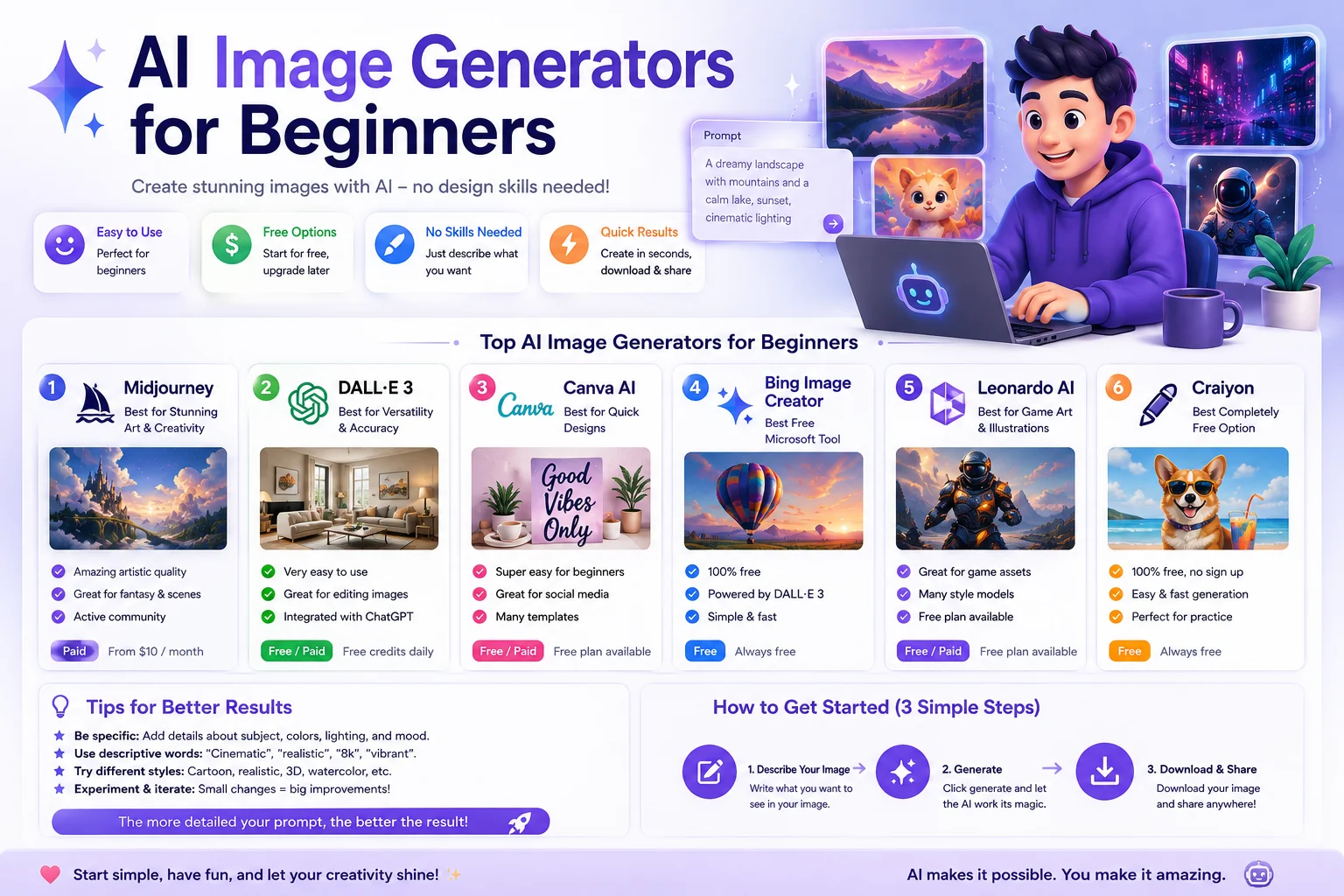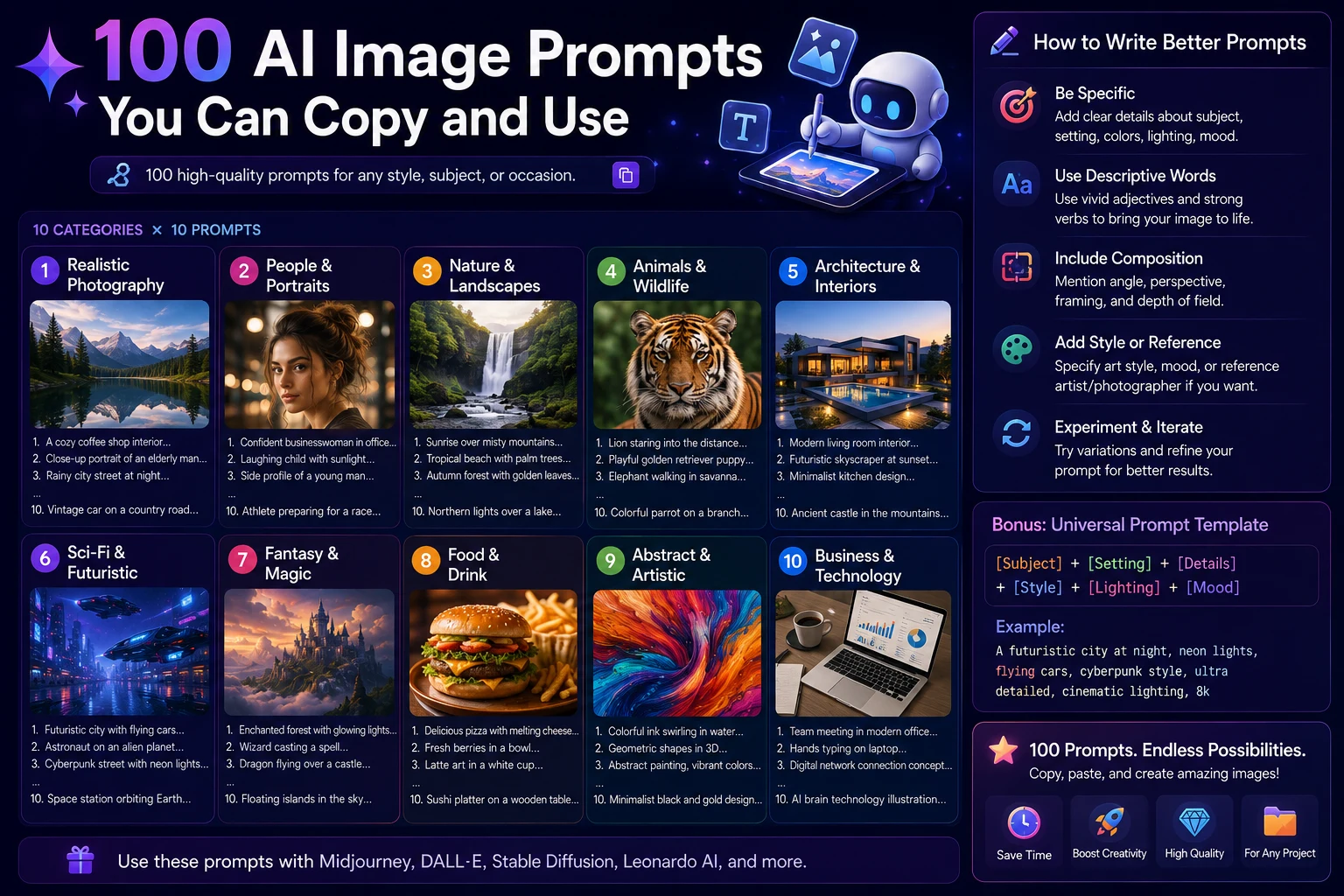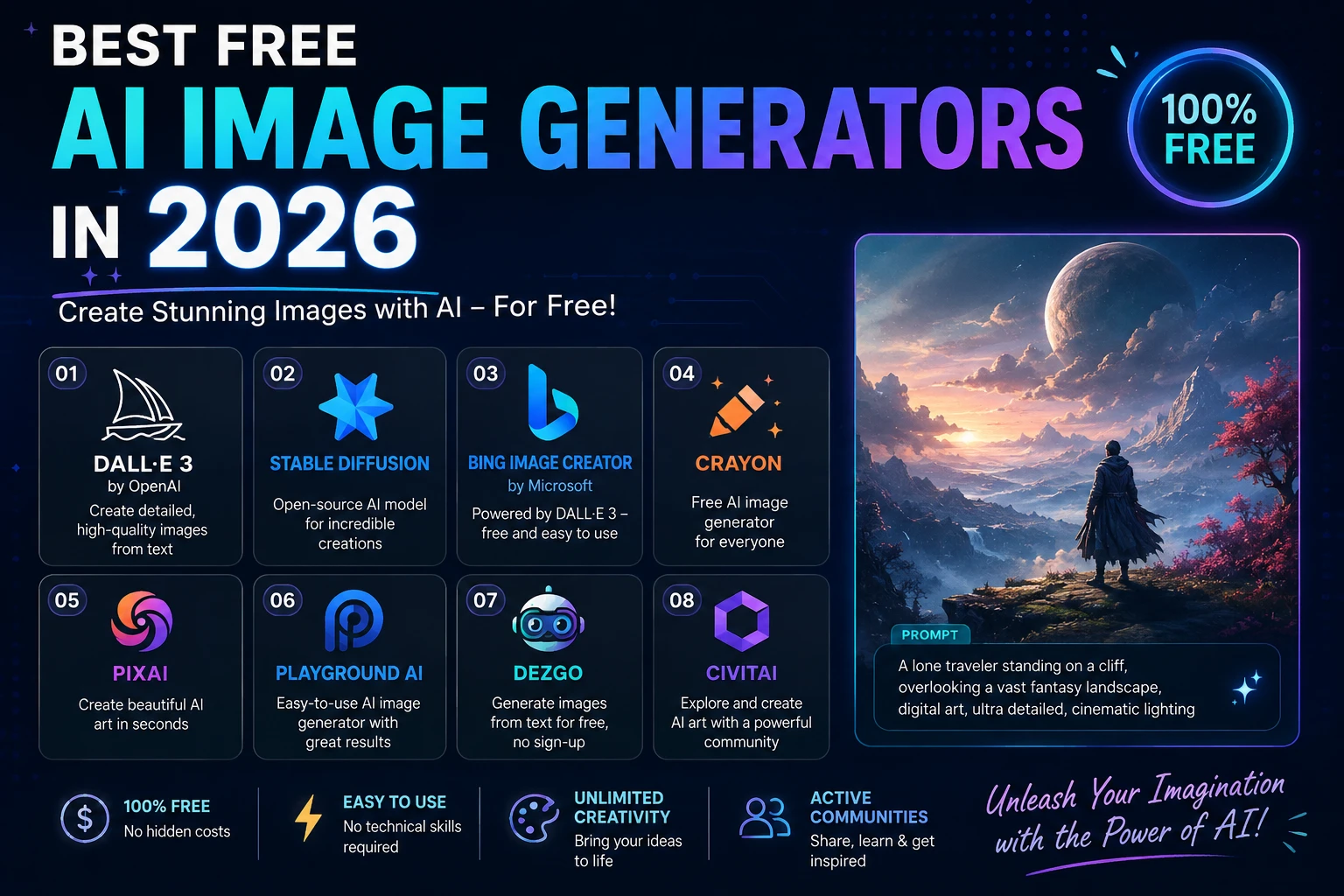

AI image generators have changed the way people create visual content. You no longer need advanced Photoshop skills or professional design software to create illustrations, realistic images, social media graphics, concept art, and marketing visuals.
The good news is that many of the best AI image generators offer free access. However, "free" can mean different things. Some tools provide daily image limits, others use weekly credits, while open-source models can be run locally with much greater control.
In this guide, we'll explore the best free AI image generators in 2026, what each tool is best for, and which one you should choose.
Best Free AI Image Generators at a Glance
| AI Image Generator | Best For | Free Access |
|---|---|---|
| Google Gemini | Best overall | Yes |
| ChatGPT | Beginners and conversational editing | Yes |
| Ideogram | Text inside images | Yes |
| Leonardo AI | Creative image generation | Yes |
| Adobe Firefly | Design and creative workflows | Limited free access |
| Microsoft Designer | Quick image creation | Yes |
| Stable Diffusion | Advanced local control | Yes |
| FLUX | Advanced and open workflows | Depends on platform or local setup |
1. Google Gemini
Best for: Overall free AI image generation
Google Gemini is one of the strongest choices for people who want to generate AI images without learning complicated software.
Its image-generation capabilities are integrated directly into the Gemini experience, allowing users to describe an image in natural language and then refine the result through conversation.
Current 2026 comparisons frequently rank Gemini among the best free options, particularly because of its combination of image quality, ease of use, and free access.
Why Use Gemini?
- Simple conversational interface
- Strong image quality
- Useful for beginners
- Good prompt understanding
- Supports conversational image refinement
- Easy browser-based workflow
Gemini is a great starting point if you have never used an AI image generator before.
2. ChatGPT
Best for: Beginners and conversational image creation
ChatGPT is another convenient option for generating images with natural-language prompts.
One of its biggest advantages is the conversational workflow. Instead of starting over every time you want to make a change, you can describe what should be modified and continue refining the image.
For example, you could start with a prompt for a futuristic technology illustration and then ask the AI to change the lighting, composition, background, or visual style.
Why Use ChatGPT?
- Very simple interface
- Natural-language prompting
- Useful conversational editing
- Good for beginners
- Works well for creative brainstorming
- Useful for combining image creation with writing and research
The free tier is limited, so it is better suited to occasional image creation than unlimited generation.
3. Ideogram
Best for: Text inside images
Ideogram is especially popular for creating images that contain readable text. This makes it useful for posters, thumbnails, advertisements, social media graphics, logos, and other designs where typography matters.
Ideogram's official pricing currently lists a free plan with weekly slow credits.
Why Use Ideogram?
- Excellent text rendering
- Useful for posters and thumbnails
- Strong graphic design capabilities
- Good image editing features
- Easy browser-based interface
If your image needs to contain a specific phrase, title, or headline, Ideogram should be one of the first tools you try.
4. Leonardo AI
Best for: Creative projects and style experimentation
Leonardo AI is designed for creators who want more control over the visual style of generated images.
It can be useful for concept art, illustrations, game assets, character designs, product visuals, and creative experiments.
Current 2026 comparisons report a recurring free allowance for Leonardo AI, although the exact number of generations depends on the model and generation settings.
Why Use Leonardo AI?
- Large selection of creative styles
- Useful for digital artists
- Good for concept art
- Useful for game and character design
- Multiple generation and customization options
5. Adobe Firefly
Best for: Designers and Adobe users
Adobe Firefly is Adobe's generative AI platform for creating and editing visual content.
Firefly is particularly interesting for designers because it can fit into broader Adobe creative workflows.
The free experience is limited by credits, so users who generate images frequently may eventually need a paid plan.
Why Use Adobe Firefly?
- Professional creative workflow
- Strong editing capabilities
- Useful for designers
- Integrates with Adobe's ecosystem
- Useful for marketing and creative projects
6. Microsoft Designer
Best for: Quick and simple AI graphics
Microsoft Designer provides an easy way to create AI-generated visuals from text prompts.
It can be particularly useful when you want to create a quick social media graphic, illustration, background, or marketing visual without using complex design software.
Why Use Microsoft Designer?
- Easy to use
- Browser-based
- Good for social media graphics
- Useful for quick creative experiments
- Beginner-friendly workflow
7. Stable Diffusion
Best for: Advanced users who want local control
Stable Diffusion is different from most browser-based AI image generators. Depending on the model and setup, users can run image-generation software locally on compatible hardware.
This gives advanced users much more control over models, workflows, settings, extensions, and generation processes.
Why Use Stable Diffusion?
- Open ecosystem
- Local generation is possible
- High level of customization
- Large community
- Many models and workflows
The main disadvantage is complexity. Setting up a local AI image-generation environment can require technical knowledge and capable hardware.
8. FLUX
Best for: Advanced users and open image-generation workflows
FLUX is a family of image-generation models that can be accessed through different platforms and, for compatible models, local workflows.
FLUX can be particularly attractive to users who want more control over generation and are comfortable working with advanced AI tools.
Why Use FLUX?
- High-quality image generation
- Strong prompt understanding
- Useful for advanced workflows
- Available through multiple platforms
- Some open-weight options
The exact cost and availability depend on where you access the model, so always check the current terms of the platform you use.
What Can You Create With Free AI Image Generators?
Free AI image generators can be useful for many different projects.
Blog Images
Bloggers can create custom hero images, article illustrations, comparison graphics, and visual explanations without hiring a designer.
Social Media Content
AI can generate backgrounds, illustrations, promotional graphics, and creative concepts for platforms such as Instagram, TikTok, Facebook, and Pinterest.
Marketing Materials
Businesses can use AI-generated visuals for brainstorming advertisements, product concepts, campaign ideas, and promotional content.
Educational Content
Teachers, students, and educational websites can create diagrams, illustrations, visual examples, and learning materials.
Creative Projects
Artists and creators can experiment with characters, environments, concept art, fantasy scenes, product ideas, and visual storytelling.
Which Free AI Image Generator Is Best?
The best tool depends on what you need.
- Best overall: Google Gemini
- Best for beginners: ChatGPT
- Best for text in images: Ideogram
- Best for creative experimentation: Leonardo AI
- Best for designers: Adobe Firefly
- Best for quick graphics: Microsoft Designer
- Best for local control: Stable Diffusion
- Best for advanced open workflows: FLUX
Are Free AI Image Generators Really Free?
Yes, but there is an important distinction.
Most commercial AI image generators use some form of limitation. You may receive a certain number of generations per day, weekly credits, slower generation queues, or limited access to advanced models.
For example, Ideogram's official free plan currently uses slow credits on a weekly basis rather than offering unlimited priority generations.
Local open-source solutions can provide more freedom, but they require your own compatible computer hardware or another hosting solution.
Can You Use AI-Generated Images Commercially?
This is one of the most important questions to ask before using AI-generated images for a business or website.
Commercial-use policies vary between platforms, models, and plans. A tool being free does not automatically mean that every generated image can be used without restrictions.
Before using an image commercially, check the generator's current terms, licensing rules, model restrictions, and any applicable content policies.
This is particularly important for logos, advertisements, products, client projects, and other commercial work.
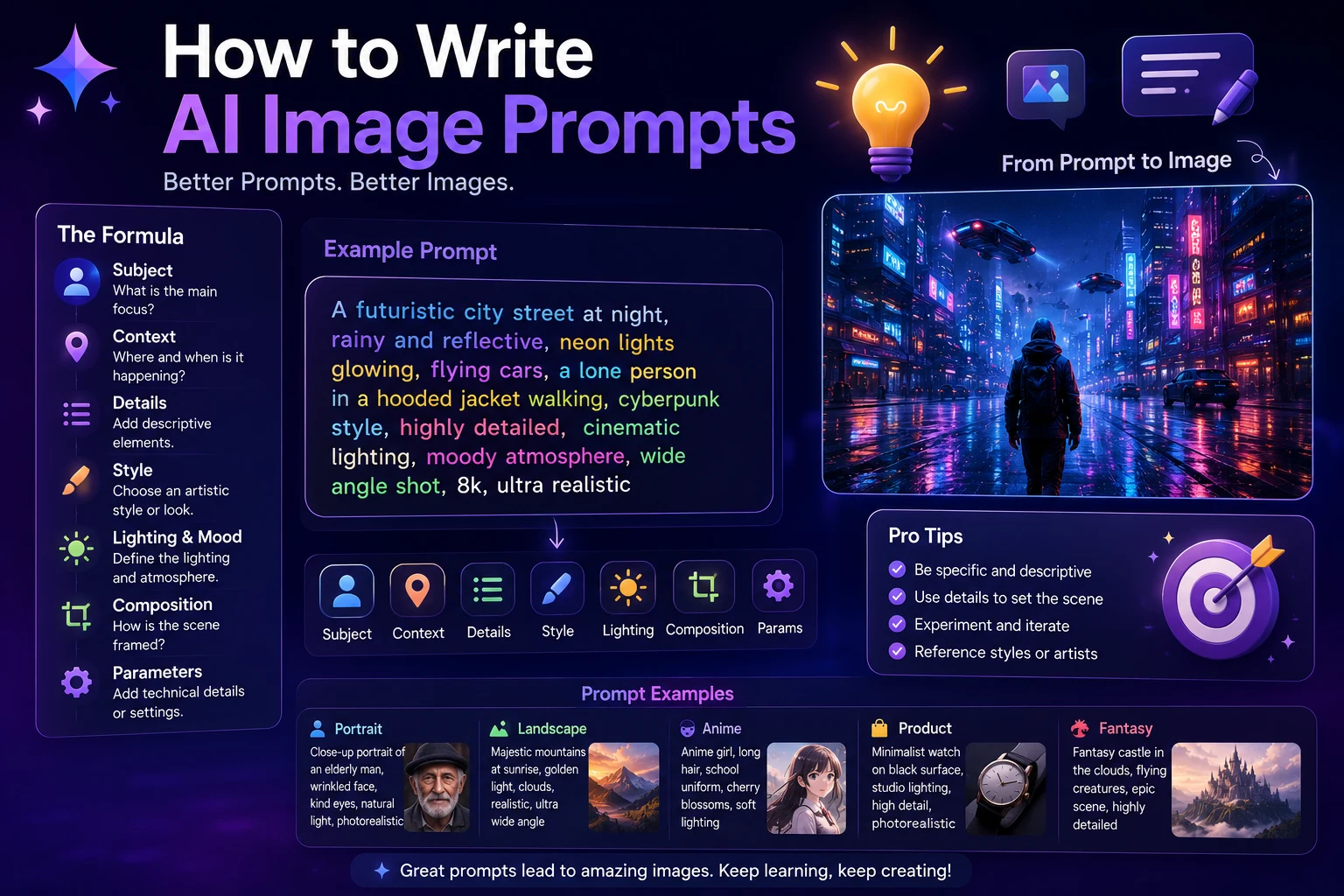
Tips for Getting Better AI Images
1. Be Specific
Instead of writing:
Create a technology image.
Try describing the subject, environment, lighting, composition, camera angle, style, and intended use.
2. Describe the Composition
Tell the AI where you want the main subject positioned and how much empty space should be available.
3. Specify the Visual Style
You can describe styles such as cinematic photography, editorial illustration, 3D render, minimalist design, watercolor, futuristic technology, or realistic product photography.
4. Mention the Aspect Ratio
If the platform supports it, specify whether you need a square image, landscape image, portrait image, or another format.
5. Refine the Result
Your first generation does not have to be perfect. Use follow-up prompts to adjust lighting, colors, composition, details, and other elements.
Final Verdict
Free AI image generators are now powerful enough to produce impressive visuals without requiring a paid subscription.
Google Gemini is an excellent overall choice for users who want a simple and capable free image generator.
ChatGPT is especially convenient for beginners who prefer conversational image creation and editing.
Ideogram is a strong choice when accurate text inside images is important, while Leonardo AI is well suited to creative experimentation.
Designers may prefer Adobe Firefly, while advanced users who want maximum control can explore Stable Diffusion and FLUX.
Ultimately, the best free AI image generator is the one that fits your particular workflow. Try several tools with the same prompt and compare the results before deciding which one deserves a place in your toolkit.
You don't need an expensive design setup to start creating impressive AI images in 2026.
Frequently Asked Questions
What is the best free AI image generator in 2026?
Google Gemini is one of the strongest overall free choices in 2026, while the best option depends on your specific needs. Ideogram is particularly useful for text in images, while Leonardo AI is strong for creative projects.
Can I generate AI images for free?
Yes. Many popular AI image generators offer free access, although most commercial platforms impose limits on the number of generations or available features.
What is the best free AI image generator for beginners?
ChatGPT and Google Gemini are both easy options for beginners because you can describe what you want using ordinary language.
What is the best free AI image generator for text?
Ideogram is one of the strongest choices when you need readable and accurately rendered text inside an image.
Are free AI-generated images copyright-free?
Not necessarily. Copyright and commercial-use rules depend on the platform, model, jurisdiction, and how the image was created. Always review the current terms before using generated images commercially.
Is Midjourney free?
Midjourney is a popular AI image-generation platform, but it should not be treated as a free option when comparing current free AI image generators. If your goal is specifically to generate images without paying, consider platforms with an active free tier instead.