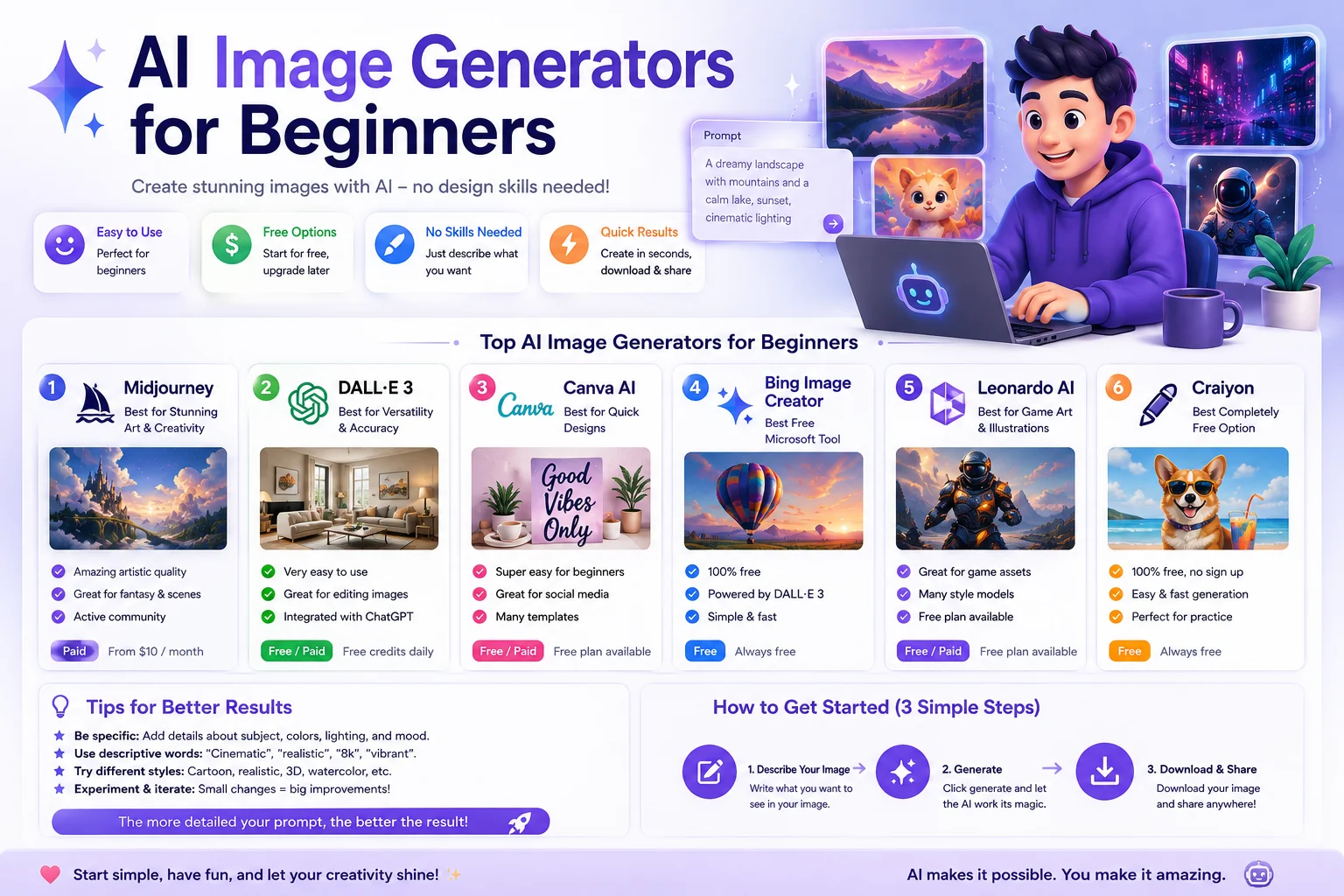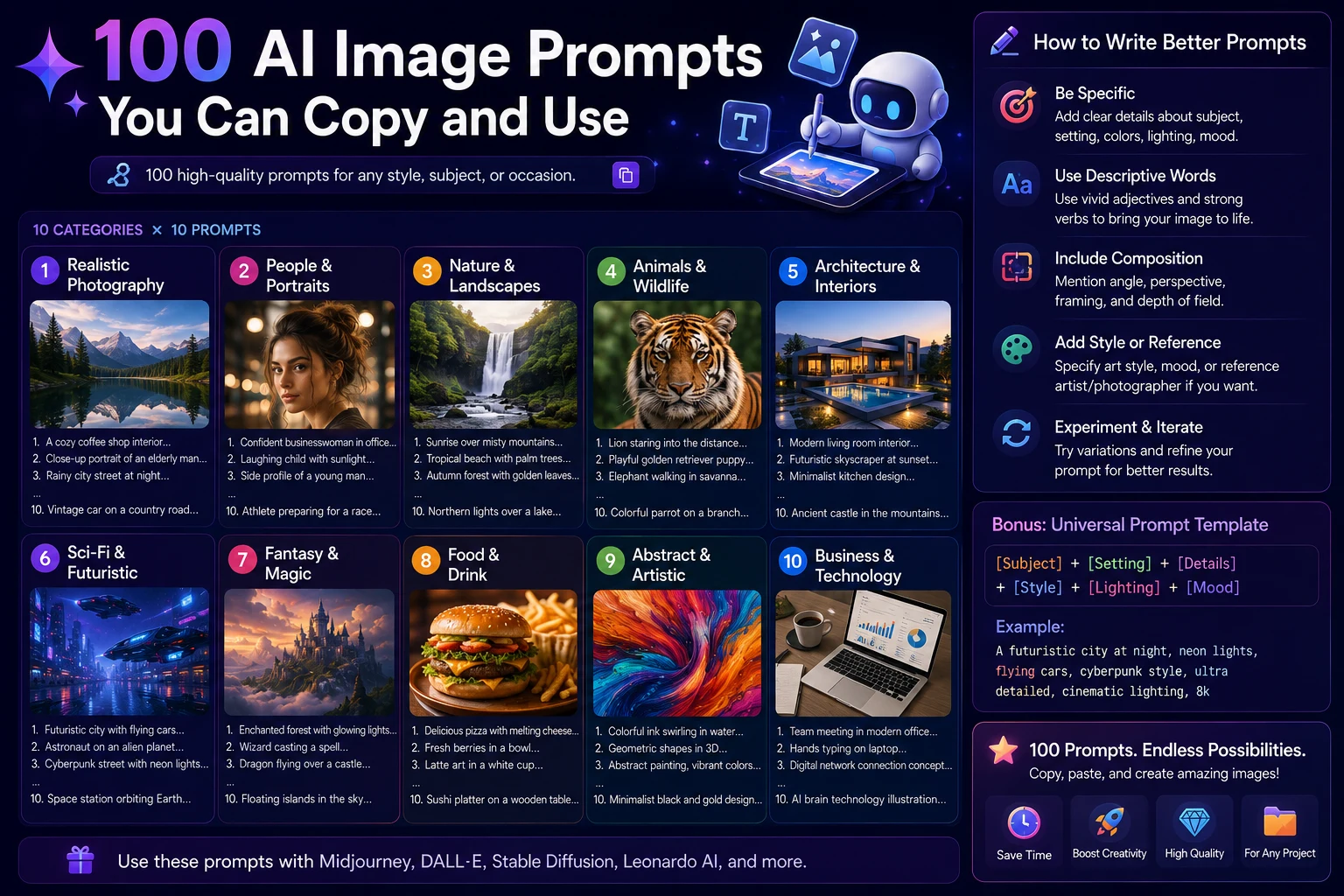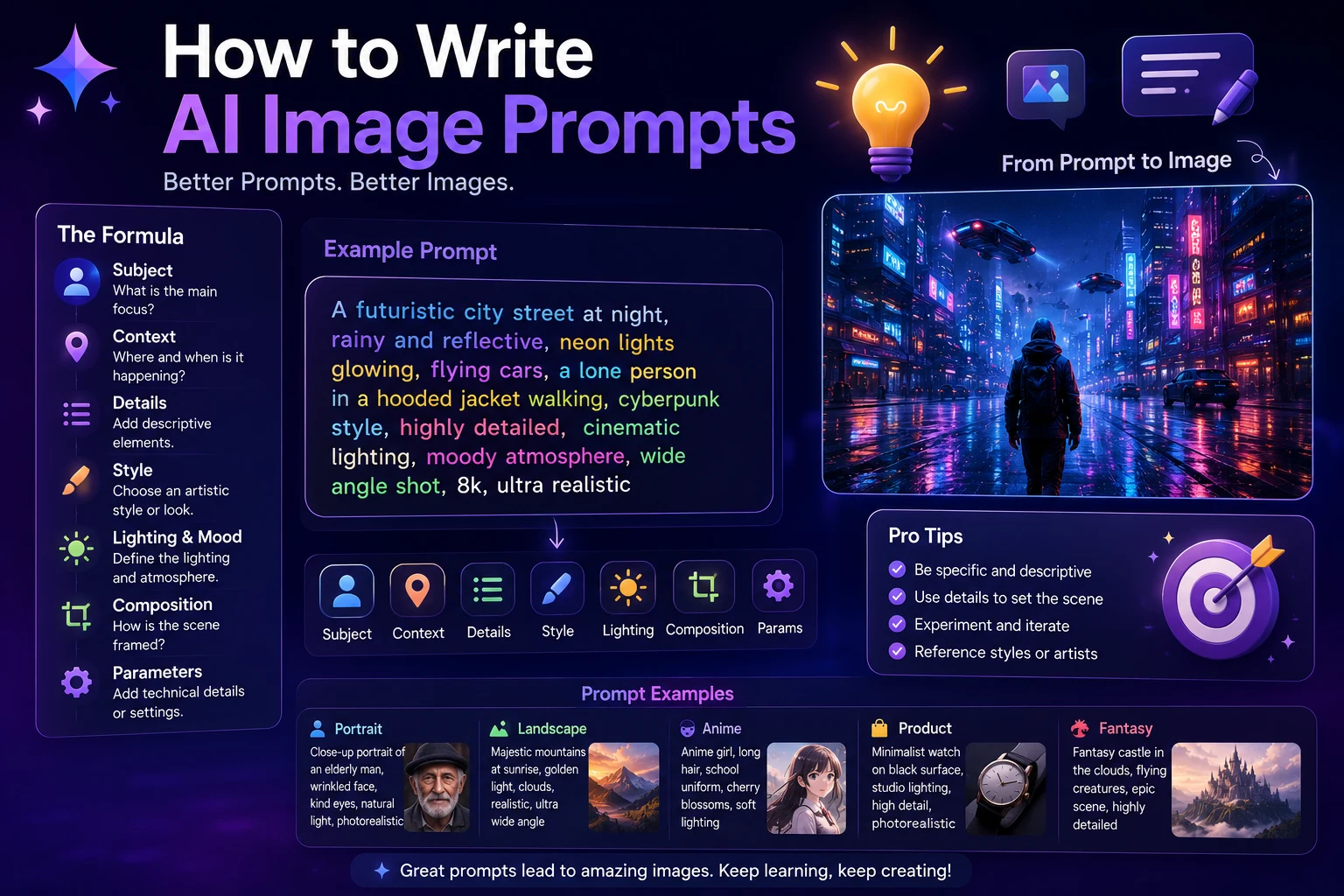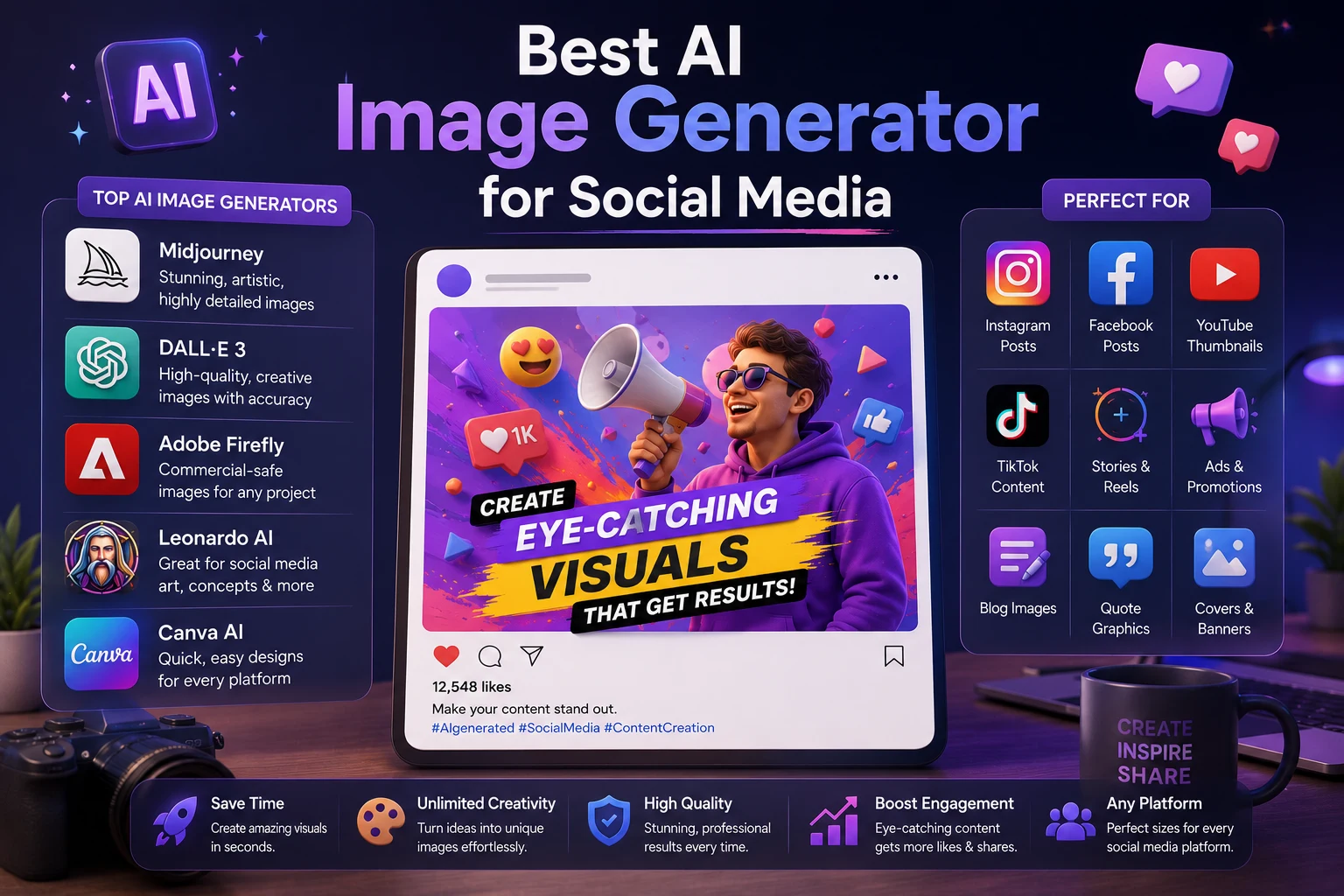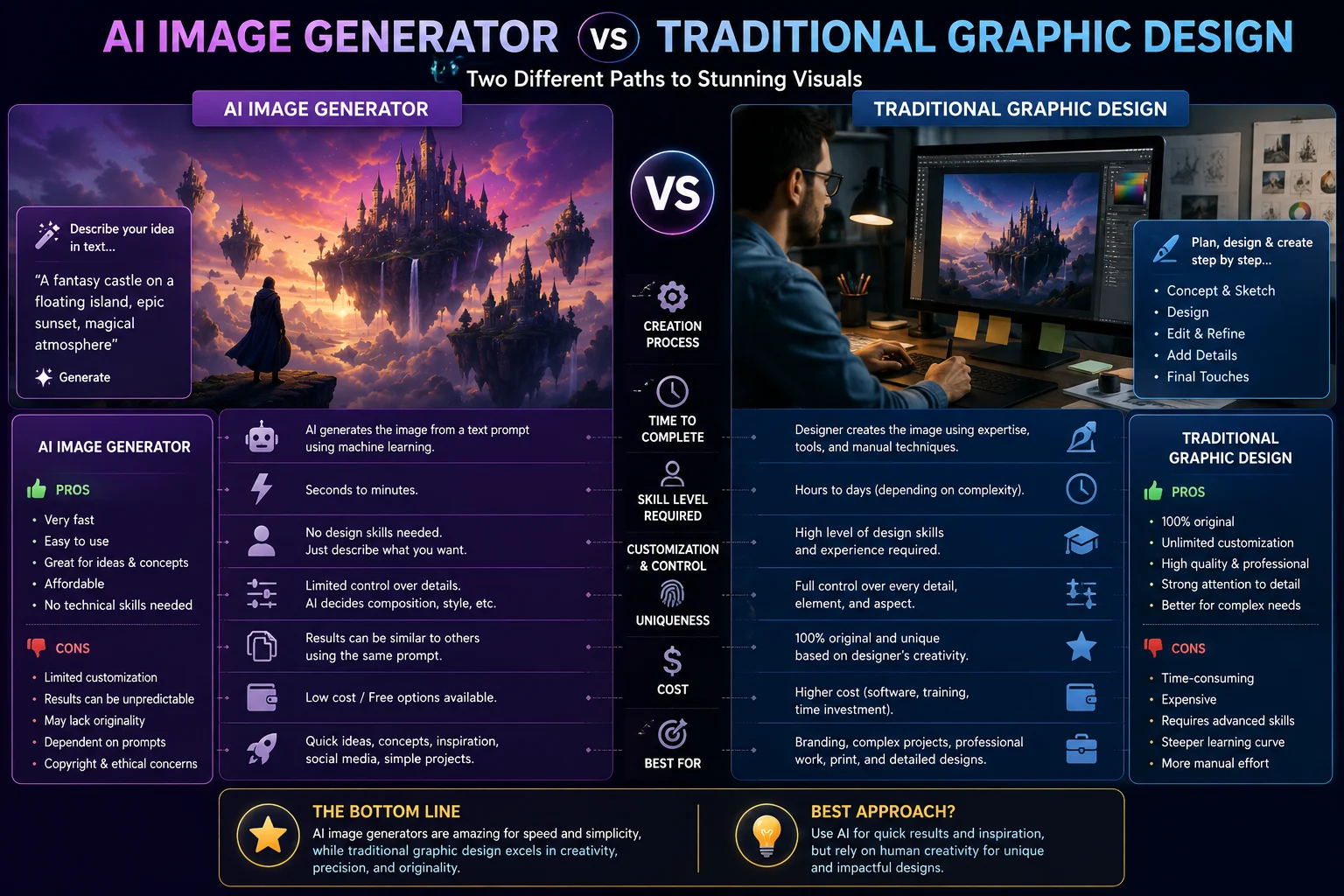

AI image generators have changed the way people create visual content. Instead of starting with a blank canvas and manually designing every element, users can describe an idea and generate an image within seconds.
Traditional graphic design, however, remains an important part of professional creative work. Designers have precise control over layouts, typography, branding, colors, illustrations, and every other visual element.
So which approach is better?
The answer depends on what you are creating. AI image generation can be extremely useful for speed, experimentation, and creating visual concepts, while traditional graphic design offers greater control and precision for many professional projects.
In this guide, we'll compare AI image generators and traditional graphic design and explain when each approach makes the most sense.
What Is an AI Image Generator?
An AI image generator is a tool that creates or modifies images based on text prompts, reference images, or other instructions.
Instead of manually drawing or assembling every element, you describe the desired result and the AI model generates an image.
For example, you could write:
A modern technology workspace with a laptop, glowing AI interfaces, purple and blue lighting, realistic photography, premium professional composition.
The generator then attempts to create an image matching the description.
AI image generators can be useful for creating blog images, social media graphics, concept art, advertisements, product concepts, backgrounds, illustrations, and other visual content.
What Is Traditional Graphic Design?
Traditional graphic design is the process of creating visual communication using design principles and creative software.
A designer may use tools such as Adobe Photoshop, Illustrator, InDesign, Figma, or other professional design applications to create and edit visual content.
Unlike a purely generative workflow, traditional design allows the creator to manually control individual elements.
A designer can precisely choose:
- Typography
- Colors
- Spacing
- Shapes
- Images
- Logos
- Layouts
- Illustrations
- Brand elements
- Composition
AI Image Generator vs Traditional Graphic Design
| Factor | AI Image Generator | Traditional Graphic Design |
|---|---|---|
| Speed | Very fast | Usually slower |
| Ease of use | Beginner-friendly | Requires more training |
| Creative exploration | Excellent | Excellent |
| Precise control | Limited to model capabilities | Very high |
| Brand consistency | Can require additional work | Excellent |
| Cost | Often lower for simple visuals | Higher when professional design time is required |
| Iteration | Very fast | Can be slower |
| Typography control | Varies by tool | Excellent |
| Professional layout control | Limited | Excellent |
1. Speed
One of the biggest advantages of AI image generation is speed.
A traditional designer may spend hours creating a concept, selecting images, developing a composition, editing elements, and preparing the final design.
With an AI image generator, you can describe an idea and receive an initial visual concept within a short amount of time.
This makes AI particularly useful when you need many visual ideas quickly.
Winner for speed: AI image generators.
2. Creative Exploration
AI image generators are excellent for exploring ideas.
You can experiment with different environments, colors, artistic styles, camera angles, characters, and compositions without manually creating every version.
For example, a marketer could generate several concepts for a campaign before deciding which direction to develop further.
Traditional designers can also explore ideas, but each variation may require additional manual work.
Winner for rapid experimentation: AI image generators.
3. Creative Control
Traditional graphic design has a major advantage when precise control is important.
A designer can move an element by a few pixels, adjust exact spacing, change a specific color, modify typography, resize individual objects, and precisely control the final composition.
AI generators can follow detailed instructions, but the result is still generated by the model. You may need multiple generations or additional editing to achieve exactly what you want.
Winner for precise control: Traditional graphic design.
4. Typography and Text
Typography is one area where traditional design remains particularly strong.
Professional designers can control the exact font, size, spacing, alignment, hierarchy, and placement of text.
AI image generators have improved considerably at rendering text, but results can still vary depending on the model and image-generation workflow.
For logos, posters, advertisements, packaging, and designs where exact text placement matters, traditional design software can provide greater control.
Winner for typography: Traditional graphic design.
5. Brand Consistency
Businesses often need visual consistency across websites, advertisements, social media posts, presentations, and other marketing materials.
Traditional graphic design makes it easier to maintain a precise brand system with predefined colors, fonts, logos, spacing, and design rules.
AI can still be used within a brand workflow, but maintaining identical visual characteristics across many generated images may require careful prompting, reference images, and additional editing.
Winner for strict brand consistency: Traditional graphic design.
6. Cost
AI image generation can reduce the time required to create certain types of visual content.
For a small business or individual creator, this can make producing simple illustrations, concepts, blog images, and social media visuals more accessible.
Traditional design can require professional software, design skills, and significant creative time.
However, cost should not be judged only by software subscription prices. Professional design can provide value through strategy, branding, art direction, and precise execution.
Winner for simple low-cost visual production: AI image generators.
7. Quality
Modern AI image generators can produce visually impressive results, including realistic scenes, illustrations, product concepts, and cinematic artwork.
However, visual quality is not the same as design quality.
A generated image may look impressive but still contain incorrect details, inconsistent objects, unwanted elements, or design problems.
Traditional designers can inspect every element and intentionally construct the final composition.
For professional projects where accuracy and consistency matter, human design expertise remains extremely valuable.
Winner: It depends on the project.
8. Ease of Use
AI image generators are generally easier for beginners because users can start with natural-language descriptions.
You don't necessarily need to understand layers, masks, vector paths, typography systems, or advanced editing techniques to generate an image.
Traditional graphic design has a steeper learning curve, particularly when using professional software.
Winner for beginners: AI image generators.
9. Originality and Creative Direction
AI can generate unexpected combinations that may help creators discover new visual ideas.
This can be useful during brainstorming and concept development.
However, the creator still needs to provide direction. A generic prompt can produce generic results, and simply generating many images does not replace creative strategy.
Professional designers bring human judgment, visual experience, storytelling, and knowledge of the target audience to the process.
The strongest workflow often combines AI experimentation with human creative direction.
When Should You Use an AI Image Generator?
AI image generation is particularly useful when speed and experimentation are important.
Consider using AI for:
- Blog featured images
- Social media concepts
- Creative brainstorming
- Concept art
- Background images
- Website illustrations
- Marketing ideas
- Visual prototypes
- Presentation graphics
- Early-stage product concepts
When Should You Use Traditional Graphic Design?
Traditional design is often the better choice when precision, branding, and detailed control are essential.
Consider traditional graphic design for:
- Professional logos
- Brand identity systems
- Packaging design
- Detailed advertisements
- Print materials
- Professional presentations
- Precise typography
- Complex layouts
- Marketing campaigns requiring strict brand consistency
Can AI and Graphic Design Work Together?
Yes. In many cases, the most practical approach is not choosing between AI and traditional design, but combining them.
For example, a designer could use AI to generate several background concepts, select the strongest idea, and then use traditional design software to refine the image.
A possible workflow could look like this:
- Generate visual ideas with AI.
- Select the strongest concept.
- Edit and refine the image.
- Add the correct brand colors and typography.
- Place the design into the final layout.
- Review the finished design manually.
This approach combines the speed of AI with the precision of human design.
AI Is a Tool, Not a Replacement for Design Thinking
One common misconception is that AI image generation eliminates the need for design skills.
In reality, understanding composition, color, typography, hierarchy, branding, and visual communication can make AI-generated content much more useful.
Someone who understands design can usually give better creative direction to an AI tool and recognize when a generated image needs improvement.
The technology changes how images are produced, but good visual communication still requires thoughtful decisions.
AI Image Generator vs Graphic Designer
AI image generators and professional graphic designers solve overlapping but different problems.
An AI generator is excellent at producing visual possibilities quickly. A designer is better equipped to make deliberate creative decisions and ensure that every element supports the project's objectives.
For a simple blog image, AI may be all you need.
For a complete brand identity, professional campaign, or complex visual system, human design expertise can be much more important.
What Should Beginners Choose?
If you're completely new to visual design and simply need images for a blog, social media account, personal project, or small website, starting with an AI image generator can make sense.
You can learn the basics of prompting and image composition while producing useful visuals at the same time.
As your projects become more complex, learning traditional design principles and editing tools can give you much greater control.
What Should Businesses Choose?
Businesses can benefit from both approaches.
AI can help marketing teams brainstorm concepts, create variations, and produce certain types of visual content quickly.
Professional designers can then refine important assets, maintain brand consistency, and ensure that final materials meet the company's visual standards.
The best workflow depends on the company's budget, team skills, content volume, and brand requirements.
Final Verdict
AI image generators and traditional graphic design are not necessarily competitors. They are different tools that can complement each other.
AI image generators are excellent for speed, experimentation, accessibility, and creating visual concepts quickly.
Traditional graphic design remains stronger when you need precise control, professional typography, complex layouts, strict brand consistency, and detailed creative direction.
For many creators and businesses, the best solution is a hybrid workflow: use AI to accelerate ideation and image creation, then use traditional design skills and software to refine the final result.
The future of visual content creation is likely to involve both artificial intelligence and human creativity. Rather than replacing design completely, AI can give designers and creators a faster way to explore ideas and turn concepts into finished visual content.
Frequently Asked Questions
Is AI image generation better than graphic design?
Not in every situation. AI image generation is faster and easier for many visual tasks, while traditional graphic design provides greater control and precision. The better option depends on the project.
Can AI replace graphic designers?
AI can automate some image-generation and design tasks, but professional design involves creative direction, branding, communication, typography, layout, and human judgment. Many workflows are likely to combine AI tools with human designers rather than completely eliminate the designer's role.
Is AI image generation cheaper than hiring a designer?
For simple visual tasks, AI can be significantly more accessible and may reduce production time. However, professional design provides additional value through strategy, creative direction, brand consistency, and precise execution.
Which is better for logos: AI or traditional design?
Traditional graphic design is generally better when you need precise typography, scalable vector artwork, consistent brand rules, and full control over the final logo.
Can I use AI-generated images in graphic design projects?
Yes. AI-generated images can be incorporated into many design workflows. Before using them commercially, check the AI provider's current terms, licensing conditions, and any applicable restrictions.
Should beginners learn graphic design if they use AI?
Yes. Basic knowledge of composition, color, typography, spacing, and visual hierarchy can help you create better AI-assisted designs and evaluate generated images more effectively.
What is the best workflow for AI and graphic design?
A practical workflow is to use AI for brainstorming and generating initial visual concepts, then use traditional design tools for editing, branding, typography, layout, and final quality control.