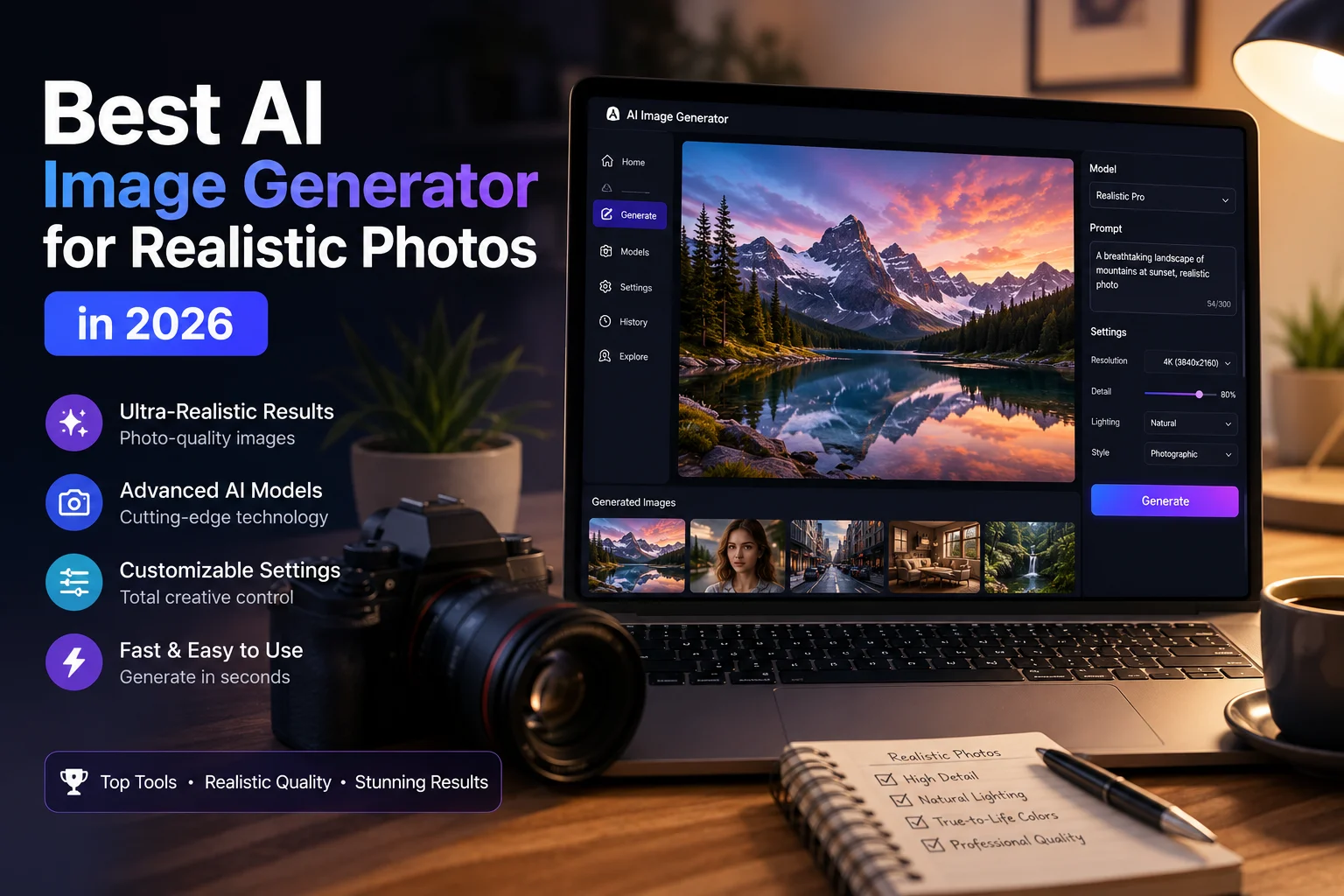

AI image generators have improved dramatically, making it possible to create images that can look surprisingly close to real photography. From realistic portraits and lifestyle scenes to product photography and professional marketing visuals, today's AI tools can produce impressive results from simple text prompts.
But not every AI image generator is equally good at photorealism. Some are better at portraits, while others excel at cinematic scenes, product images, editing, or detailed compositions.
In this guide, we'll explore some of the best AI image generators for realistic photos in 2026 and explain what each tool is best suited for.
What Makes an AI Image Look Realistic?
Photorealism is more than simply adding words such as "realistic" or "8K" to a prompt. A convincing AI photograph needs natural lighting, realistic skin texture, believable shadows, accurate proportions, and a convincing photographic composition.
Important factors include:
- Skin texture: Natural pores, hair, and facial details.
- Lighting: Realistic interaction between light and objects.
- Anatomy: Natural-looking faces, hands, and body proportions.
- Depth of field: Convincing focus and background blur.
- Materials: Realistic reflections, textures, and surfaces.
- Composition: Photography-inspired framing and perspective.
- Prompt accuracy: The ability to follow detailed instructions.
Recent 2026 comparisons highlight tools such as GPT Image, Google's image models, FLUX, Midjourney, and Seedream among the strongest options for photorealistic generation, although the best choice depends on the type of image you want to create.
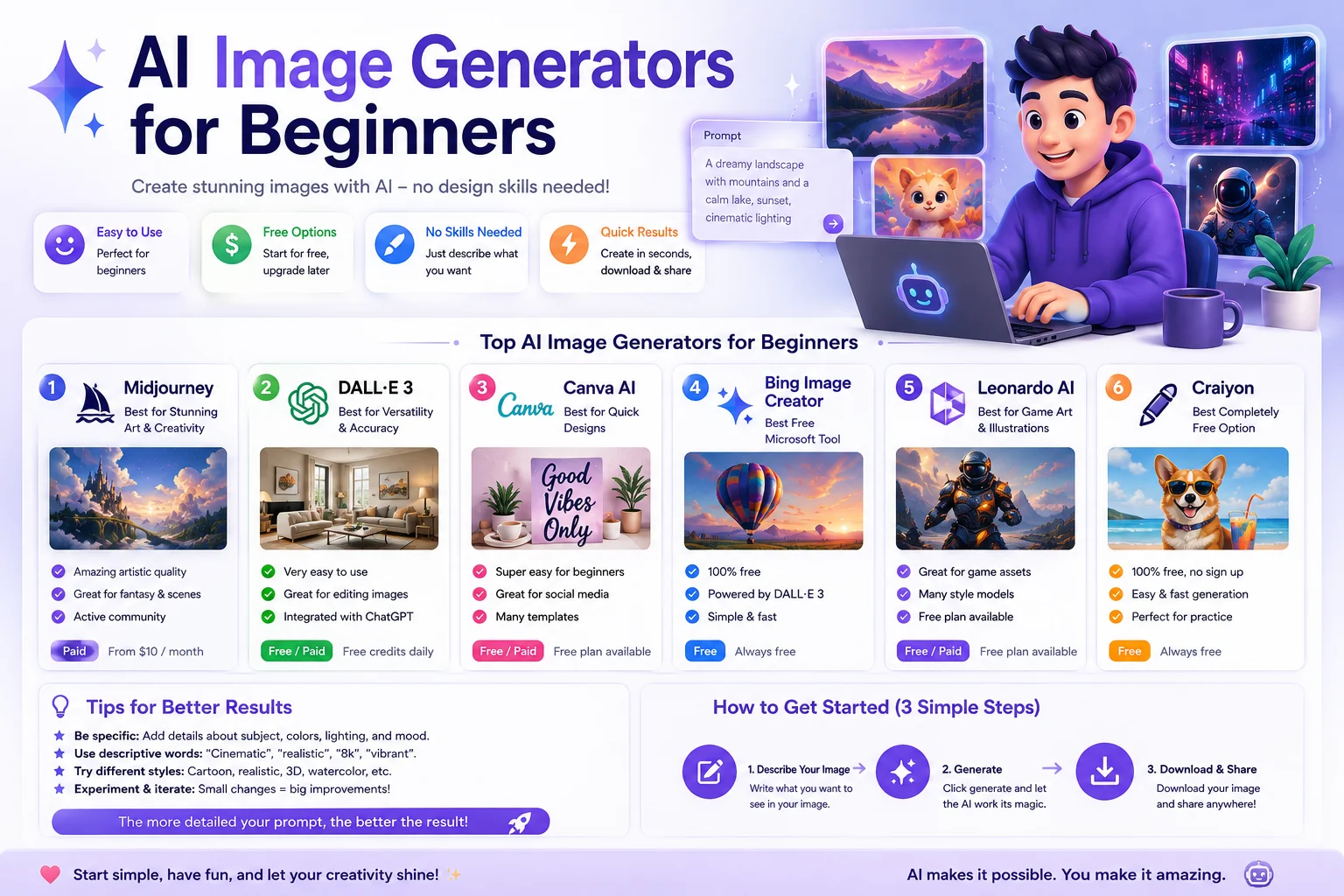
Best AI Image Generators for Realistic Photos
1. Google Gemini Image Generation
Best for: Realistic everyday images and natural-looking scenes
Google's image generation capabilities in Gemini are a strong option for people who want to create realistic images through a conversational interface. Google's documentation specifically supports photorealistic prompting and recommends describing the subject, photographic style, lens, focal length, and lighting when appropriate.
Gemini is particularly convenient if you want to describe an idea, generate an image, and then refine it through follow-up instructions.
Best features:
- Natural conversational workflow
- Photorealistic image generation
- Image editing and refinement
- Different aspect ratios
- Detailed prompt interpretation
Best for: Beginners, realistic scenes, portraits, and everyday creative projects.
2. GPT Image
Best for: General-purpose realistic images and precise instructions
OpenAI's image generation models are designed for detailed instruction following and photorealistic image creation. OpenAI has emphasized realistic outputs, precise generation, and conversational editing in its image-generation systems.
One major advantage is the ability to describe what you want conversationally and then make targeted changes without having to recreate the entire concept from scratch.
Best features:
- Strong prompt understanding
- Realistic people and environments
- Conversational editing
- Useful image transformations
- Good general-purpose performance
Best for: Bloggers, marketers, creators, and anyone who wants an easy all-purpose image generator.
3. FLUX
Best for: High-quality photorealism and creative control
FLUX models from Black Forest Labs are frequently included among the leading options for realistic AI image generation. Current 2026 comparisons highlight FLUX for detailed textures, lighting, complex scenes, and technical control.
FLUX is particularly interesting for creators who want more control over the generation process and detailed visual results.
Best features:
- Excellent texture rendering
- Natural-looking lighting
- Detailed environments
- Strong photorealistic results
- Flexible creative workflows
Best for: Professional creators, designers, photographers, and users who want more control.
4. Midjourney
Best for: Cinematic and editorial realism
Midjourney is well known for producing visually impressive images with strong composition, atmosphere, and lighting. It can be especially effective when you want a realistic image with a polished cinematic or editorial appearance.
Current 2026 comparisons continue to rank Midjourney highly for cinematic realism and professional-looking imagery.
Best features:
- Excellent composition
- Cinematic lighting
- Strong portrait generation
- Fashion and editorial aesthetics
- Highly polished visual results
Best for: Fashion photography, lifestyle images, cinematic scenes, and creative professionals.
5. Seedream
Best for: Product and commercial photography
Seedream has become an interesting option for realistic commercial imagery. Recent 2026 comparisons highlight its ability to create photorealistic product scenes and high-resolution visuals.
This makes it useful for marketers and businesses that need product concepts, advertisements, packaging visuals, and commercial-style photography.
Best features:
- High-resolution generation
- Strong product realism
- Commercial photography style
- Detailed objects and materials
- Useful image editing capabilities
Best for: Product photography, advertising, ecommerce concepts, and marketing campaigns.
6. Adobe Firefly
Best for: Creative professionals and commercial workflows
Adobe Firefly is designed to integrate AI image generation into a broader creative workflow. It can be particularly useful for designers who already work with Adobe's creative tools.
Its main advantage isn't necessarily winning every photorealism comparison, but providing a workflow that connects image generation with professional creative editing.
Best features:
- Professional creative workflow
- Image generation and editing
- Integration with Adobe tools
- Useful for marketing and design
- Creative control
Best for: Designers, marketers, agencies, and Creative Cloud users.
Quick Comparison
| AI Image Generator | Best For | Realism | Ease of Use |
|---|---|---|---|
| Google Gemini | Natural realistic images | Excellent | Excellent |
| GPT Image | General-purpose realism | Excellent | Excellent |
| FLUX | Detailed photorealism | Excellent | Good |
| Midjourney | Cinematic photography | Excellent | Good |
| Seedream | Product photography | Excellent | Good |
| Adobe Firefly | Professional creative work | Very Good | Excellent |
Which AI Image Generator Is Best for Realistic People?
If your main goal is generating realistic people, pay particular attention to skin texture, eyes, hair, hands, facial proportions, and lighting.
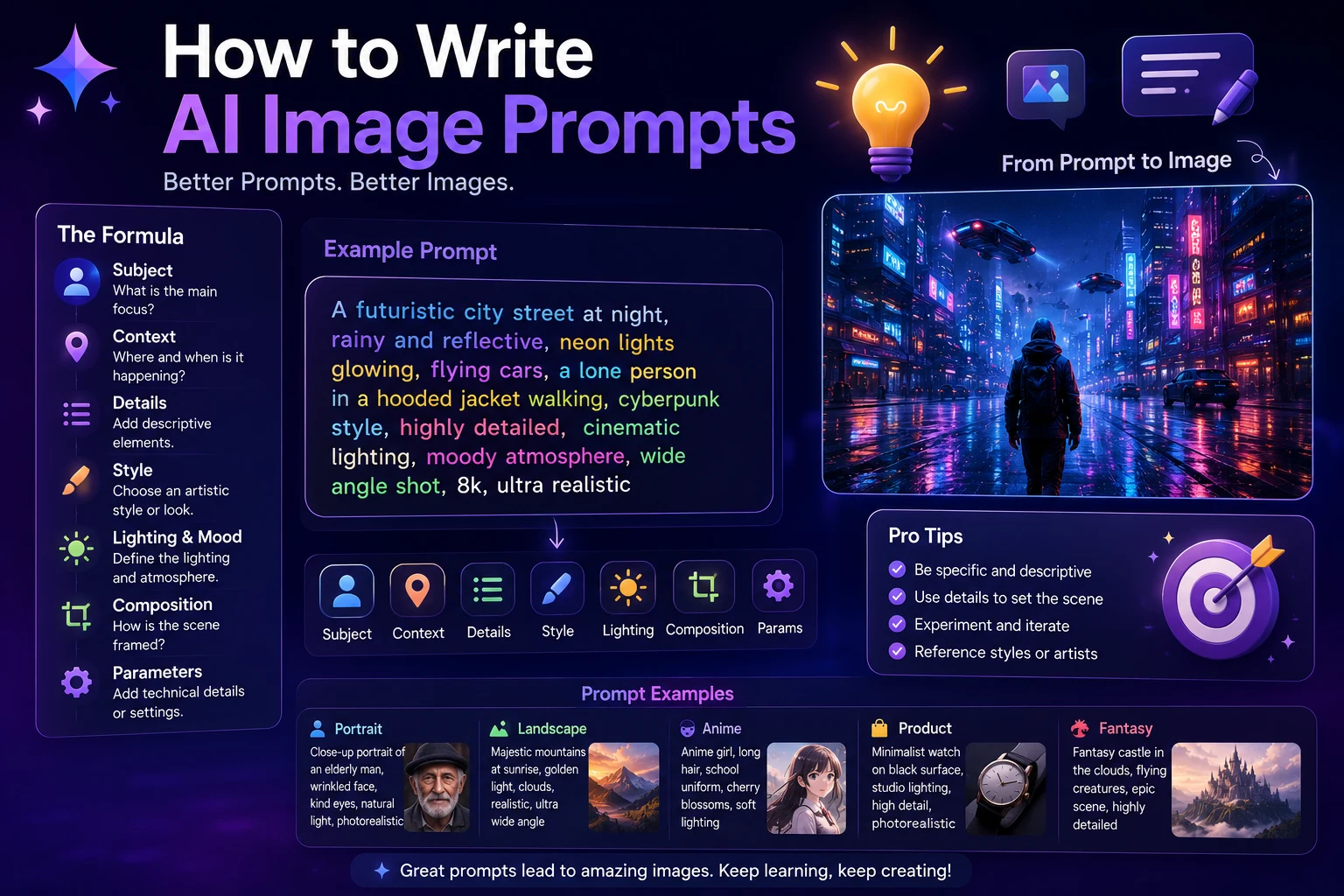
Google's current image-generation guidance specifically recommends using photography-related details such as lens type, focal length, depth of field, and appropriate lighting to help produce photorealistic results.
For example, instead of:
"A realistic woman in an office."
Try:
"A natural-looking professional portrait of a young woman sitting in a modern office, soft window light, realistic skin texture, subtle facial imperfections, 50mm lens, shallow depth of field, natural colors, editorial photography, authentic expression."
Which AI Image Generator Is Best for Product Photos?
For product photography, look for a generator that can accurately reproduce materials, reflections, shadows, proportions, and product details.
Seedream is particularly worth considering for commercial and product-focused visuals, while FLUX and GPT Image can also be useful for detailed product concepts. Recent comparisons specifically identify Seedream as a strong option for commercial and product realism.
How to Create More Realistic AI Photos
The model you choose matters, but your prompt also has a major impact on the final result.
Use Photography Language
Instead of relying only on phrases such as "ultra realistic," describe the image like a photographer.
For example:
"Shot on a full-frame camera, 85mm lens, natural window light, shallow depth of field, realistic skin texture, subtle film grain."
Describe Natural Lighting
Lighting is one of the most important elements of realistic photography. Consider specifying the direction, softness, time of day, and quality of the light.
Avoid Excessive Perfection
Real photographs contain small imperfections. Completely flawless skin, perfectly symmetrical faces, and unnaturally clean environments can make an AI image look less realistic.
Use Specific Details
Describe clothing, materials, surroundings, facial expressions, weather, and other details that matter to your scene.
Generate Multiple Versions
Don't expect every generation to be perfect. Create several variations and select the strongest result.
Example Prompts for Realistic AI Photos
Realistic Portrait
"Photorealistic professional portrait of a young man in a modern office, natural window lighting, realistic skin pores and subtle facial imperfections, 85mm portrait lens, shallow depth of field, natural expression, soft background blur, editorial photography."
Realistic Lifestyle Photo
"A realistic lifestyle photograph of a young professional drinking coffee in a modern city café, morning sunlight through the window, natural skin texture, realistic shadows and reflections, candid expression, 35mm lens, subtle depth of field, authentic editorial photography."
Realistic Product Photo
"Professional commercial product photograph of a modern smartphone on a minimalist desk, realistic glass and metal materials, soft studio lighting, natural reflections, subtle shadows, clean premium composition, high-end product photography."
Realistic Travel Photo
"Photorealistic travel photograph of a coastal Mediterranean town during golden hour, authentic architecture, natural sunlight, realistic atmospheric depth, subtle imperfections, detailed textures, professional travel photography, 24mm wide-angle lens."
AI Images vs Real Photography
Even though AI-generated images can look extremely realistic, they are not always indistinguishable from photographs. Current testing still finds that image generators can struggle with certain details, particularly when prompts contain complex scenes, text, brand elements, or other difficult visual requirements.
For important commercial work, review every generated image carefully before publishing it.
What Should You Look for in a Realistic AI Image Generator?
Before choosing a tool, consider the following:
- Photorealistic image quality
- Natural skin and facial details
- Accurate lighting
- Good anatomy
- Prompt adherence
- Image editing capabilities
- Output resolution
- Consistency between images
- Commercial usage rights
- Price and generation limits
Which One Should You Choose?
There isn't one AI image generator that is perfect for every situation.
Choose Google Gemini if you want an easy conversational workflow for realistic images and iterative editing.
Choose GPT Image if you want strong prompt understanding and an easy general-purpose workflow.
Choose FLUX if you care about detailed photorealism and greater technical control.
Choose Midjourney if you want cinematic, editorial, and visually polished photography.
Choose Seedream if your focus is commercial and product photography.
Choose Adobe Firefly if you want AI generation integrated into a professional creative workflow.
Final Thoughts
The best AI image generator for realistic photos depends on what you're trying to create. For portraits, you may prioritize natural skin and facial details. For products, material accuracy and lighting may matter more. For creative photography, composition and cinematic atmosphere could be your priority.
The good news is that you don't need to be a professional photographer to get started. Choose one of the tools above, begin with a clear prompt, and improve your results through experimentation.
As AI image generation continues to evolve, the difference between AI-generated visuals and traditional photography will likely become increasingly difficult to notice in many everyday applications.
Frequently Asked Questions
What is the best AI image generator for realistic photos?
In 2026, several tools are strong choices for photorealistic images, including GPT Image, Google Gemini's image generation, FLUX, Midjourney, and Seedream. The best option depends on whether you prioritize portraits, product photography, cinematic images, editing, or ease of use.
Can AI generate photos that look real?
Yes. Modern image generators can produce highly realistic people, products, environments, and lifestyle scenes. However, some images may still contain subtle visual artifacts, so important images should be reviewed carefully before publication.
What is the best AI generator for realistic portraits?
Tools such as Google Gemini, GPT Image, FLUX, and Midjourney can all produce realistic portraits. The quality depends on the model, prompt, and type of portrait you want.
How can I make AI images look more realistic?
Use detailed photography language, describe natural lighting, specify a camera or lens when useful, request realistic textures, and avoid excessive artificial perfection. Iterative prompting can also significantly improve the result. Google's official guidance recommends refining prompts progressively and using photography-related details for photorealistic output.
Can I use AI-generated photos commercially?
Commercial usage depends on the specific AI service, plan, and applicable terms. Always review the current licensing and usage conditions of the generator before using an image in commercial work.