
What Is ChatGPT? How It Works, What It Can Do, and Its Limitations
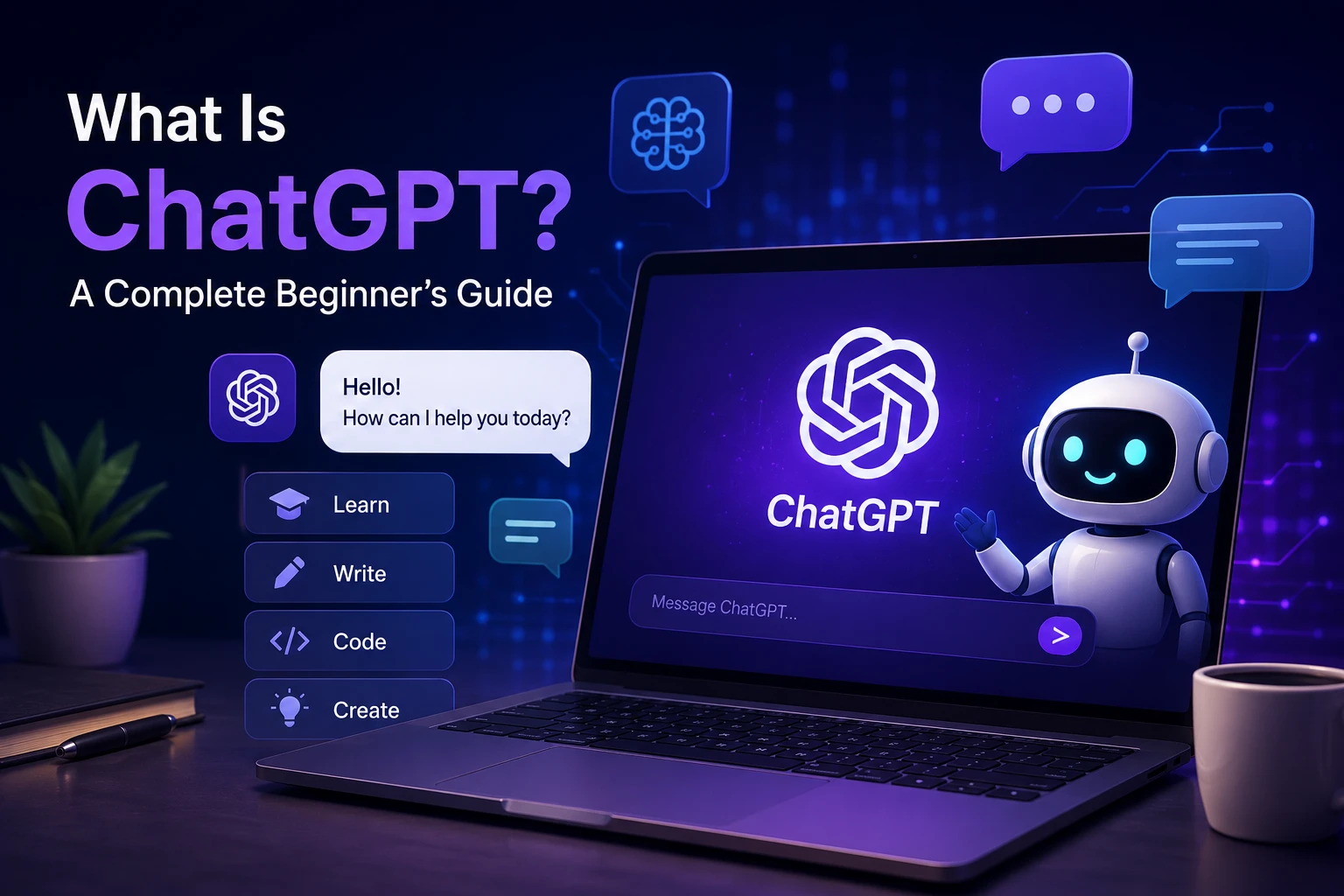
ChatGPT is a conversational AI assistant developed by OpenAI. It can understand natural-language instructions and generate responses that help with tasks such as explaining concepts, writing and editing text, summarizing information, brainstorming ideas, and working with code.
Unlike a traditional search box, ChatGPT allows you to describe what you need in a conversation. You can ask a question, provide context, request a specific format, and then ask follow-up questions to refine the result.
But using ChatGPT effectively requires understanding what it does, how its responses are generated, and where its limitations matter.
What Is ChatGPT?
ChatGPT is an AI-powered conversational application from OpenAI that uses large language model technology to process user instructions and generate text responses.
A conversation can contain a simple question, a detailed task, a piece of text to edit, or a technical problem. ChatGPT can use the context of the conversation to produce a response that is relevant to the user's request.
For example, a beginner could ask for a complex technology concept to be explained in simple language. A writer could use it to create an outline or improve a draft, while a developer could ask for an explanation of a programming error.
How Does ChatGPT Work?
ChatGPT is built on large language model technology. During training, language models learn statistical patterns from large collections of data. These patterns help the model generate text in response to an input.
When you send a message, the system processes the input and its available conversational context before generating a response. The response is produced sequentially rather than retrieved as a fixed paragraph from a database.
This is an important distinction: ChatGPT generates responses based on the model's learned patterns and the information available to it. It does not guarantee that every statement it produces is factually correct.
What Can You Use ChatGPT For?
ChatGPT can assist with many different tasks. Its usefulness depends on the quality of the instructions, the context provided, and the particular task.
- Writing: Draft, rewrite, edit, or improve text.
- Summarization: Turn long information into shorter explanations.
- Learning: Explain difficult concepts and create practice questions.
- Brainstorming: Generate ideas, outlines, and possible approaches to a problem.
- Coding: Explain code, suggest implementations, and help investigate programming errors.
- Planning: Organize projects, study sessions, or other tasks.
- Language: Help with translation, rewriting, vocabulary, and language practice.
ChatGPT for Learning and Students
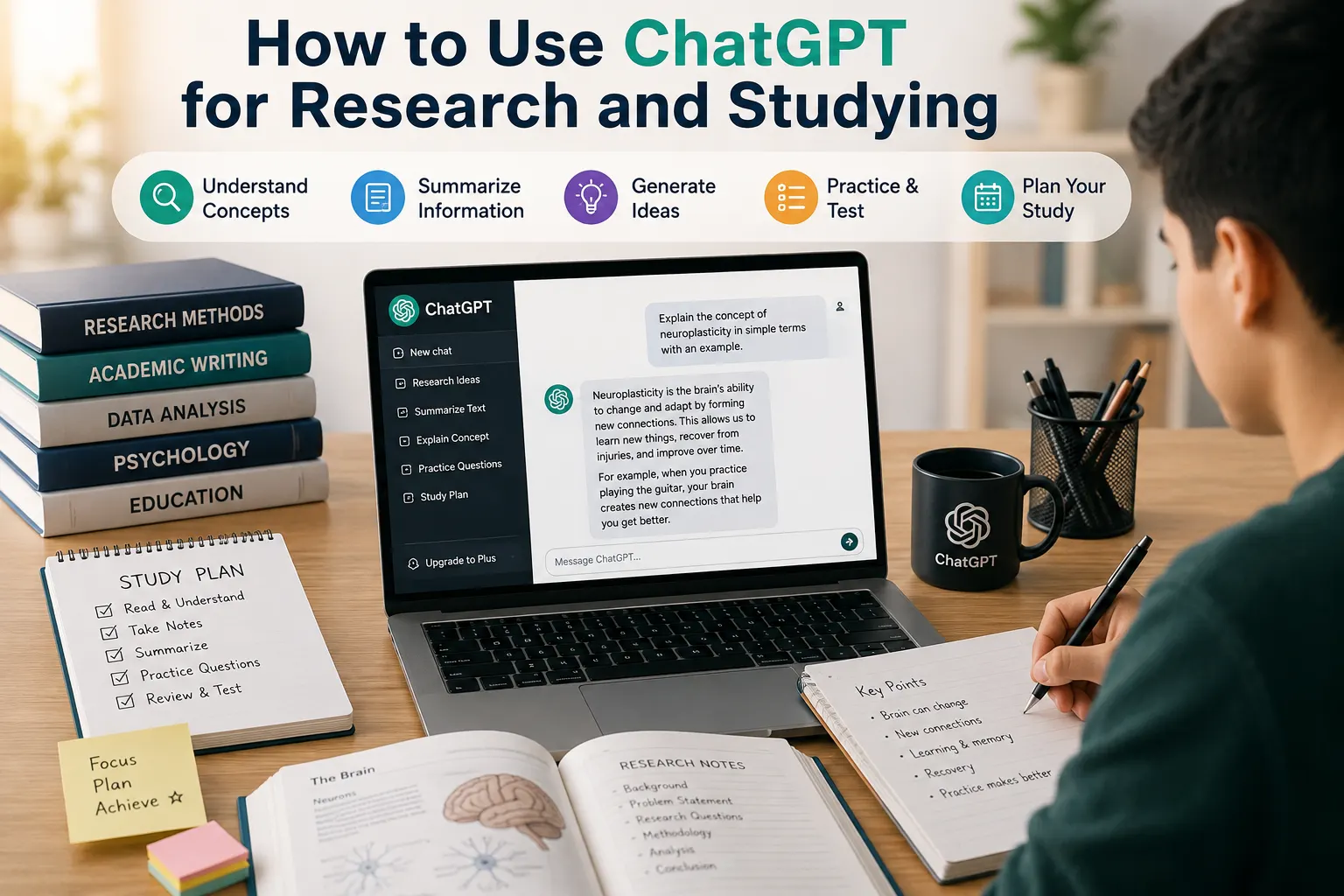
ChatGPT can be useful as a learning assistant when it is used to understand a subject rather than simply obtain an answer.
For example, instead of asking for the answer to a problem, a student can ask ChatGPT to explain the underlying concept, provide a similar example, or create practice questions without revealing the solution immediately.
This approach encourages active learning. Students should still check important information and follow their school's or institution's rules regarding AI-assisted work.
ChatGPT for Writing
ChatGPT can help writers brainstorm topics, create outlines, improve clarity, rewrite passages, and generate early drafts.
However, an AI-generated draft should not automatically be treated as a finished article. Writers should fact-check claims, remove unnecessary repetition, add their own expertise or experience, and edit the final text for accuracy and originality.
ChatGPT for Coding
Developers and learners can use ChatGPT to explain programming concepts, review code, generate examples, and investigate potential bugs.
One useful approach is to provide the relevant code, describe the expected behavior, explain what actually happens, and include any error message. This gives the model more context and can make its response more useful.
Code generated by ChatGPT should still be reviewed and tested. A response that looks technically correct can contain bugs, insecure practices, or assumptions that do not match a particular project.
How to Write Better ChatGPT Prompts
A prompt is the instruction or question you give to ChatGPT. Clear prompts usually provide enough context for the system to understand the intended task.
For example, a vague request would be:
Tell me about artificial intelligence.A more specific request could be:
Explain artificial intelligence to a complete beginner in 500 words. Use three everyday examples and avoid technical jargon.The second prompt specifies the audience, length, subject, examples, and writing style. These details give ChatGPT clearer instructions about the expected result.
A Simple Prompt Structure
For many tasks, you can improve a prompt by including four basic elements:
- Task: Explain exactly what you want ChatGPT to do.
- Context: Provide information that affects the answer.
- Format: Specify whether you want a list, table, explanation, code, or another format.
- Audience: Tell ChatGPT who the response is intended for.
You do not need to include all four elements in every prompt. The goal is simply to provide enough information for the task to be understood clearly.
Can ChatGPT Make Mistakes?
Yes. ChatGPT can produce incorrect, incomplete, outdated, or misleading information. A response can also sound confident even when some of its claims are wrong.
For that reason, ChatGPT should not be treated as an unquestionable source of truth. Important claims should be checked against reliable and appropriate sources.
This is particularly important for medical, legal, financial, safety-related, and other high-stakes information. In these situations, professional advice or authoritative sources may be necessary.
What Are the Limitations of ChatGPT?
ChatGPT has several practical limitations. Its responses can depend heavily on the wording and context of a prompt, and it may misunderstand what the user is asking.
It can also produce plausible-sounding explanations that contain factual errors. The model may lack important context about a user's situation, and the capabilities available to a particular ChatGPT version or plan can change over time.
These limitations are why human review remains important, especially when the result will be published, used professionally, or relied upon for an important decision.
Is ChatGPT Free?
ChatGPT has offered free access as well as paid plans, with features and usage limits that can vary over time.
Because pricing, limits, and available features can change, check the current information from OpenAI before making a decision based on a particular plan.
ChatGPT vs. a Traditional Search Engine
ChatGPT and search engines can both help users find information, but they work differently.
A search engine is primarily designed to help users discover webpages and other sources. ChatGPT is designed for conversational interaction and can generate explanations, transform text, brainstorm ideas, and work through a task with the user.
They can also be used together. For example, you might use a search engine to locate an authoritative source and then use ChatGPT to help summarize or explain information from that source.
How to Use ChatGPT Responsibly
The most reliable approach is to treat ChatGPT as an assistant rather than an automatic authority.
- Give the system enough context to understand your task.
- Ask for clarification or alternative explanations when needed.
- Check important factual claims against reliable sources.
- Review AI-generated text before publishing it.
- Do not enter sensitive information unless you understand how it will be handled.
- Use human judgment for important decisions.
Who Can Benefit From ChatGPT?
ChatGPT can be useful to a wide range of users, including students, writers, developers, researchers, professionals, and people who are simply exploring AI.
The value is usually greatest when the user knows what problem they are trying to solve and provides enough context for ChatGPT to assist with that problem.
Final Thoughts
ChatGPT is a conversational AI application that can assist with writing, learning, coding, brainstorming, summarization, and many other tasks. Its conversational interface makes it possible to refine a request through follow-up questions instead of starting from scratch each time.
At the same time, ChatGPT is not infallible. Its responses should be evaluated, and important information should be verified before it is used in situations where accuracy matters.
The best way to use ChatGPT is to combine its ability to process and generate information with human judgment, domain knowledge, and careful verification.